4
Installation
The included mounting accessories provide mounting on brick, concrete, silicate walls. When mounted on a plasterboard wall, it can
only be installed on a horizontal support structure! Prior to installation, make sure that the wall section has the correct load capacity and
can provide the power supply for the device in the given location. When mounting on drywall, use a special drywall anchor, not the one
included in the package! When mounting onto a wooden surface, it is not necessary to pre-drill the holes and use dowels for the screws!
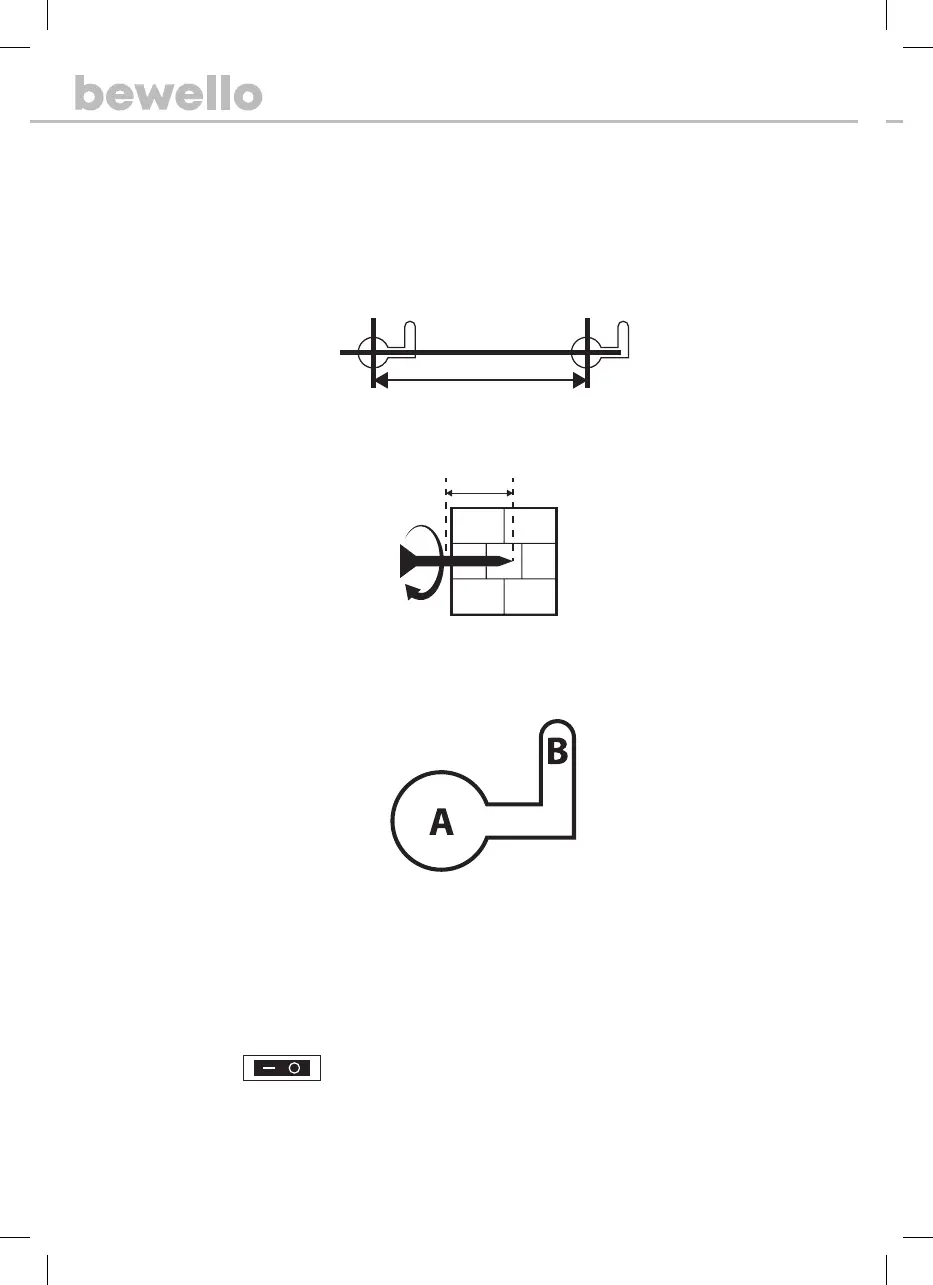
1. Using a spirit level and a pencil, draw a horizontal line on the wall at the desired height.
2. The horizontal distance between the mounting holes must be exactly 315 mm!
3. Use a drill to drill the mounting holes. Use a 6 mm drill bit for drilling. The depth of the holes must be at least 26 mm deep. Do
not use a smaller size!
4. Insert the accessory anchors into the holes until they line up with the plane of the wall.
5. Screw in the two screws of the accessory so that there is at least 1 cm between the plane of the wall and the head of the screw.
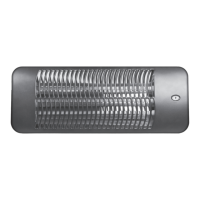
6. Place the heater on the two screws.
7. Before connecting to the network, make sure that all switches are o.
How to use the device
There are two ways to turn on the radiator:
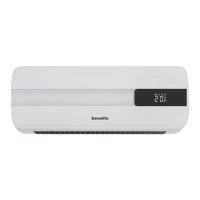
1. By using the start / stop button on the radiator.
2. By using the accessory remote.
Turn device on / o: When
the switch is set to the correct position, the radiator is ready for operation. You can then switch
on the device by pressing the black button next to the switch. The heating will start and the ambient temperature will be displayed.
You can switch o the heating by pressing the same button, a 30-second countdown will appear on the display. Wait until the appliance
counts down and the fan stops before unplugging the appliance.
315 mm


 To Next Page