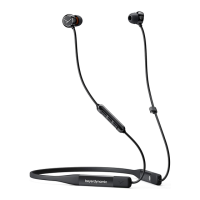
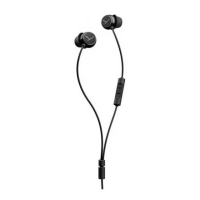
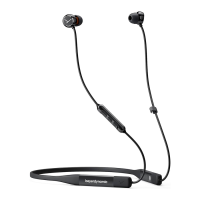
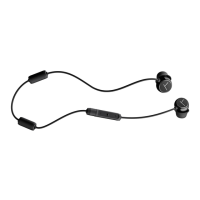
Blue Byrd – In-ear Headphones
12
Turning on / o
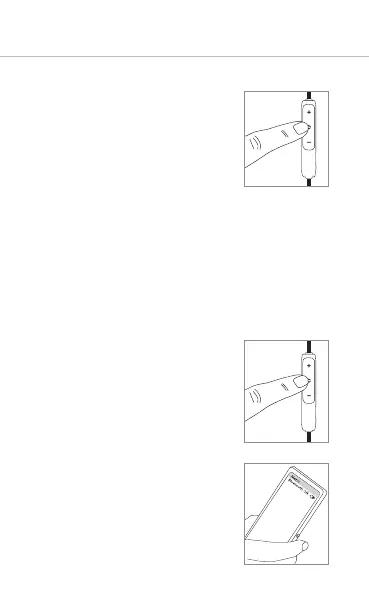
• Turning on
Press the multifunction button
for 2 seconds.
• Turning o
Press the multifunction button
for 6 seconds.
Pairing with the player
Before you use the in-ear headphones for the fir
time, you have to pair them with your mobile phone
or another Bluetooth® enabled device. The pairing
process may be dierent with various players.
Please refer to the appropriate manual of the
player.
1. When the in-ear headphones are
turned o, press the multi-
function button for 6 seconds to
a the pairing mode.
2. The LED on the rear of the remote
control will flash alternately blue
and red.
3. Activate the Bluetooth® function
on the player and, if necessary,
search for new devices.










 To Next Page