english
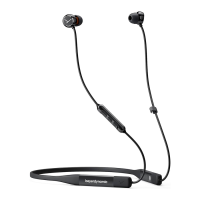
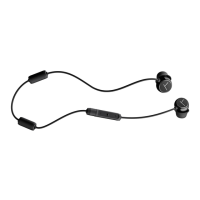
Blue Byrd – In-ear Headphones
13
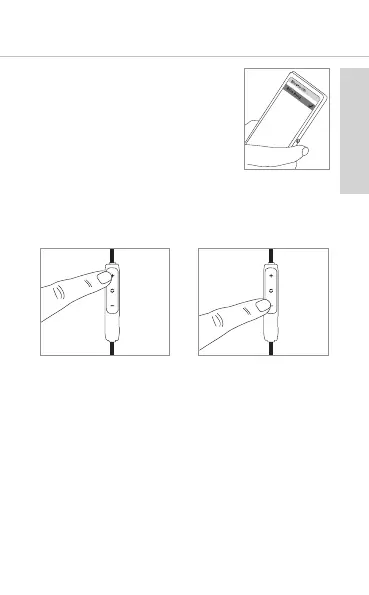
4. Select “Blue BYRD” from the
available devices in the
Bluetooth® menu of the player
and connect both devices.
5. The LED on the rear of the remote
control displays a successful
Bluetooth® connection by a blue
light. Each time when turning on,
both devices connect auto-
matically when in range.
How to set the volume
• Increase volume
Press the (+) button.
• Reduce volume
Press the (-) button.
Media playback
Please note that the functions described in the
following, depend on the player and the player
soware and may not be available. The in-ear
headphones only transmit control signals that
comply with the Bluetooth® andard.










 To Next Page