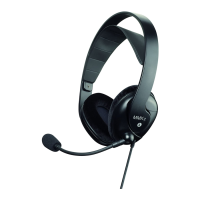
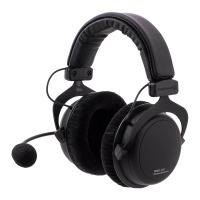
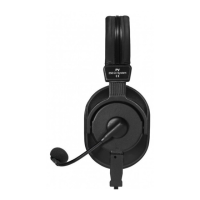
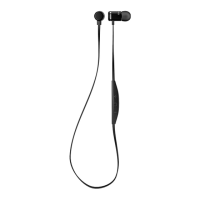
Byron BTA – In-ear headset
1
0
P
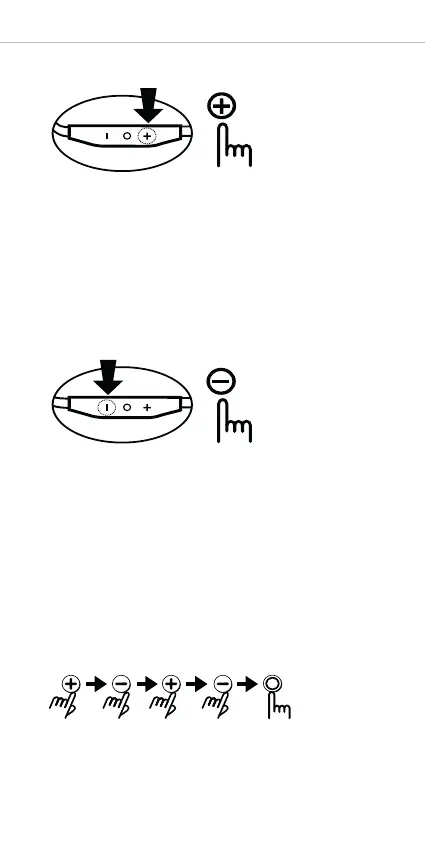
ress the Volume up button
Volume up (+). . . . . . . . . Press briefly
Mic mute . . . . . . . . . . . . Press for 1 second (during call)
Next song . . . . . . . . . . . . Press for 1 second (during play)
Press the Volume down button
Volume down (-) . . . . . . . Press briefly
Mic mute . . . . . . . . . . . . Press for 1 second (during call)
Previous song . . . . . . . . . Press for 1 second (during play)
Factory reset
Press the buttons in the following order:
The purple LED will glow and the in-ear headset will be initialised.
After a factory reset, pair the in-ear headset again for use.


 To Next Page