english
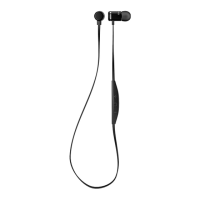
Byron BTA – In-ear headset
9
7. Button guide
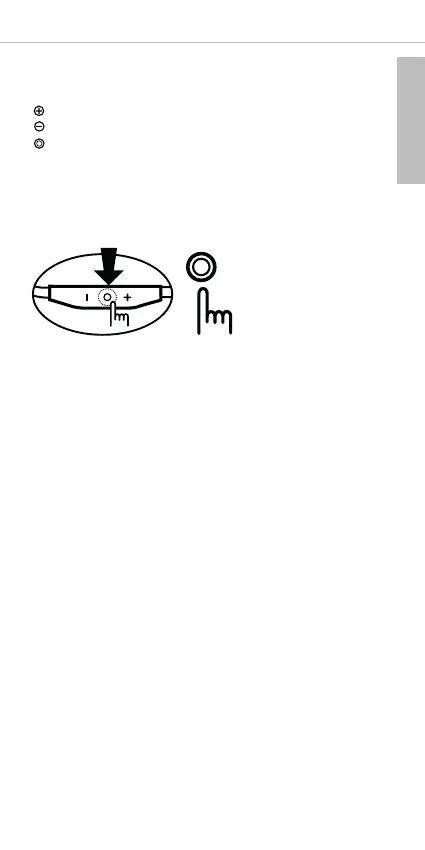
You can easily control the in-ear headset with these 3 buttons.
Volume up
Volume down
M
FB
Basic button control
Press the MFB button
Answer a call . . . . . . . . . Press briefly
End a call. . . . . . . . . . . . Press briefly
Turn on headset . . . . . . . Press for 2 seconds
(If there is a paired device, it connects to the paired device.)
Turn off headset . . . . . . . Press for 4 seconds
If you press the MFB button for a longer time, the purple LED glows
and the in-ear headset will be turned off after you hear “Power off”.
Pairing mode . . . . . . . . . Press for 4 seconds when you turn on
(if the headset has been connected to a
device before, the headset must be
turned off and turned on again as
described before)
Reject a call . . . . . . . . . . Press for 1 second
Convert a call . . . . . . . . . Press briefly during call
Play/Pause . . . . . . . . . . . Press briefly
Stop. . . . . . . . . . . . . . . . Press for 1 second (during play)


 To Next Page