–10–
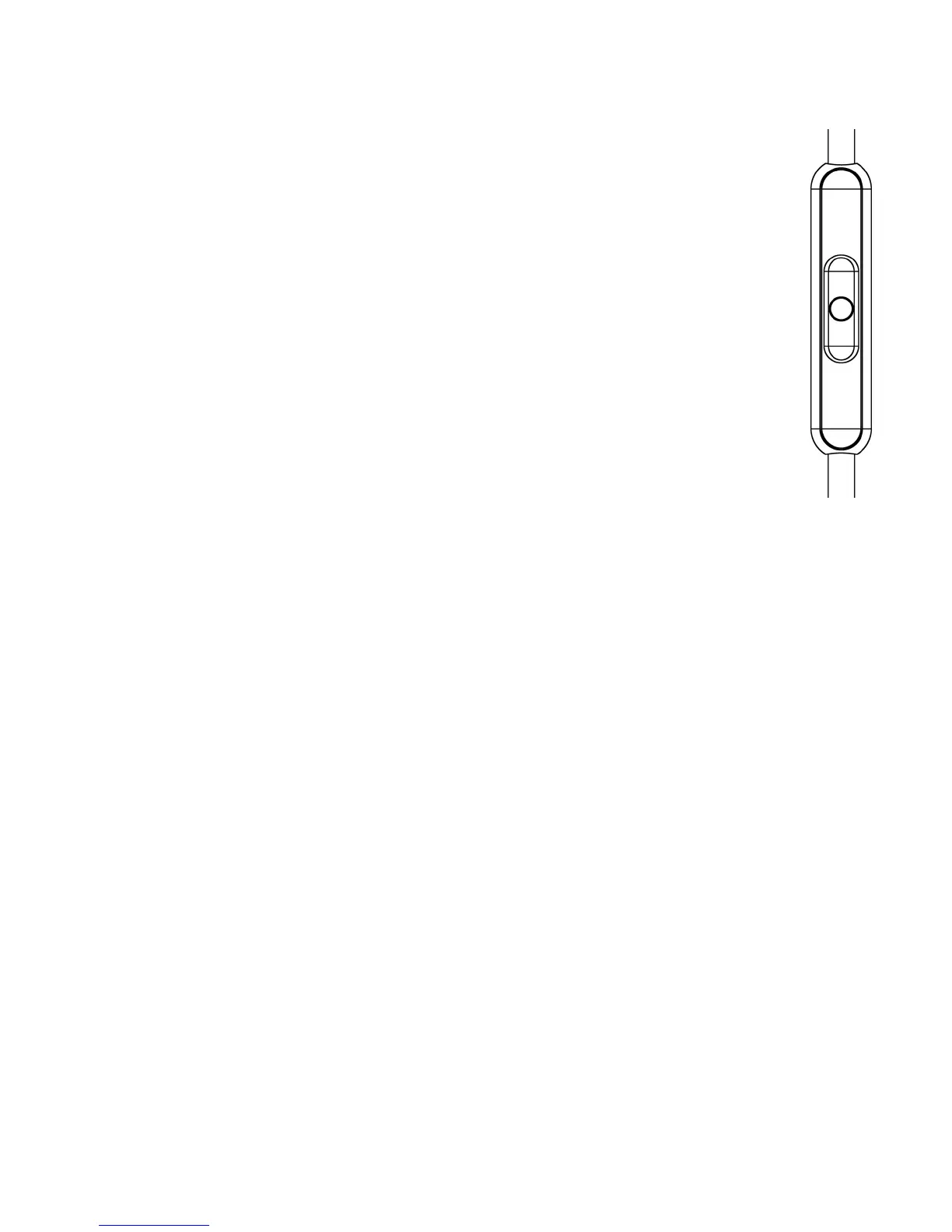
How to Use the Remote Control/Microphone
When you receive a call, also via internet (e.g. online phone
calls or in-game chats), you can operate the integrated
microphone as follows:
Press button: Answers the phone call
Press button again: Ends the phone call
With some mobile phones you have to press the button a little
bit longer to end the phone call.
Depending on the software of the mobile phone or player
(e.g. MP3 player) you can use the microphone button for
controlling other functions such as playing music.
Maintenance
For reasons of hygiene, the ear pads and headband should be cleaned
occasionally with a soft damp cloth. Take care that water does not come
into contact with the transducers. You may need to change the ear and
headband pads from time to time as a result of normal wear and tear.
This is easy to do yourself. In the event that other components need to
be replaced, please contact your local beyerdynamic representative.












 To Next Page