1918
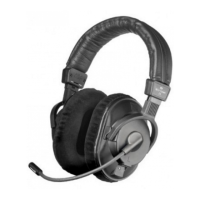
The microphone should be positioned to the side of the mouth,
about 20-30 mm forward. This will keep it within the direct sound
path but out of breath stream, therefore minimising any ‘pop’
sounds.
Maintenance
As with any equipment which will be used in close proximity to
sensitive parts of the body, it is essential that the ear pads, the head-
band and the microphone pop-shield are kept clean. Use a damp
cloth for cleaning the ear-pads and headband using only gentle
cleansing agents (such as washing-up liquid). Take care not to allow
any water drops into the transducer elements and do not use any
solvent cleaners. The microphone pop-shield of the headsets can be
easily removed and washed in warm water. Please take care that the
pop shield is completely dry when it is replaced. The ear-pads can
wear out due to effects of skin moisture, cosmetics and mechanical
strains while wearing the headphones. From time to time you will
need to replace the ear-pads:
1. Remove the ear-pad from the housing part.
2. Put the new ear-pad on the housing so that
the drop-in pins can lock in the corresponding holes.
3. Press the new ear-pad with the thumbs of both hands
to the housing until you hear a clear “click” noise.
Safety
When plugging in any of the DT 200-series headsets to the drive
amplifier, we recommend that this is done before it is fitted over the
ears for use. This will give the technician the chance to check that the
volume levels are not too high. Please remember that the user could
well be a highly-paid presenter and the consequences of damaging
his/her ears may well prove to be music to the ears of the lawyer! The
very low levels of distortion can make listening levels higher than is
perceived and we have to warn you that listening to programme or
talkback at high levels for long periods can permanently damage your
hearing.
english
V.11-Version of DT 287/297:
Adjustment of the built-in
microphone pre-amplifier.
Models
DT 250 Studio headphone, 80 Ω, black, with
WK 250.07 coiled cable, plug-in type
(stereo mini jack plug
with 1/4" adapter) . . . . . . . . . . . . . . Order # 442.844
DT 250 Studio headphone, 250 Ω, black, with
WK 250.07 coiled cable, plug-in type
(stereo mini jack plug
with 1/4" adapter) . . . . . . . . . . . . . . Order # 443.530
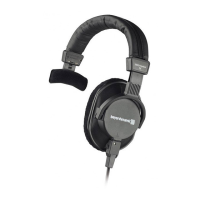
DT 252 Single-ear studio headphone, 80 Ω,
black, with WK 250.07 coiled cable,
plug-in type (stereo mini jack plug
with 1/4" adapter) . . . . . . . . . . . . . . Order # 445.177
DT 280 Single-ear headset, 200/80 Ω . . . . . . Order # 441.309
DT 280 Single-ear headset, 200/250 Ω . . . . . Order # 447.269
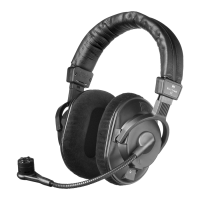
DT 280 V.11 Headset, 200/80 Ω with
integrated pre-amp . . . . . . . . . . . . . . Order # 442.860
DT 290 Headset, 200/80 Ω . . . . . . . . . . . . . . Order # 441.317
DT 290 Headset, 200/250 Ω . . . . . . . . . . . . . Order # 447.277
DT 290 V.11 Headset, 200/80 Ω
with integrated pre-amp . . . . . . . . . . Order # 441.384
DT 291 PV Headset, 80 Ω, condenser microphone
(omnidirectional), with integrated
preamp for phantom powering . . . . . Order # 447.129
DT 291 PV same as above, but 250 Ω . . . . . . . . Order # 447.137
DT 287 PV Single-ear headset, 80 Ω,
condenser microphone (cardioid). . . . Order # 479.349
DT 287 V.11 Single-ear headset, 80 Ω,
condenser microphone (cardioid). . . . Order # 479.357
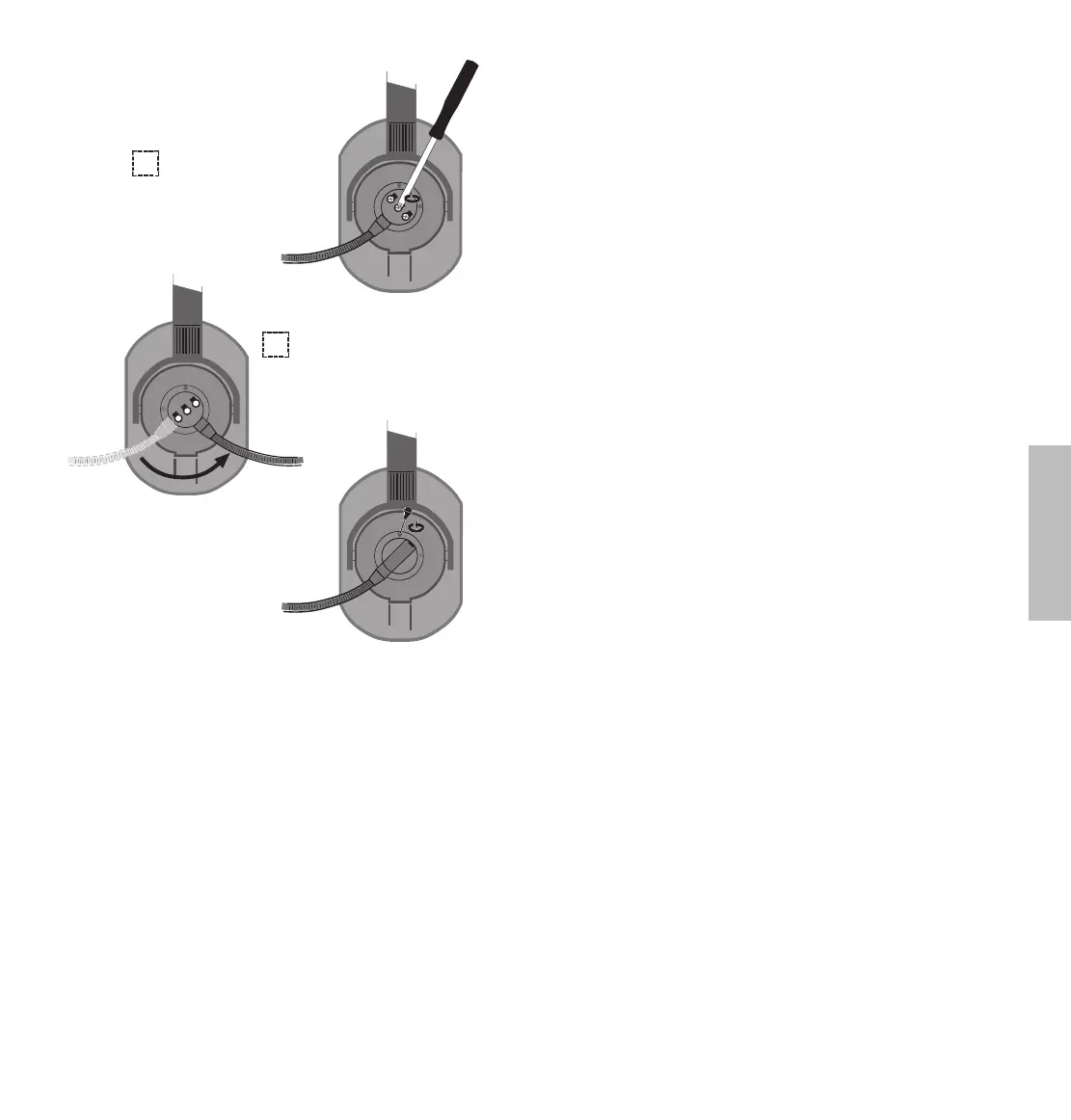
2. Loosen screws and
remove microphone holder.
3. Turn the
microphone holder 90°.
Tighten screws and put
cap on again.











 To Next Page