LCD Battery Display:
The LCD Battery Display indicates the charge level. There are 5
segments of the battery, approximating 20% ~ 40% ~ 60% ~
80%
~ 100% of capacity. During using, segments will disappear from
the display from top, indicating the remaining capacity. When
charging it, you will notice a battery segment blinking with 1
second interval. This indicates the current charge status and the
number under INPUT shows the real-time charging power. Once
it is fully charged, all battery segments will be lit and remain
solid.
Over-temperature indicator Display:
When the discharge temperature is greater than 149 ℉ degrees,
the over-temperature protection indicator will be displayed on
the screen for 5 seconds.
Radiator indicator Display:
The fan will turn on when the power supply temperature reaches
45 degrees.
Important Tips Before Use
Note:
Please charge the product to 100% before using.
When charging the product, the battery capacity display icon on LCD
screen will be on dynamic status, after the battery is charged fully, the
display icon will on static status.
1 Charging
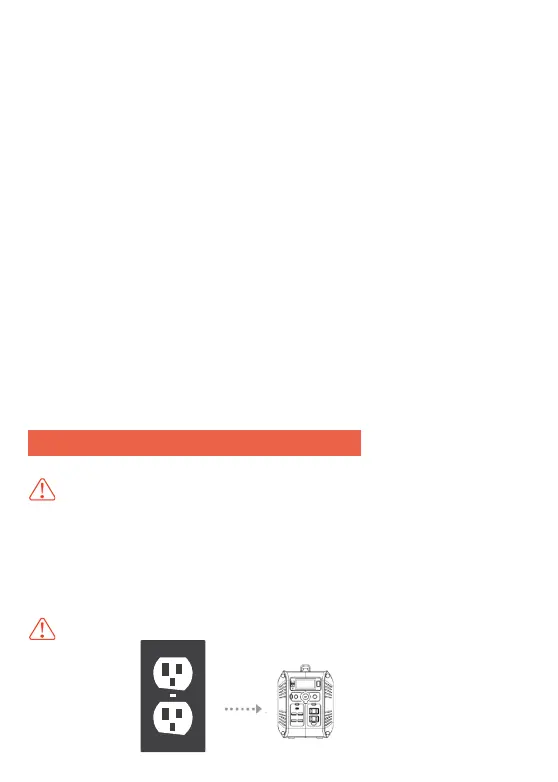
(1). AC Adapter Charger Charge the Product
Note
: Always use the standard AC Adapter charger that comes with the product
Using Portable Power Station
8


 To Next Page
 Loading...