EasyManua.ls Logo

Big Bear BBB202SHR - User Manual

Default Icon
16 pages
Print Icon
To Next Page IconTo Next Page
Loading...
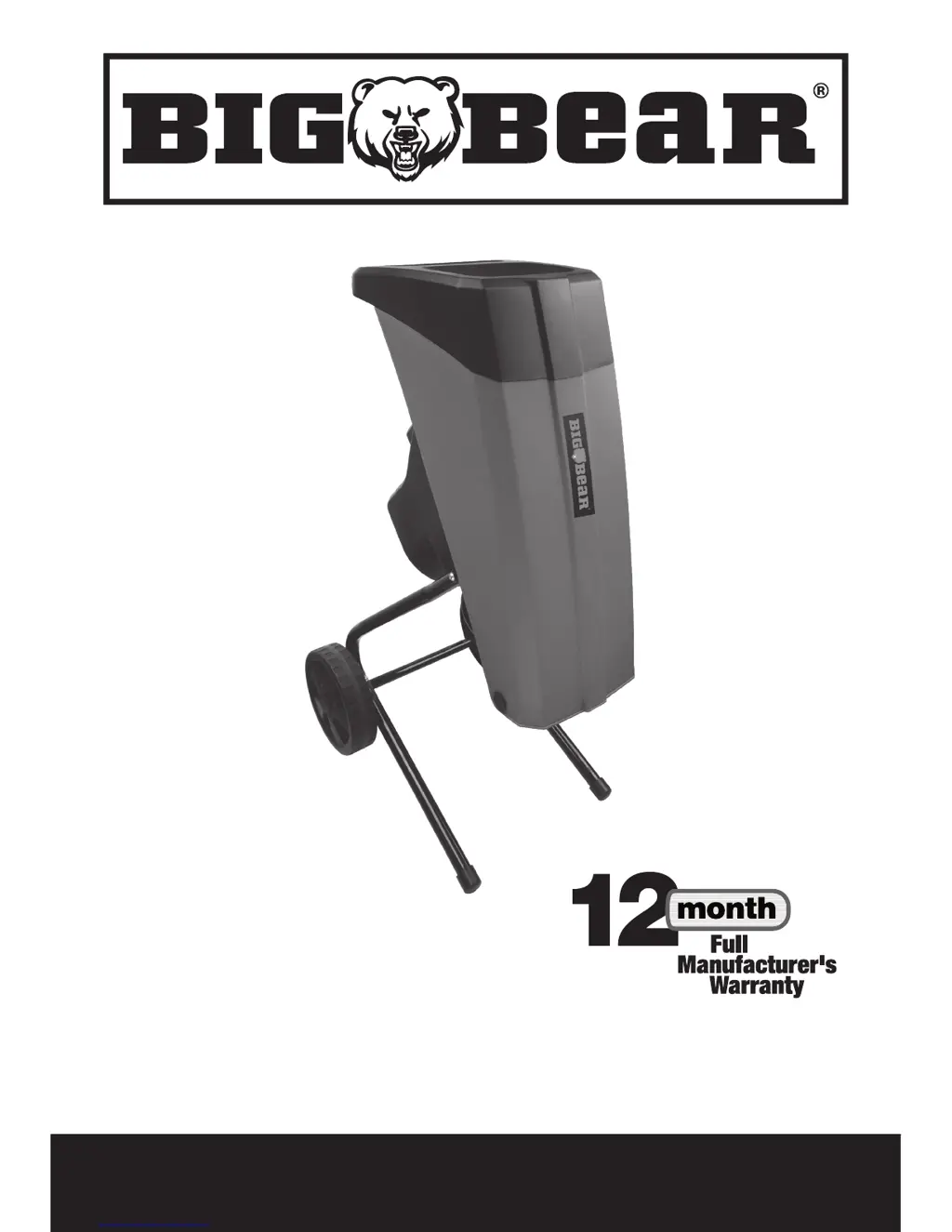
2500W SHREDDER BBB202SHR
SAFETY AND OPERATING MANUAL

Questions and Answers

  • L
    Laura WeberAug 9, 2025
    Why is the motor not running on my Big Bear BBB202SHR?
    • M
      Mackenzie HaynesAug 9, 2025
      If the motor of your Big Bear Paper Shredder isn't running, it could be due to the overload protection being activated. Try pressing the reset button, and then, after a brief pause, keep the on/off switch pressed to turn the shredder back on. Alternatively, check the power supply cord, the plug, and the house fuse to ensure there isn't a power failure.
  • H
    Heather BlairAug 25, 2025
    What to do if my Big Bear Paper Shredder is not pulling in the material?
    • S
      Samantha BauerAug 25, 2025
      If your Big Bear Paper Shredder isn't pulling in the material, it might be jammed in the feed inlet. First, disconnect the power supply, then open the hopper and remove the jammed material. After that, replace the hopper. Alternatively, the cutting blade could be blocked. In that case, disconnect the power, open the hopper and the blade cover, and remove any blockage before replacing the blade cover and hopper. Finally, a blocked discharge chute could be the culprit. Disconnect the power, open the hopper, open the plate of the discharge chute, and clear any jammed material.

Big Bear BBB202SHR Specifications

General IconGeneral
BrandBig Bear
ModelBBB202SHR
CategoryPaper Shredder
LanguageEnglish