16
BT1005 Setup Instructions
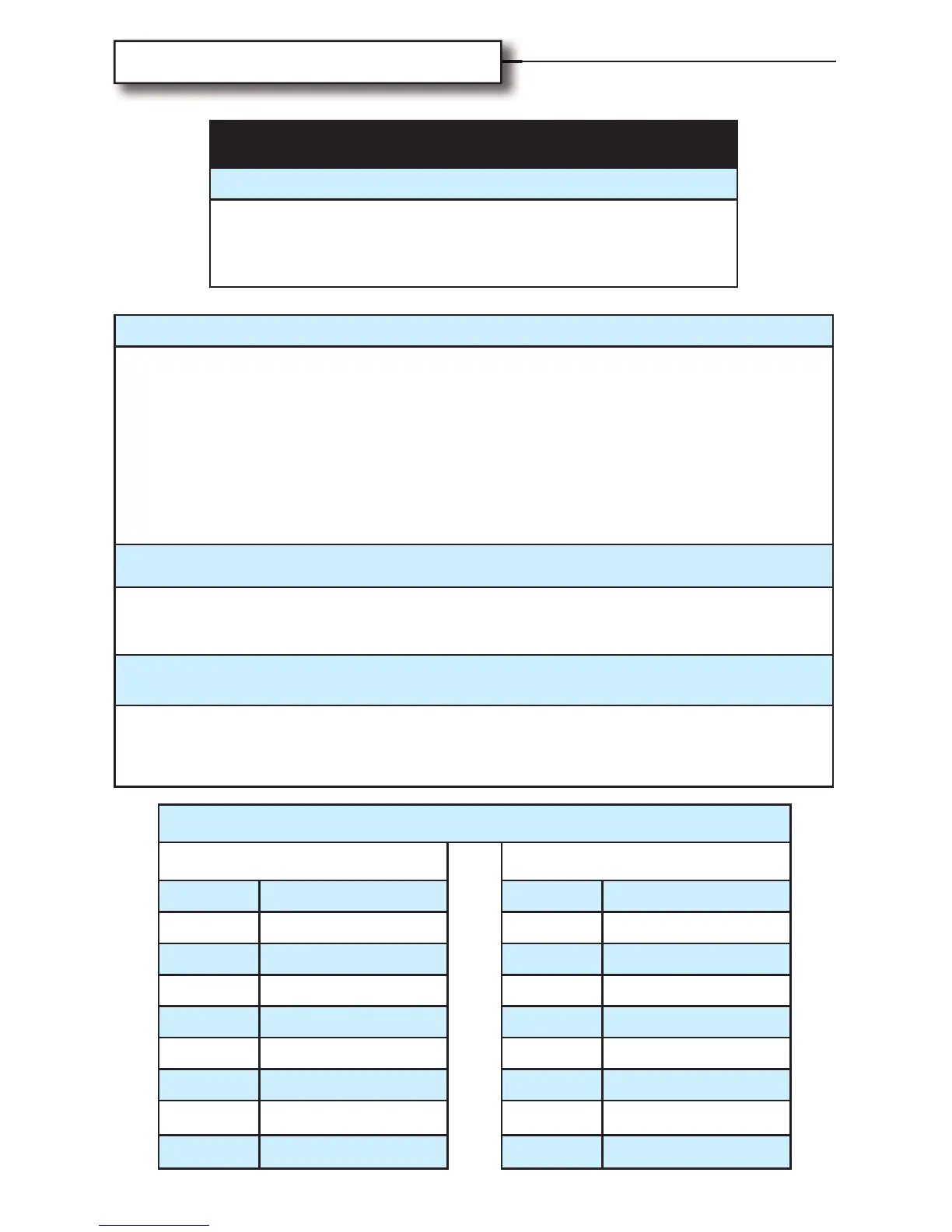
BT1005 BLUE DIAL SETTING
2006 to PRESENT 1998-2005
DIAL RADIO DIAL RADIO
0 SONY 8 SONY
1 JVC 9 JVC
2 KENWOOD A KENWOOD
3 ALPINE B ALPINE
4 PIONEER C PIONEER
5 RESERVED D RESERVED
6 RESERVED E RESERVED
7 RESERVED F RESERVED
WARNING!
Adjusting/Reseting Module
The BT1005 Module must be disconnected from
the Harley-Davidson 23-pin connector while
adjusting or reseting the blue dial!
INSTRUCTIONS
1. Adjust blue dial on top of Biketronics module to match correct
dial setting for bike year and radio brand, according to the
chart below.
2. Connect Biketronics harness wires to radio harness wires,
matching colors, for permanent connection.
Soldering is recommended. See pages 8-9 for more
information.
KENWOOD & JVC RADIOS
Connect Blue/yellow wire on BT1005 module to Blue/yellow wire
from Kenwood or JVC.
SONY, ALPINE, & PIONEER RADIOS
Connect black cable/right angle plug to jack located on rear of
radio. Jack is typically denoted as a steering wheel control input.



 To Next Page