EasyManua.ls Logo

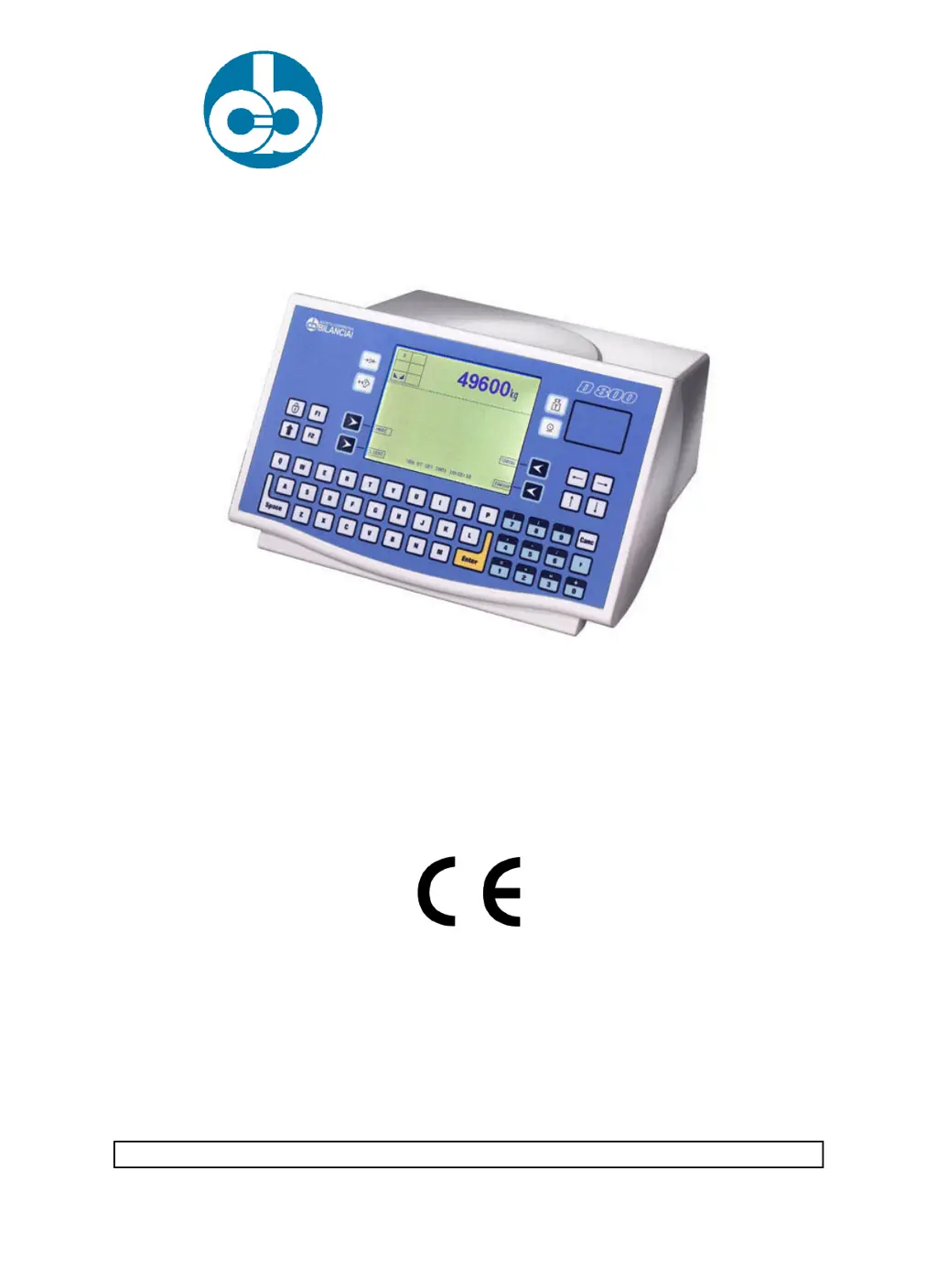
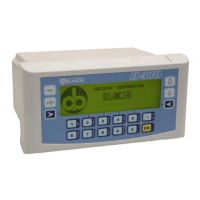
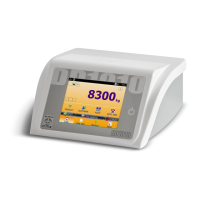
Bilanciai D800 - User Manual

Bilanciai D800
7 pages
Print Icon
To Next Page IconTo Next Page
Loading...
SOCIETÀ COOPERATIVA
BILANCIAI
D800 Terminal
Fault Codes manual
Code 813747 EDITION 31 January 2002

Questions and Answers

  • L
    Lori BrownSep 10, 2025
    What to do if zeroing off-range on powering Bilanciai D800 Touch terminals?
    • J
      Jennifer WilliamsSep 12, 2025
      If you experience a zeroing off-range issue when powering on your Bilanciai Touch terminal, switch off the terminal, unload the scale, then power the terminal on again.
  • A
    Adrienne PrattAug 22, 2025
    What to do if EEPROM error in Bilanciai D800 Touch terminals?
    • N
      Natalie AllenAug 23, 2025
      If you see an EEPROM error on your Bilanciai Touch terminal, switch the terminal off and then on again.
  • K
    Kara FlemingAug 25, 2025
    What to do if RAM checksum error in Bilanciai D800?
    • C
      cummingscarrieAug 25, 2025
      If you encounter a RAM checksum error on your Bilanciai Touch terminal, switch the terminal off and then on again.
  • K
    kathleenwellsAug 27, 2025
    What to do if PROGRAM checksum error in Bilanciai D800 Touch terminals?
    • D
      dhopkinsAug 27, 2025
      If you see a PROGRAM checksum error on your Bilanciai Touch terminal, switch the terminal off and then on again.
  • R
    regina12Aug 27, 2025
    What to do if Serial number error on digital cell in Bilanciai D800?
    • N
      nicholas40Aug 28, 2025
      If you encounter a serial number error on a digital cell with your Bilanciai Touch terminal, switch the terminal off and then on again.
  • H
    Henry BradshawAug 29, 2025
    What to do if Digital cell serial number error in system with several load cells in Bilanciai D800?
    • K
      Kimberly LloydAug 29, 2025
      If you encounter a digital cell serial number error in system with several load cells on your Bilanciai Touch terminal, switch the terminal off and then on again.
  • K
    Kristie WattsSep 18, 2025
    What to do if The last line at the bottom of the display of the terminal may show an error message in the following format: excep n.nn in task xx.x where n.nn and xx.x are numbers or letters that encode the type of error in Bilanciai D800?
    • M
      margarethughesSep 18, 2025
      If the last line at the bottom of the display of your Bilanciai Touch terminal shows an error message, switch the terminal off and then on again. If the error persists, contact the Assistance Service and give them the exact message that appears on the display.
  • J
    Jacob MeyerSep 12, 2025
    What to do if display backlighting is on, but no data are displayed in Bilanciai Touch terminals?
    • S
      susan56Sep 12, 2025
      If the display backlighting is on but no data are displayed on your Bilanciai Touch terminal, and the contrast is set to minimum, switch on the terminal while holding pressed . After a few seconds, the display will show the "CB" logo with the contrast set to maximum, after which the contrast will gradually be reduced. Release and then press it again to set the contrast at the required level.
  • E
    Evan ChaseSep 8, 2025
    What to do if my Bilanciai Touch terminal does not switch on?
    • M
      melissadavisSep 8, 2025
      If your Bilanciai Touch terminal does not switch on: * Check that power arrives at the mains outlet socket. * Ensure the mains lead is correctly plugged in. * Verify the ON/OFF switch is in the I (ON) position. * Check the fuses.
  • M
    Mark GilbertSep 5, 2025
    What to do if Powering error in one digital cell in Bilanciai Touch terminals?
    • J
      jcookSep 5, 2025
      If you encounter a powering error in one digital cell on your Bilanciai Touch terminal, switch the terminal off and then on again.

Summary

10. TROUBLESHOOTING

10.1 Malfunctions

Details common problems with the terminal, their causes, and remedies.

10.2 Error messages

Lists specific error codes displayed by the terminal, their causes, and recommended actions.

Bilanciai D800 Specifications

General IconGeneral
BrandBilanciai
ModelD800
CategoryTouch terminals
LanguageEnglish

Related product manuals