EasyManua.ls Logo

Bilanciai DD700ic - User Manual

Bilanciai DD700ic
88 pages
Print Icon
To Next Page IconTo Next Page
Loading...
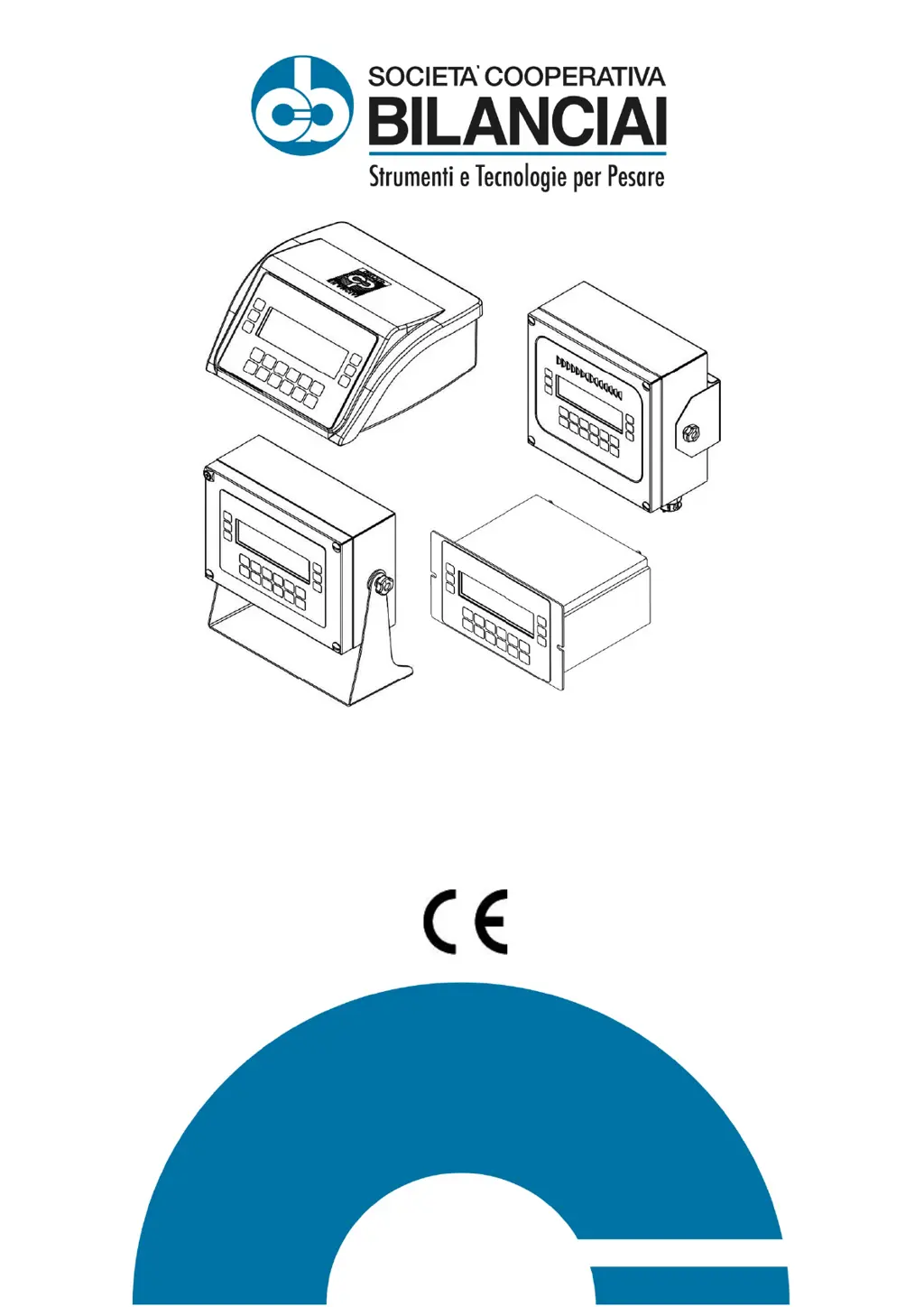
DD700 Weighing Terminal
Use and Maintenance Manual
Code 81320458
Issue 29/08/2022

Table of Contents

Questions and Answers

  • J
    Johnny SmithAug 10, 2025
    Why does my Bilanciai DD700ic display backlighting turn on, but no data is displayed?
    • J
      jenkinsmercedesAug 11, 2025
      If the display backlighting is on but no data is displayed on your Bilanciai Scales, it might be due to the contrast being set too low. To resolve this, switch on the terminal while holding the button pressed. After a few seconds, the display will show the "CB" logo with the contrast at maximum, after which it will gradually decrease. Release and press the button again to set the contrast to the desired level.
  • J
    Julia HartmanAug 15, 2025
    How to fix a Bilanciai DD700ic terminal that does not switch on?
    • A
      Anna MelendezAug 15, 2025
      If your Bilanciai Scales terminal does not switch on, the issue is likely due to a lack of power. First, verify that power is reaching the mains outlet socket. Then, ensure that the mains lead is correctly plugged in.
  • K
    kathleen06Aug 21, 2025
    What to do if my Bilanciai DD700ic Scales display shows '- -'?
    • B
      Bruce FowlerAug 21, 2025
      If your Bilanciai Scales display shows '- -', it indicates a zeroing off-range issue upon powering up. To fix this, switch off the terminal, remove any load from the scale, and then power the terminal on again.
  • H
    Holly HallAug 26, 2025
    What to do if the Bilanciai Accessories display backlighting is on, but no data are displayed?
    • T
      Timothy HayesAug 26, 2025
      If the display backlighting is on but no data is displayed on your Bilanciai Accessories terminal, it might be due to the contrast being set to the minimum. To adjust it, switch on the terminal while holding the button pressed. After a few seconds, the display will show the "CB" logo with the contrast at maximum, after which the contrast will gradually reduce. Release the button and then press it again to set the contrast at the required level.
  • T
    Tiffany SullivanAug 31, 2025
    How to fix Bilanciai Accessories terminal that does not switch on?
    • P
      perry98Aug 31, 2025
      If your Bilanciai Accessories terminal does not switch on, the issue could be due to a lack of power. First, check that power is arriving at the mains outlet socket. Next, ensure that the mains lead is correctly plugged in.
  • R
    Rachel BishopSep 4, 2025
    What to do if Bilanciai Accessories displays '- -'?
    • J
      Jeffrey SanchezSep 4, 2025
      If your Bilanciai Accessories terminal displays "- -", it indicates a zeroing off-range issue upon powering up. To resolve this, switch off the terminal, unload the scale, and then power the terminal on again.

Bilanciai DD700ic Specifications

General IconGeneral
BrandBilanciai
ModelDD700ic
CategoryScales
LanguageEnglish

Related product manuals