EasyManua.ls Logo

Bilanciai DD700 - User Manual

Bilanciai DD700
5 pages
Print Icon
To Next Page IconTo Next Page
Loading...
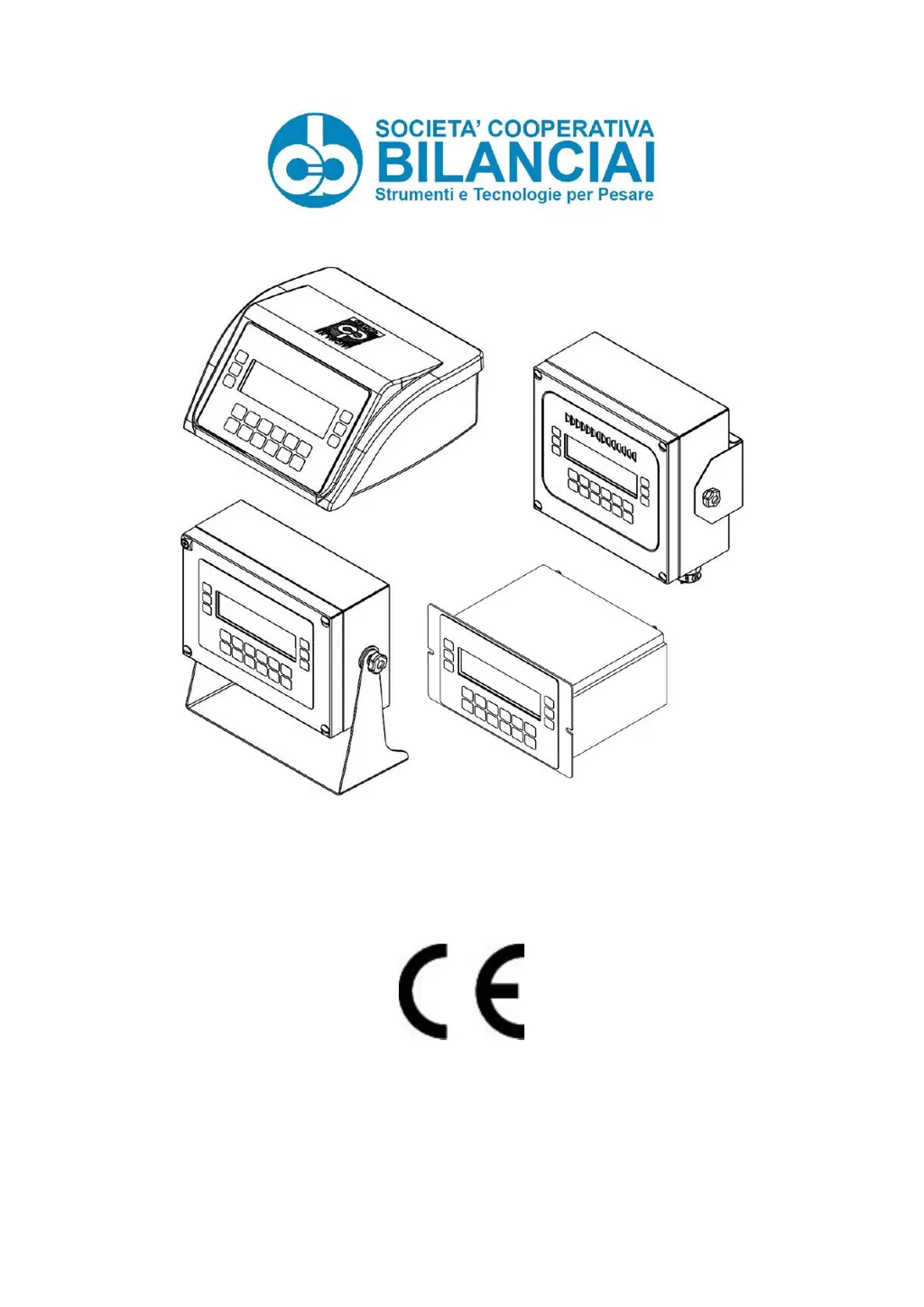
DD700 WEIGHING TERMINAL
Fault Codes MANUAL
Issue 11/09/2017
Manual code 81320458

Other manuals for Bilanciai DD700

Questions and Answers

  • B
    Brandon FergusonAug 2, 2025
    Why does my Bilanciai DD700 display backlighting turn on, but no data is displayed?
    • C
      crystal70Aug 2, 2025
      If the display backlighting is on but no data is displayed on your Bilanciai Scales, it might be due to the contrast being set too low. To resolve this, switch on the terminal while holding the button pressed. After a few seconds, the display will show the "CB" logo with the contrast at maximum, after which it will gradually decrease. Release and press the button again to set the contrast to the desired level.
  • W
    whitecynthiaAug 7, 2025
    How to fix a Bilanciai DD700 terminal that does not switch on?
    • V
      Vicki BarnettAug 7, 2025
      If your Bilanciai Scales terminal does not switch on, the issue is likely due to a lack of power. First, verify that power is reaching the mains outlet socket. Then, ensure that the mains lead is correctly plugged in.
  • A
    atkinsoncheyenneAug 12, 2025
    What to do if my Bilanciai DD700 display shows '- -'?
    • N
      nancy75Aug 12, 2025
      If your Bilanciai Scales display shows '- -', it indicates a zeroing off-range issue upon powering up. To fix this, switch off the terminal, remove any load from the scale, and then power the terminal on again.
  • J
    Jonathan TurnerAug 17, 2025
    What to do if the Bilanciai Accessories display backlighting is on, but no data are displayed?
    • S
      smithjacobAug 17, 2025
      If the display backlighting is on but no data is displayed on your Bilanciai Accessories terminal, it might be due to the contrast being set to the minimum. To adjust it, switch on the terminal while holding the button pressed. After a few seconds, the display will show the "CB" logo with the contrast at maximum, after which the contrast will gradually reduce. Release the button and then press it again to set the contrast at the required level.
  • J
    Jose GloverAug 22, 2025
    How to fix Bilanciai Accessories terminal that does not switch on?
    • J
      johnmartinezAug 22, 2025
      If your Bilanciai Accessories terminal does not switch on, the issue could be due to a lack of power. First, check that power is arriving at the mains outlet socket. Next, ensure that the mains lead is correctly plugged in.
  • D
    dhuangAug 28, 2025
    What to do if Bilanciai Accessories displays '- -'?
    • M
      meredith60Aug 28, 2025
      If your Bilanciai Accessories terminal displays "- -", it indicates a zeroing off-range issue upon powering up. To resolve this, switch off the terminal, unload the scale, and then power the terminal on again.

Summary

Troubleshooting

Malfunctions

Details common malfunctions, their causes, and remedies for the weighing terminal.

Error Messages

Lists specific error codes, their causes, and suggested remedies for the weighing terminal.

Bilanciai DD700 Specifications

General IconGeneral
BrandBilanciai
ModelDD700
CategoryScales
LanguageEnglish

Related product manuals