Chapter 3 Installation/ Uninstallation
3.1 Installation
Before you proceed with the installation, please notice the following descriptions.
Note1: The following installation was operated under Windows XP. (Procedures are
similar for Windows 98SE/Me/2000.)
Note2: If you have installed the WLAN USB driver & utility before, please uninstall
the old version first.
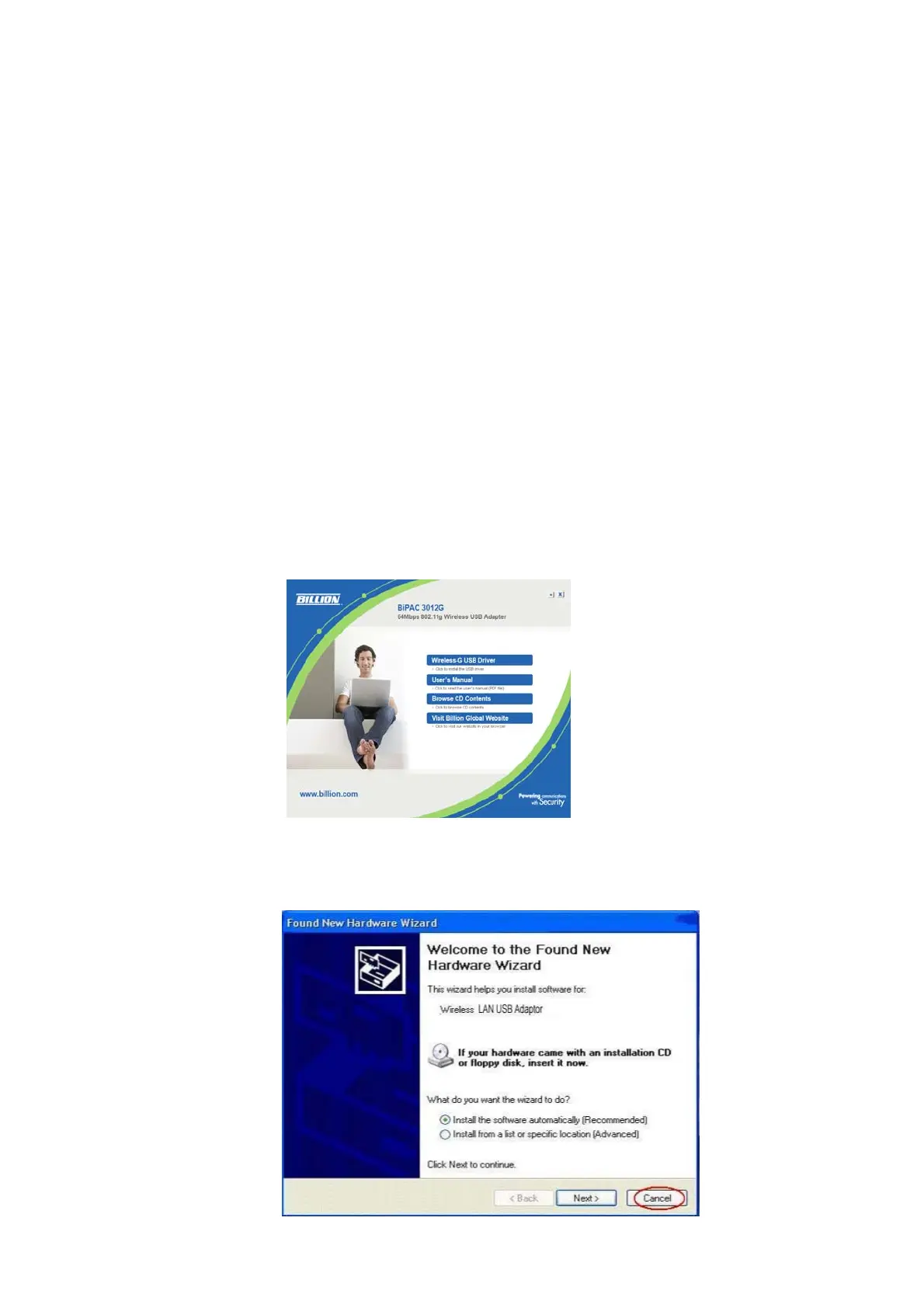
1. If you insert the Wireless LAN Network Adaptor into your computer USB port before
installing the software program from the CD, then auto installation window pops up
as follows:
2. Click Driver Installation
3.
Insert the Wireless LAN USB Adaptor into your computer USB port after
installing the software program from the CD, then the following window pops up.
4. Click Cancel.
4



 To Next Page