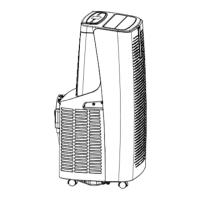
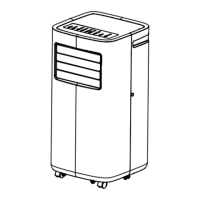
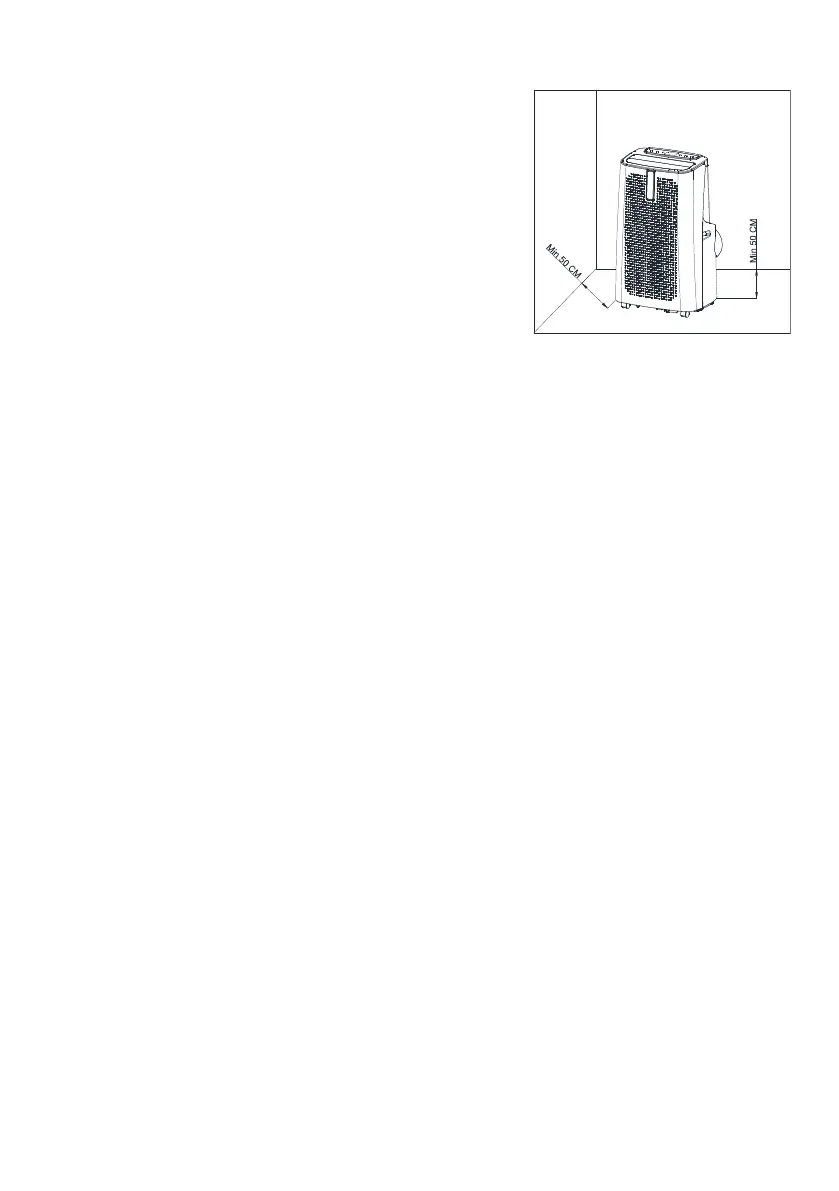
• The appliance must be placed vertical, with all
wheels resting firmly on the floor, and also well away
from heat sources, fabrics (curtains, drying laundry,
etc.) or anything else which may come into contact
with and/or obstruct the inlet and outlet grilles, and
well away from tanks, sinks, or similar installations
so that it cannot be splashed with or fall into water.
Ensure there is a space of at least 50 cm around the
appliance.
• The appliance must be placed on a wide, strong, stable surface (do not place on a shelf),
not on an incline (the water may overflow and escape), smooth (not rough) or in a place
where it might be knocked.
• The appliance must not be placed just below a power socket.
• The power socket must be easily accessible so that the plug can be removed easily in an
emergency.
• Do not expose the air-conditioner to direct sunlight as the colours of the materials might
fade and any overheating of the appliance might trip its safety mechanism and cause it to
shut down.
• Make sure that the mains cable is correctly positioned and is not in contact with hot parts
or sharp edges, or wound around the appliance or twisted and does not become
entangled, to prevent the appliance from falling. Place the mains cable so that people do
not pass over it, to prevent tripping.
• The appliance must be transported and handled vertical. If it is transported horizontal, wait
at least two hours before restarting it.
• Before moving or transporting the appliance, drain off all the condensate, as described
below.
DESCRIPTION
Wifi air-conditioner, usable via Smartphone using an app with Android or iOS operating
systems.
• Selections with APP setting: stand-by/On; Mode: Heat/Cool/Dry/Fan; Functions:
Normal/Sleep; Fan: Hi/Med/Low; temperature settings (16-31)°C for the Heat and Cool
functions; louver adjustment; programming.
• Check that the router is for domestic use, that there are no access restrictions except
the password, that the Wi-Fi network is (2.4-5)GHz, and that there is a strong, uniform
Wi-Fi signal in the room where the device is to be installed.
• Make sure that the smartphone is connected to the wi-fi network to be used for the
appliance.
First Installation/Setup
1.1 Install the "BIMAR Live Smart" App via Google Play (Android) or AppStore (iOS), or
scan the QR code provided here.


 To Next Page
 Loading...