925-0270 Rev G 21
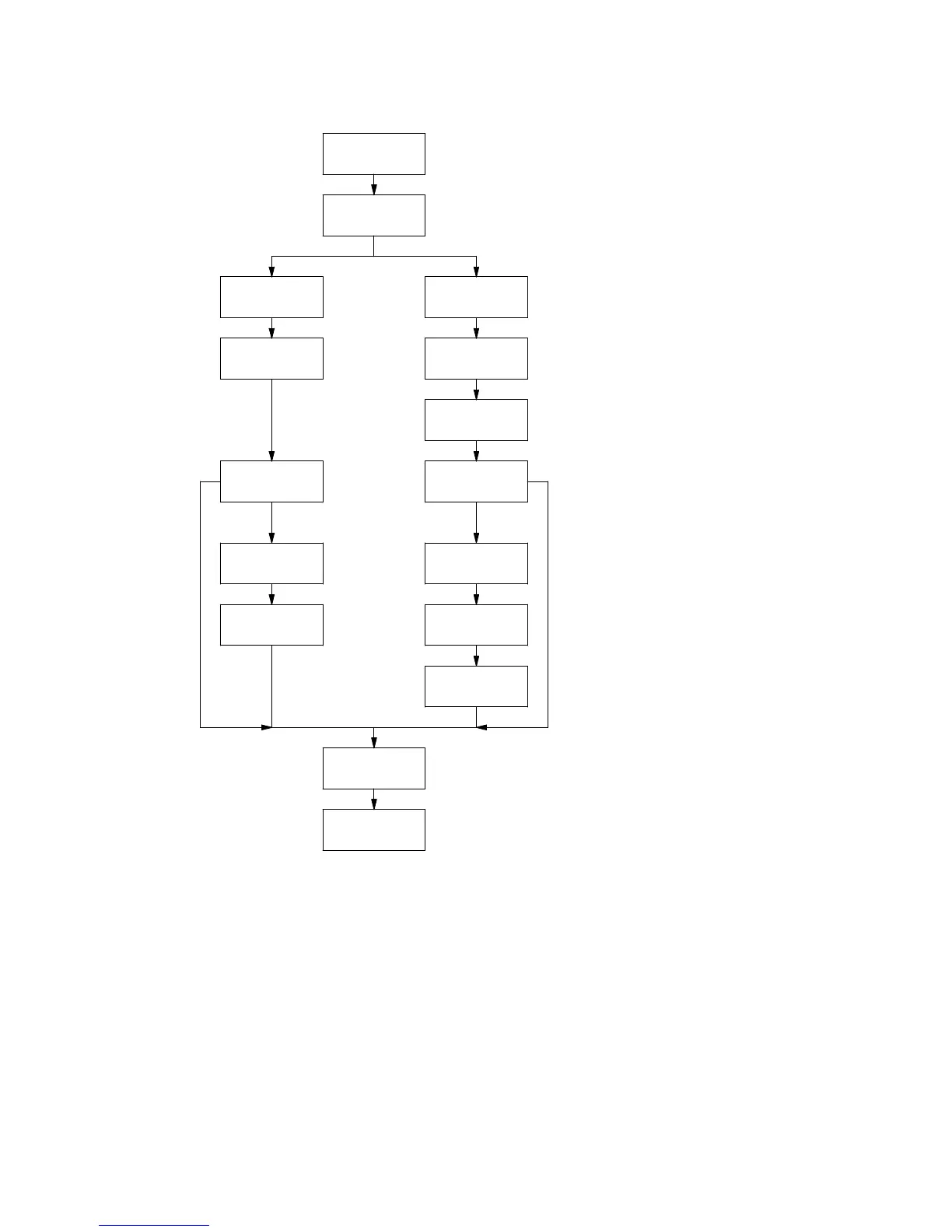
Body Height
Body Radius Body Width 1
Body Width 2
Hopper Present
Vessel Shape
Body Height
Hopper Present
Rectangular
Hopper Height
Outlet Radius
Hopper Height
Outlet Width 1
Outlet Width 2
Sensor
Offset
Yes Yes
No No
Select Vessel(s)
to Edit
Circular
Product
Density
C-50 Setup
This is a menu for automatic setup of Model C-50’s connected to the expansion port (EX-485).
The operator can choose between Enabled and Disabled. The operator must use Add/Remove
or Auto Add/Remove prior to making this selection. The default setting is Disabled.
After the user selects Enabled, the C-100 console will automatically assign available I/O’s to
enabled SmartBobs and then enter the I/O Assignment menu for the user to review and/or
reassign if necessary.


 To Next Page