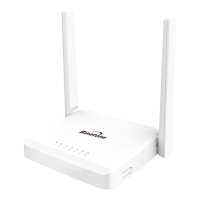
User Guide for Binatone ADSL CPE - Model : DM 856W
150M Wireless ADSL2+ Router
This user guide contains procedure for:
i. Configuration to set up a PPPoE connection for IPv4 Internet access.
ii. Verification of Internet connection status.
iii. Change DNS address setting of ADSL Router.
1.
Configuration to set up a PPPoE connection for IPv4 Internet access
:
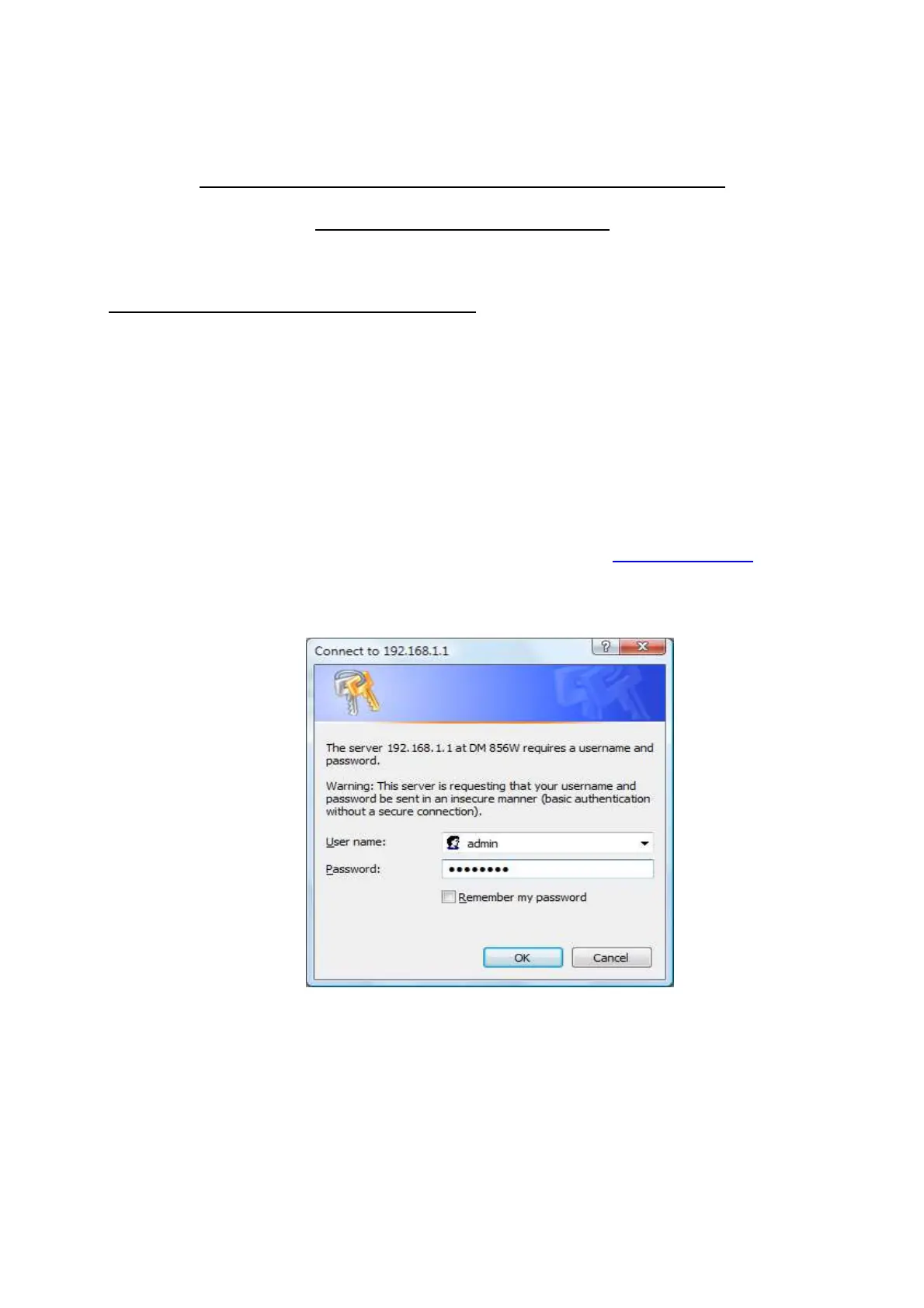
a. Login into the ADSL router with IP address http://192.168.1.1. Enter
Username as “admin” and the password for the Username “admin” is
“written on the back side of the Modem (Wi-Fi/Admin Password) ”



 To Next Page