- 11 -
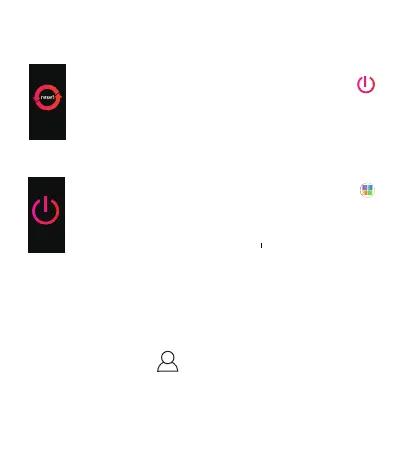
[Click the touch key] Go to the next interface: " ".
[Press and hold the touch key for 2s] Start to
reset your device and erase device data.
Note: please use this function cautiously, as your data will
be erased.
2.5.5 Turn OFF
[Click the touch key] Go back to the interface: " ".
[Press and hold the touch key for 2s] Turn OFF
the device.
App Usage
1. Function Setting
Please click the icon " " and to finish user profile & goal
setting.
You should turn on all switch or setting to activate all
additional functions in the option of "Device Setting".


 To Next Page