- 06 -
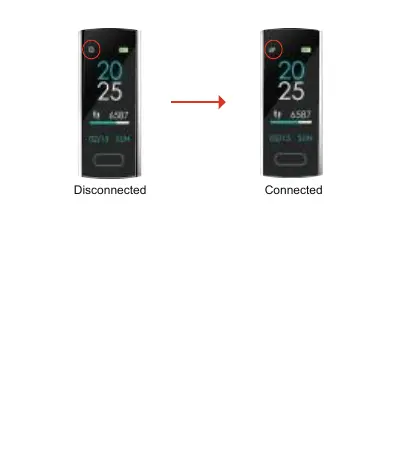
Disconnected Connected
After successful connection with App, set your personal
data in "Dashboard"->"User Profile", then sync the
information to the device, it will immediately starts to
monitor your daily activity.
Disconnecting the Device
For Android, go to the page of "Device Connectivity
Scanning" and disconnect device by clicking the icon
on the right. For iOS, first go to connected device and
disconnect device by clicking the right icon and then go
to iphone Setting->Bluetooth->Forget this device.


 To Next Page