EasyManua.ls Logo

BINNUNE BW02 - 2.4 GHz Wireless Troubleshooting; Microphone Not Working Solutions

BINNUNE BW02
11 pages
Print Icon
To Next Page IconTo Next Page
To Previous Page IconTo Previous Page
Loading...
®
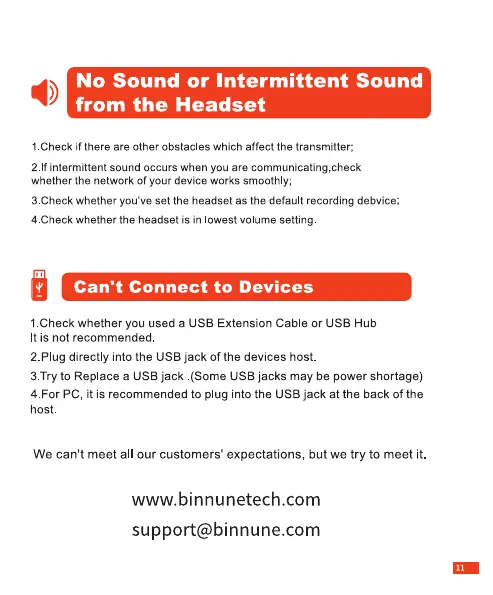
No
Sound
or
Intermittent
Sound
from
the
Headset
1.Check
if
there
are
other
obstacles
which
affect
the
transmitter;
2.If
intermittent
sound
occurs
when
you
are
communicating,check
whether
the
network
of
your
device
works
smoothly;
3.Check
whether
you've
set
the
headset
as
the
default
recording
debvice;
4.Check
whether
the
headset
is
in
lowest
volume
setting.
[vi]
Can't
Connect
to
Devices
1.Check
whether
you
used
a
USB
Extension
Cable
or
USB
Hub
It
is
not
recommended.
2.Plug
directly
into
the
USB
jack
of
the
devices
host.
3.Try
to
Replace
a
USB
jack
.(Some
USB
jacks
may
be
power
shortage)
4.For
PC,
it
is
recommended
to
plug
into
the
USB
jack
at
the
back
of
the
host.
We
can't
meet
all
our
customers'
expectations,
but
we
try
to
meet
it.
www.binnunetech.com
support@binnune.com