EasyManua.ls Logo

BINNUNE BW02 - Charging and Troubleshooting; Headset Charging Instructions

BINNUNE BW02
11 pages
Print Icon
To Next Page IconTo Next Page
To Previous Page IconTo Previous Page
Loading...
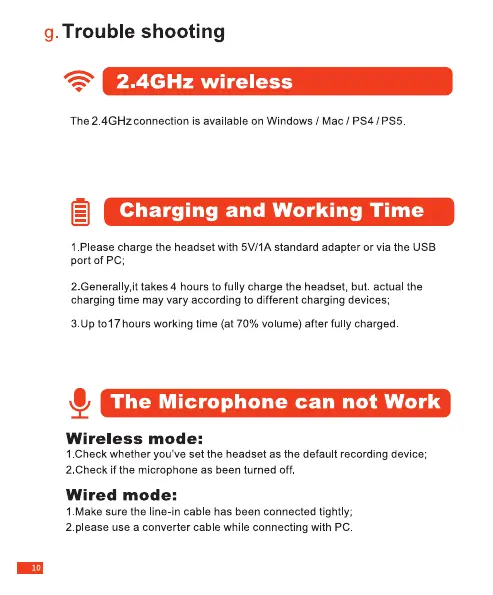
g.
Trouble
shooting
<8
2.4GHz
wireless
The
2.4GHz
connection
is
available
on
Windows
/
Mac/PS4/PS5.
ei
Charging
and
Working
Time
1.Please
charge
the
headset
with
5V/1A
standard
adapter
or via
the
USB
port
of
PC;
2.Generally,it
takes
4
hours
to
fully
charge
the
headset,
but.
actual
the
charging
time
may
vary
according
to
different
charging
devices;
3.Up
to17
hours
working
time
(at
70%
volume)
after
fully
charged.
&
The
Microphone
can
not
Work
Wireless
mode:
1.Check
whether
you've
set the
headset
as
the
default
recording
device;
2.Check
if
the
microphone
as
been
turned
off.
Wired
mode:
1.Make
sure
the
line-in
cable
has
been
connected
tightly;
2.please
use
a
converter
cable
while
connecting
with
PC.