Select Menu
Menu Up
Menu Down
10 11
Chapter 17: ADJUSTING THE CONTROLS
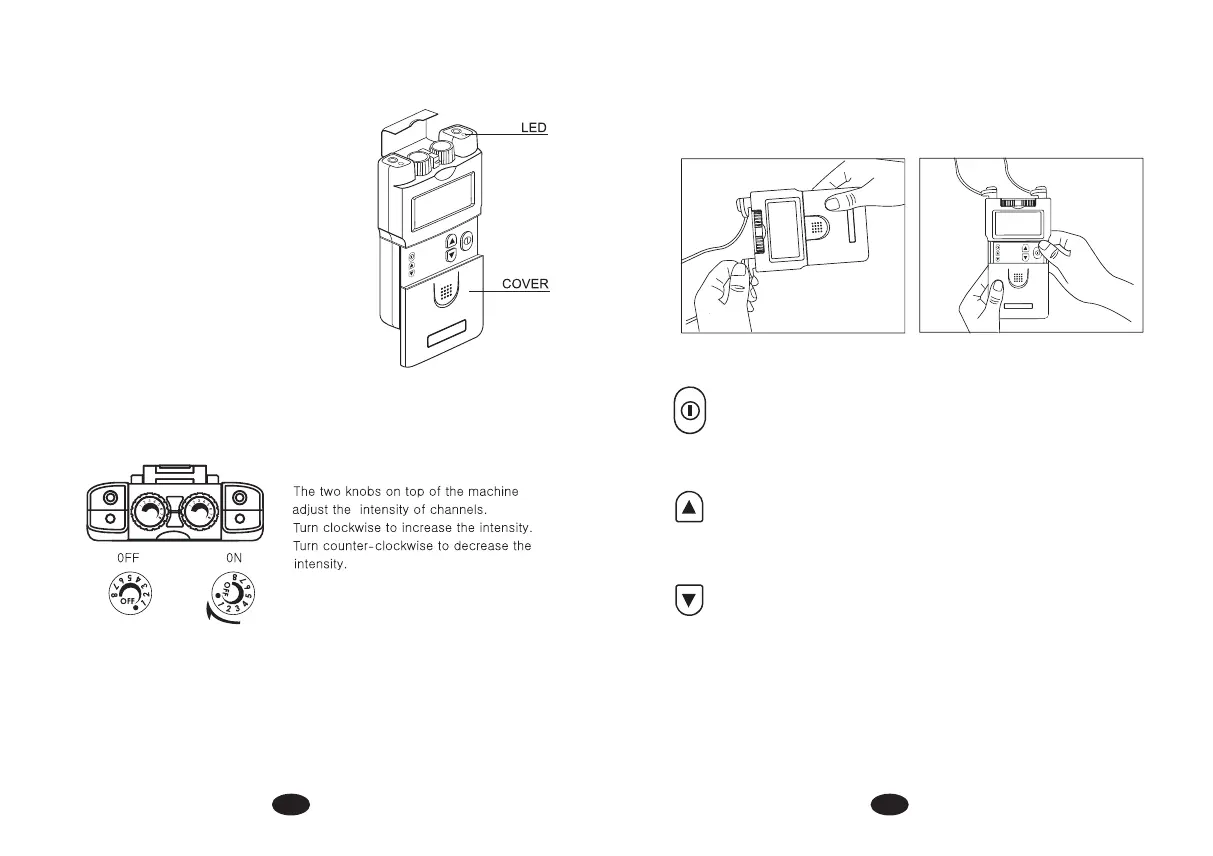
1. Slide Cover
A slide-on panel covers the controls for
Contraction Time, Relaxation Time, Ramp
Time,Pulse Width and Pulse Rate. Your medical
professional may wish to set these controls
for you and request that you leave the cover
in place.
2. Power On/Off Switch and Intensity Controls:
If both controls are in the off position, the
device is switched off. By turning the controls
clockwise, the appropriate channel is switched
on and the power indicator (a dot) will appear
on the LCD.
The current strength of the impulse transmitted
to the electrodes increases further when the control is turned clockwise.
To reduce the current strength or switch the device off, turn the control
counter clockwise to the required setting or off-position, respectively.
3. Lead-wire Connector
Connection of the electrodes is made with a two-lead connector. The device
must be switched off before connecting the cables. Both intensity controls
must be at the off position. Electrodes must be pressed firmly on the skin.
4.Function Selector
Expose the controls by sliding front cover down from top of unit. When the
button is pressed, it can change menu from contraction time, relaxation
time, ramp time, pulse rate, pulse width to timer. The parameter of each
function can be adjusted when it is revealed on the menu.
5. Parameter Increase Control
This button controls the increase of parameter. When pressing this button,
the parameter will increase. Press the button until the desired value is
reached.
6. Parameter Decrease Control
This button controls the decrease of parameter. When pressing this button,
the parameter will decrease. Press the button until the desired value is
reached.
7. Function Indicator
This drawing on the top of LCD shows the function that is working. Each part
of the drawing represents one function of the course.
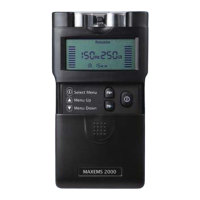
MAXEMS2000
Select Menu
Menu Up
Menu Down
Contraction
Relaxation
Ramp
Contraction
Relaxation Ramp
Contraction
Relaxation
Ramp


 To Next Page