3-2
Bio-Tek FL600
&KDQJLQJ)LOWHUV,QVLGHWKH5HDGHU
Step 1:
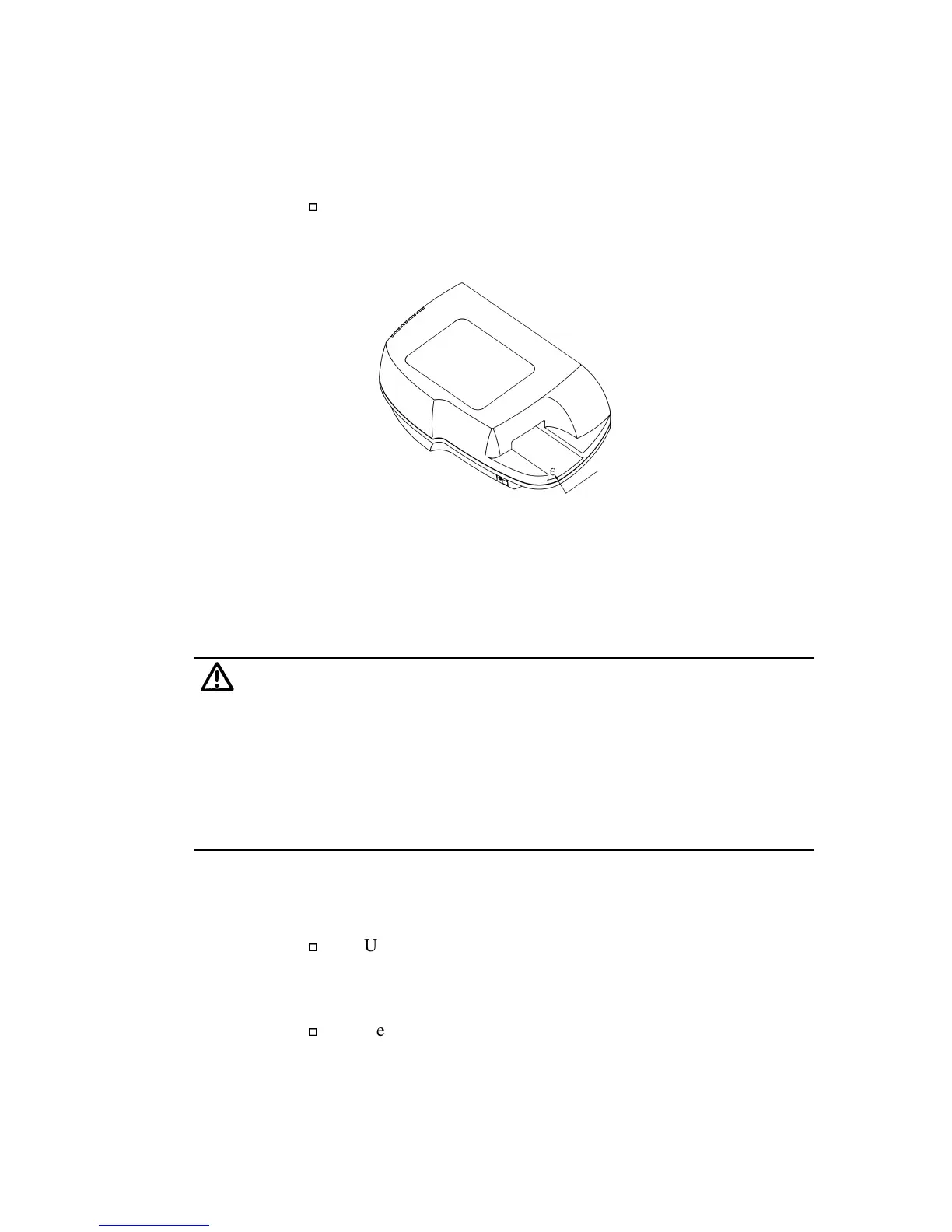
Ensure that the plate carrier is parked inside the reader.
Press the red button located in a recess under the plate
carrier so that the plate carrier moves inside the reader and
stops.
Park Button
Figure 3-1: Parking the Plate Transport Mechanism
(Plate Carrier)
Step 2:
Power down the FL600, and disconnect the reader’s power cord.
Never operate the instrument with the cover off. Operating the reader
without a cover poses a serious shock hazard and may damage the
detection circuit.
Exposing the inside measurement chamber to ambient light for more
than 30 minutes may cause saturation of the measurement device.
Should this occur, please wait 24 hours before reading.
Step 3:
Remove the reader’s cover.
Using a 4 mm Allen wrench (supplied in the Accessories
Kit), remove the five screws (Figure 3-2) that secure the
reader’s cover to the base.
Remove the top cover and set it aside.


 To Next Page
 Loading...