EasyManua.ls Logo

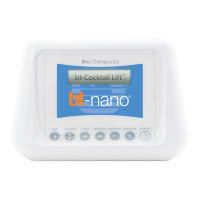
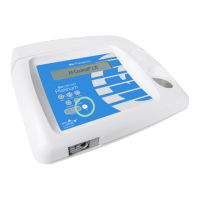
Bio-Therapeutic bt-nano - User Manual

Bio-Therapeutic bt-nano
2 pages
Print Icon
To Next Page IconTo Next Page
Loading...
bt-nano
®
quick start guide
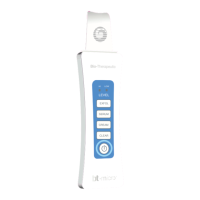
3. Press ON/RESET button.
Wait for welcome screen
to disappear.
4. Press MODE button to access
facial choices. Watch the top
line of text.
5. Press PROGRAM button to
select facial preferences.
Watch the second line of text.
1. Read operation manual prior to use
2. Do not use the unit if any contraindications are present
Skin Care for life inside and out
®
Question and Answer IconNeed help?

Do you have a question about the Bio-Therapeutic bt-nano and is the answer not in the manual?

Summary

bt-nano Quick Start Guide

Pre-Use Safety Guidelines

Read the operation manual and ensure no contraindications are present before using the unit.

Device Power On and Initialization

Press the ON/RESET button and wait for the welcome screen to disappear to begin operation.

Facial Treatment Selection

Use MODE and PROGRAM buttons to select desired facial choices and client preferences.

Service Option Configuration

Use the OPTION button to select the service number or High/Low setting for client needs.

Service Initiation and Auto Shut-off

Press RUN/PAUSE to start the service; the unit automatically shuts off after inactivity or completion.

Bio-Therapeutic bt-nano Specifications

General IconGeneral
BrandBio-Therapeutic
Modelbt-nano
CategoryOther
LanguageEnglish

Related product manuals