Step 2a
Step 1a Step 1b
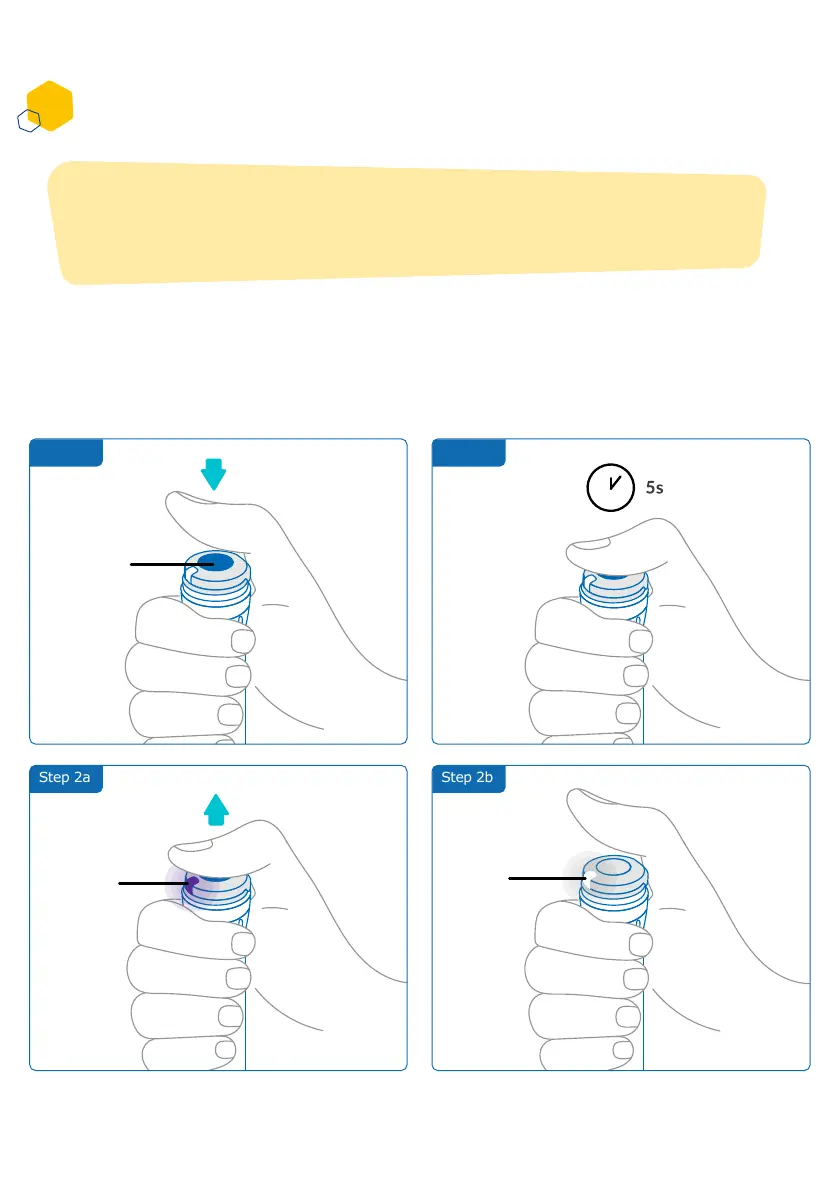
Activating your smartdot™ transmitter
1. Press the smartdot™ injection button, until you see a purple light.
2. Now release the button. smartdot™ will display a white light. When
the white light turns off, smartdot™ has been successfully activated.
Note:
You need to activate smartdot™ to use it. This will allow your transmitter
to record injection data when you perform your injection.
Middle of
the button
Purple
Light
Step 2b
White
Light
Part 5: Preparing
E
11



 To Next Page