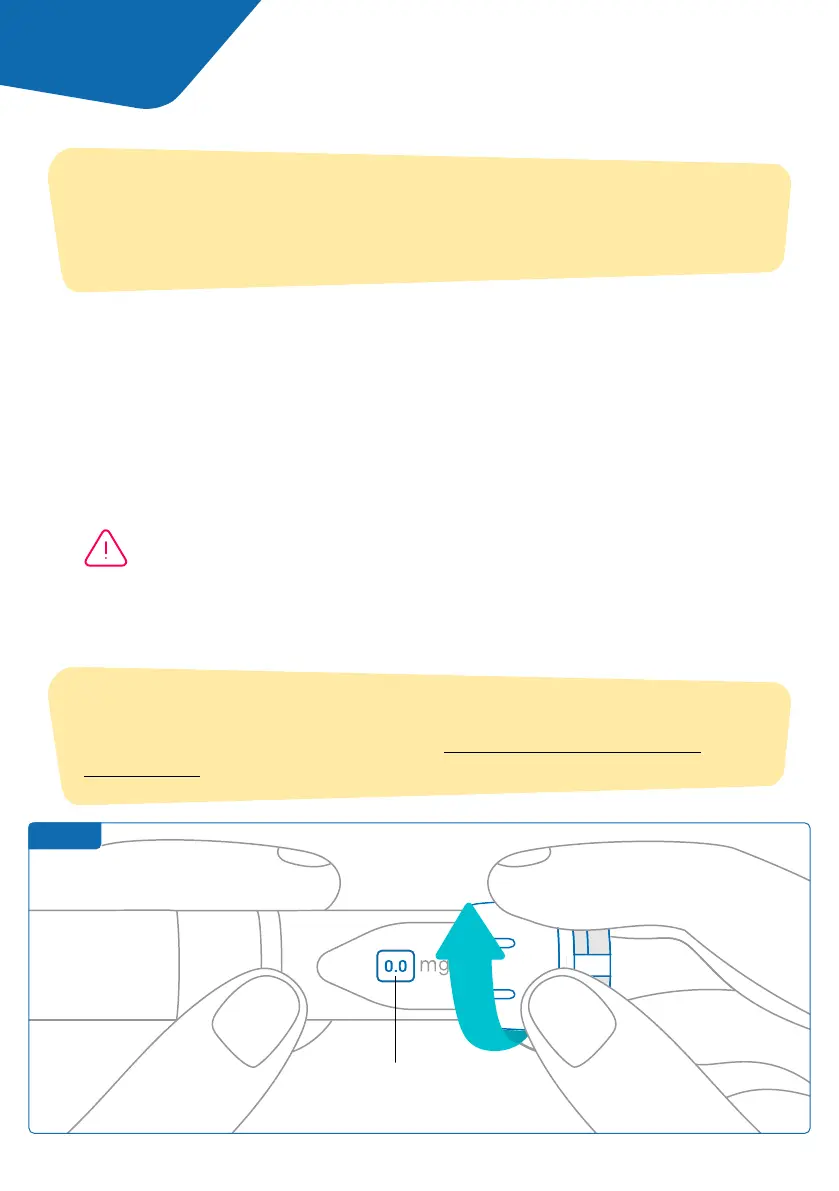
Step 1
1. Prepare your aluetta™ pen, as shown in the aluetta™ Instructions for Use. If
stored in the refrigerator, open the storage box and wait ve minutes before use.
2. Turn the smartdot™ dial wheel until your intended dose is visible in the
dose window.
3. Perform your injection as described in the aluetta™ Instructions for Use.
Note: A white light will appear when you are performing your injection. It will
disappear when you release the button.
4. Remove the needle from your skin.
5. Release the button. The white light will stay for few seconds.
Note:
Your smartdot™ transmitter does not change the injection process for your
aluetta™ pen. Please follow the aluetta™ instructions for use to prepare and
perform your injection. The steps below only cover the use of smartdot™.
Note:
If the smartdot™ battery is low, the white light will turn orange for few
seconds after the button is released. See ‘Part 9: Troubleshooting guide
<orange light’ for more details.
Always set your dose
according to your prescription.
Part 6 Injecting
Before removing the aluetta™ pen injector from the skin, make sure you
see “0.0” in the dose window to ensure you injected the full dose.
12



 To Next Page