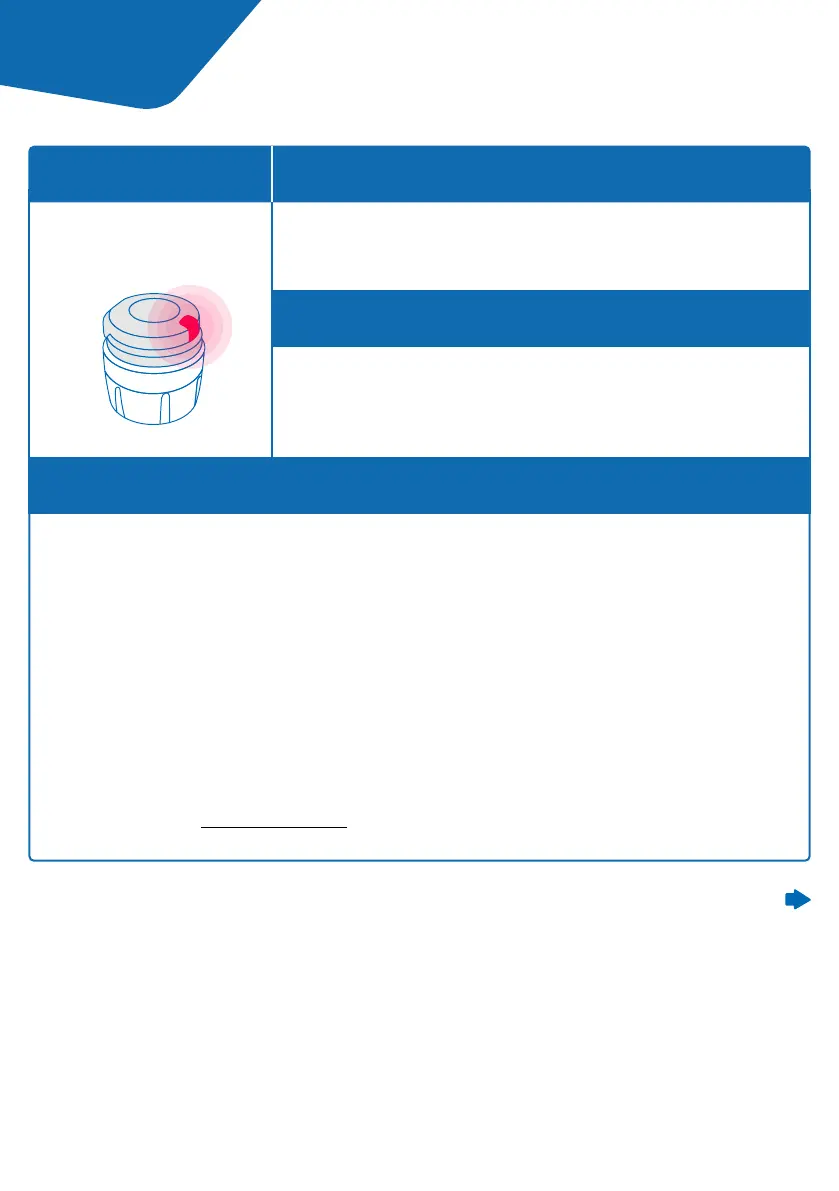
smartdot™ is defective and cannot record your injections.
It needs to be reset.
The red light can appear when the button is pressed.
A. Reset your smartdot™ transmitter.
Please note: Resetting deletes the data stored in the smartdot™, deactivates
the transmitter and unpairs it from the growlink™ app.
1. Open the growlink™ app and ensure that all your data has been synchronized.
You can manually synchronize your data through the smartdot™ settings in
the app.
2. Open ‘smartdot™ settings’ in your app and select ‘Reset smartdot™’. The
transmitter will display a blinking red light during the reset.
3. Switch smartdot™ on by plugging in and unplugging the USB cable. Then see
steps C-E in ‘Part 5: Preparing’.
Continued on the next page
What do I see?
What should I do?
When does this light signal appear?
What does it mean?
Red light
Part 9 Troubleshooting guide
19



 To Next Page