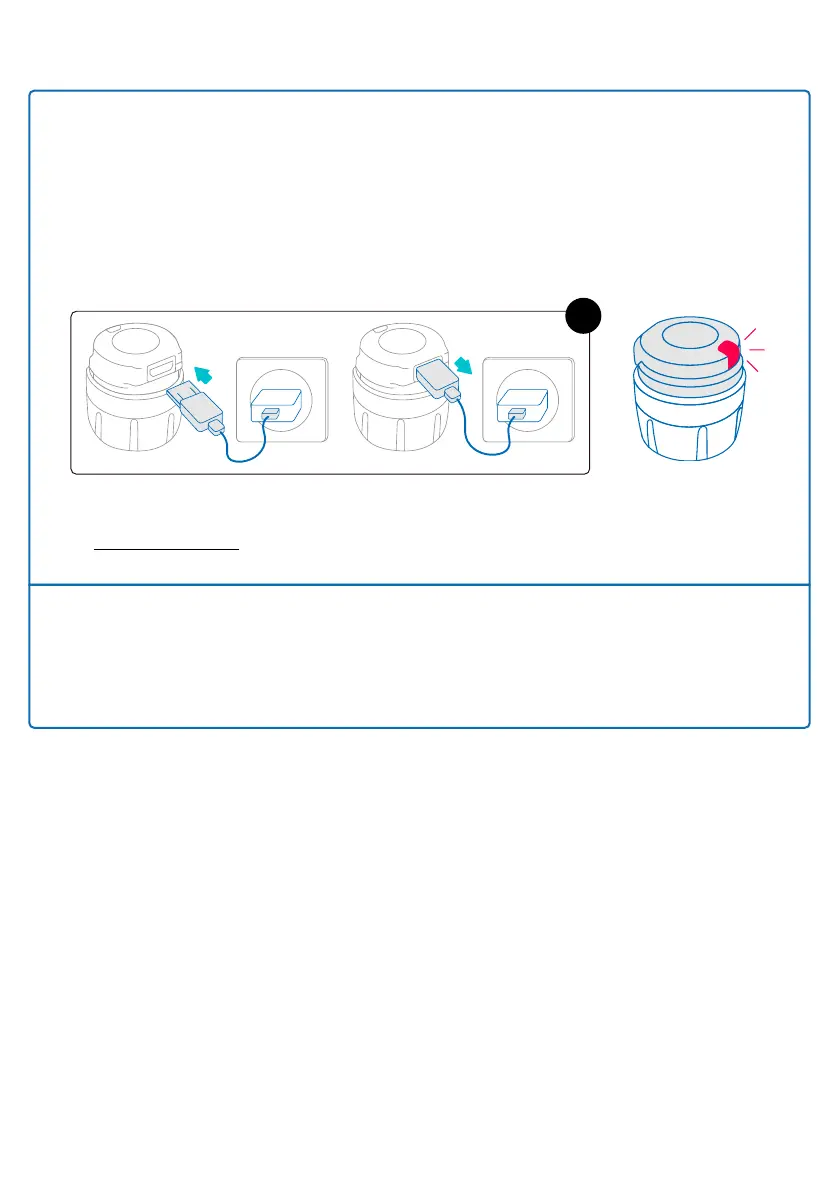
Note: You can also reset smartdot™ without the growlink™ app. To do this:
1. Connect the transmitter to a powered USB wall charger through the
supplied USB cable.
2. Quickly unplug it from the cable.
3. Repeat this action three times. You will see a blinking red light.
4. Switch smartdot™ on by plugging and unplugging it once. See steps C-E in
‘Part 5: Preparing’.
x3
If the red light remains, your smartdot™ is still defective. Remove it from your
pen and contact your healthcare professional for further assistance.
Note: You can still perform your injections without using your transmitter.
Part 9: Troubleshooting guide
20



 To Next Page