14 |
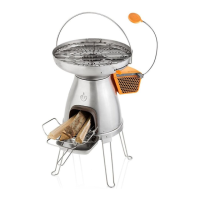
• The BioLite BaseCamp comes with a revolutionary orange powerpack located on the side of the stove body. This is where heat is
converted into usable electricity and where an internal fan blows air back into the burn chamber for a more efficient fire.
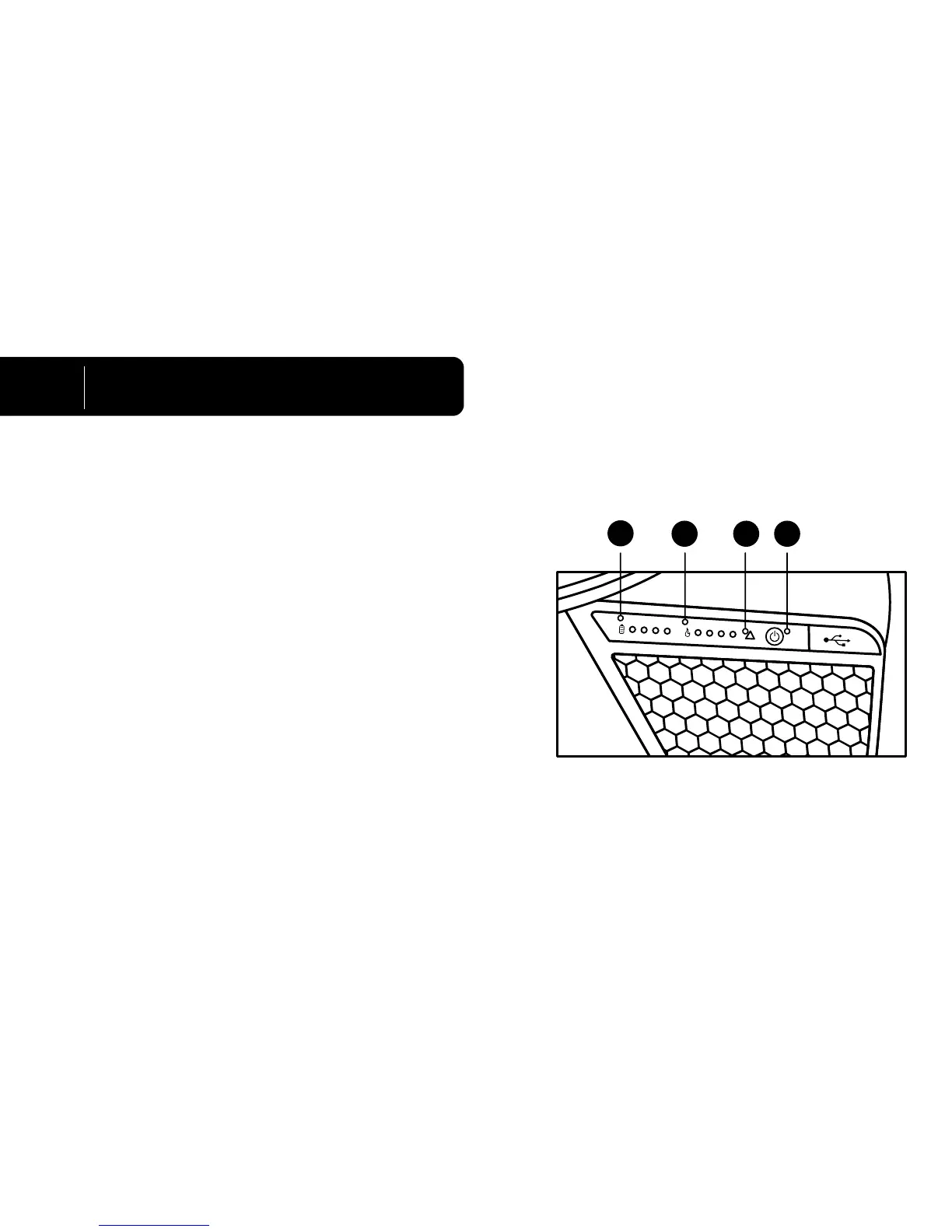
• The fan will start automatically when the probe heats up. The power button
(fig. 1a) is to utilize battery storage when charging a device without any fire
burning.
• At the top of the powerpack, there are two rows of LED lights. The row
furthest to the right with the flame symbol (fig. 1b) measures the heat of the
fire. The flame indicator is communicating fire strength.
1 light = Low Heat. 4 Lights = Extremely Hot.
• If the hazard light blinks, (fig. 1c) this means that the thermoelectric generator
(TEG) is over heating. This is because the fire is too hot and the user should
tone down the fire to prevent overheating the TEG. If the hazard light is solid,
there is a fan failure and the user should extinguish the fire immediately to
avoid damaging the product.
• The row on the left with the battery symbol (fig. 1d) indicates the charge level of the internal battery.
1 light = 25% charge. 2 lights = 50% charge. 3 lights = 75% charge. 4 lights = 100% charge.
4
Dashboard & Charging
1b 1a
1d
1c
English


 To Next Page