RL39 - Repair instructions for changing the frame
Version 1.0, last revised 03/2016
12/58
J. Removing the battery nest
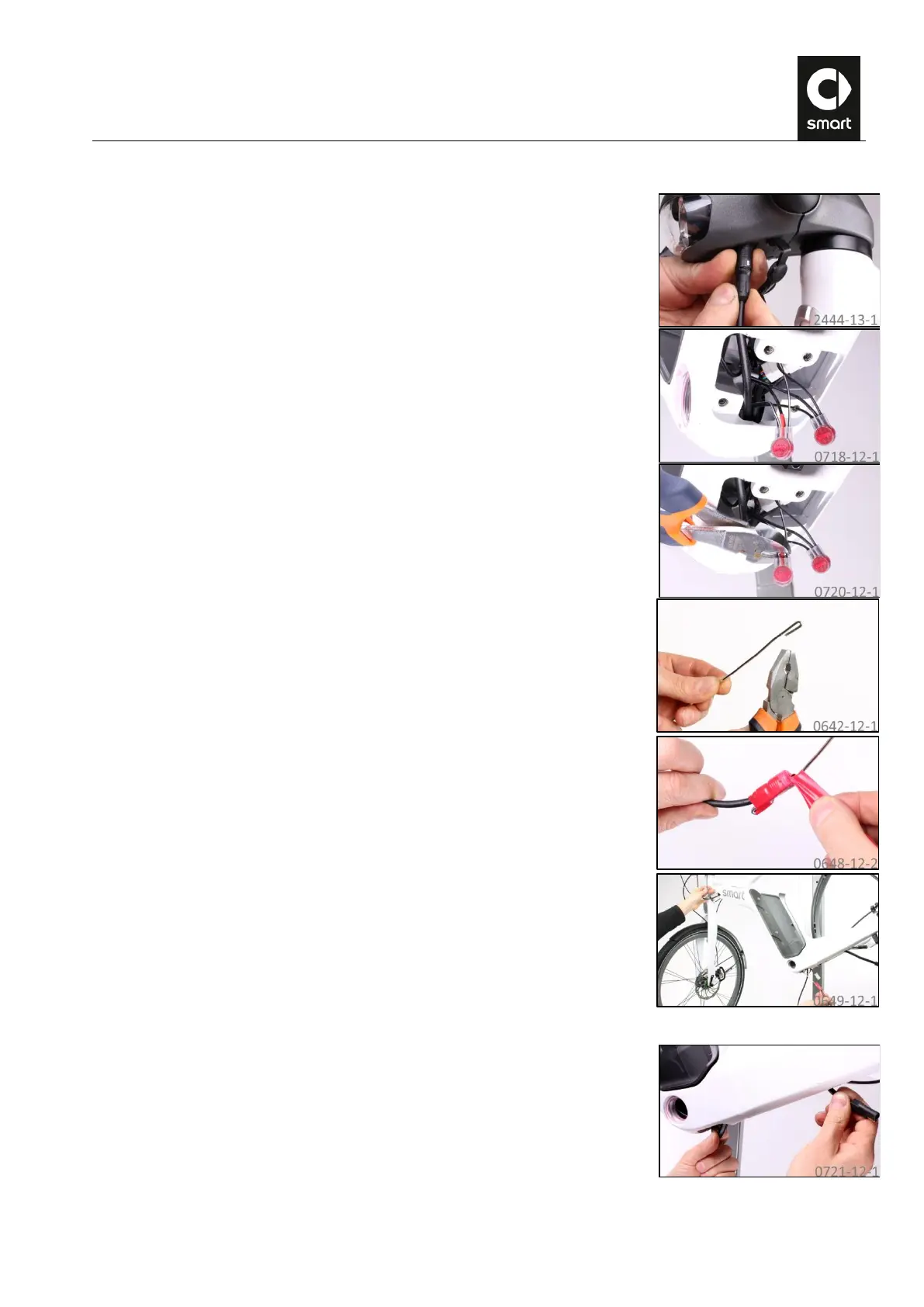
Carefully unplug the data cable from the jack underneath the stem assembly.
Pull out the light cable connectors (3M
TM
Scotchlok
TM
).
Snip off the two Scotchlok
TM
connectors flush.
Take a 2.4 mm welding rod and bend it over approx. 20 mm as shown.
Fasten the connector of the front data cable to the welding rod using adhesive
tape.
Grip the front data cable in the bottom bracket and pull and feed it out of the
frame.
Remove the adhesive tape. The welding rod remains in the frame for further
work.
Grip the power cable in the bottom bracket and pull and feed it out of the frame.



 To Next Page