EasyManua.ls Logo

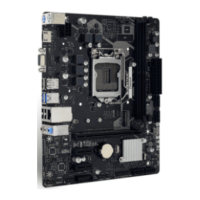
Biostar Z590MHP - User Manual

Biostar Z590MHP
134 pages
Print Icon
To Next Page IconTo Next Page
Loading...
https://tehnoteka.rs
Uputstvo za upotrebu (EN)
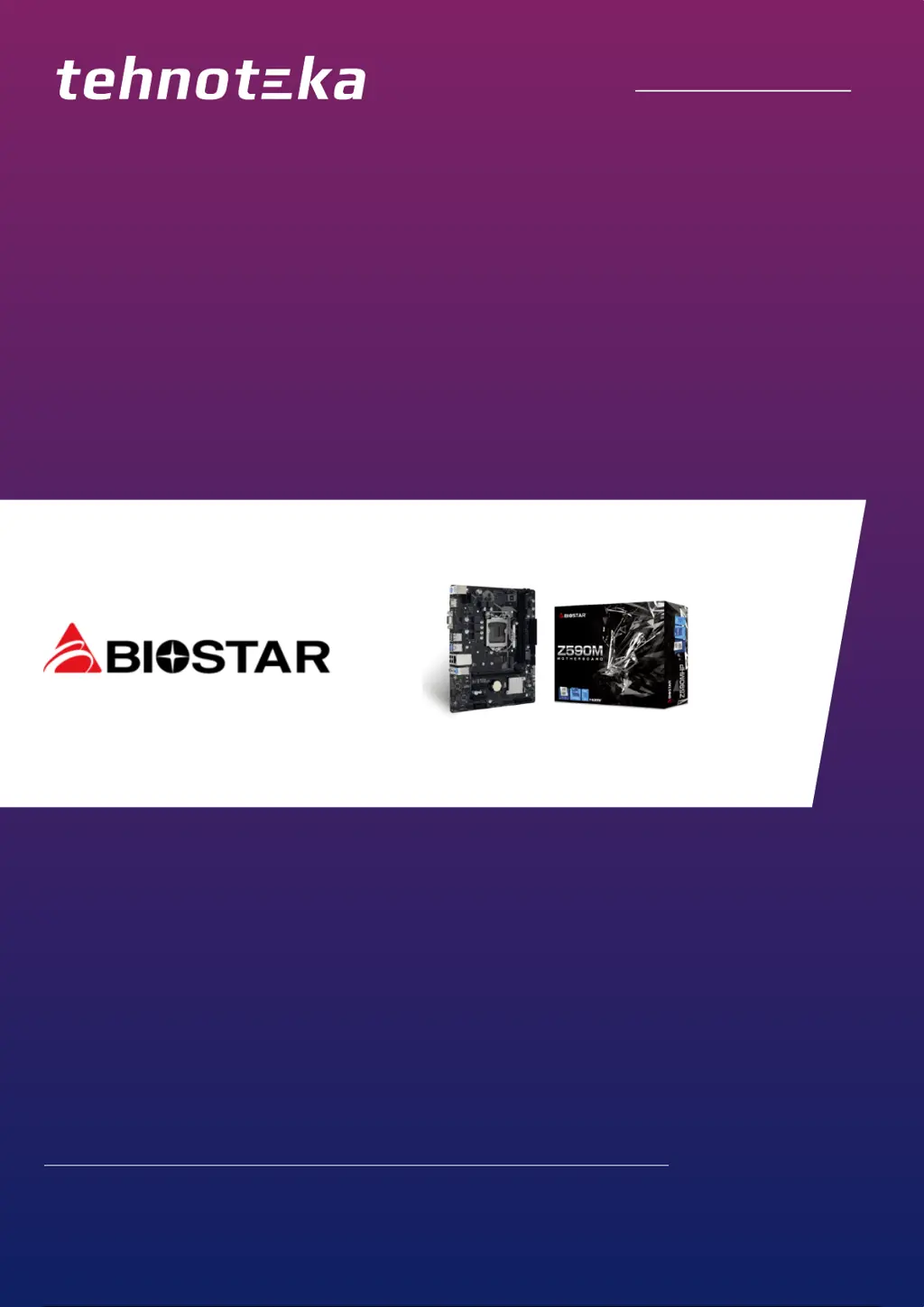
BIOSTAR Z590MHP matična ploča
Tehnoteka je online destinacija za upoređivanje cena i karakteristika bele tehnike,
potrošačke elektronike i IT uređaja kod trgovinskih lanaca i internet prodavnica u Srbiji.
Naša stranica vam omogućava da istražite najnovije informacije, detaljne karakteristike
i konkurentne cene proizvoda.
Posetite nas i uživajte u ekskluzivnom iskustvu pametne kupovine klikom na link:
https://tehnoteka.rs/p/biostar-z590mhp-maticna-ploca-akcija-cena/
1 / 134

Questions and Answers

  • A
    Anita AguirreAug 11, 2025
    What to do if there is no power in Biostar Z590MHP Motherboard?
    • E
      Elizabeth CummingsAug 11, 2025
      If your Biostar Motherboard shows no signs of power, with the Power LED off and the power supply fan not working, ensure the power cable is securely plugged into the system. If the problem persists, try replacing the power cable. If the issue still isn't resolved, further assistance may be needed.
  • H
    Hailey HollandAug 17, 2025
    What to do if Biostar Z590MHP does not boot from a hard disk drive?
    • J
      Jenny MolinaAug 17, 2025
      If your Biostar Motherboard system doesn't boot from the hard disk but works from the optical drive, examine the cable connecting the disk to the disk controller board, ensuring both ends are firmly attached. Also, verify the drive type in the standard CMOS setup. It's crucial to back up your hard drive regularly, as hard disks can fail unexpectedly.
  • B
    Barry LamAug 22, 2025
    What to do if Biostar Motherboard only boots from an optical drive?
    • K
      Kim RamirezAug 22, 2025
      If your Biostar Motherboard system only boots from the optical drive, while hard disks are readable, back up your data and application files. Then, reformat the hard drive and reinstall your applications and data using backup disks.
  • L
    Larry ParkerAug 28, 2025
    What to do if Biostar Motherboard shows “Invalid Configuration” or “CMOS Failure”?
    • M
      Meghan RodriguezAug 28, 2025
      If your Biostar Motherboard displays an “Invalid Configuration” or “CMOS Failure” message, review your system’s equipment and ensure the correct information is entered in the setup.
  • J
    Julie GallagherSep 3, 2025
    Why Biostar Z590MHP cannot boot after user installs a second hard drive?
    • J
      James ChavezSep 3, 2025
      If your Biostar Motherboard cannot boot after installing a second hard drive, set the master/slave jumpers correctly. Also, run the SETUP program and select the correct drive types. Contact the drive manufacturers to ensure compatibility with other drives.

Biostar Z590MHP Specifications

General IconGeneral
BrandBiostar
ModelZ590MHP
CategoryMotherboard
LanguageEnglish

Related product manuals