4
TIMER
1. The timer light indicates the four preset timer options (ON, 2, 4 and 8 hours). When
the indicator light is in the ON setting, the unit will operate continuously until it is
turned off by the user. (Switching ON the unit with “2” hours preselected accesses a
test mode and the unit will turn off after 2 minutes.)
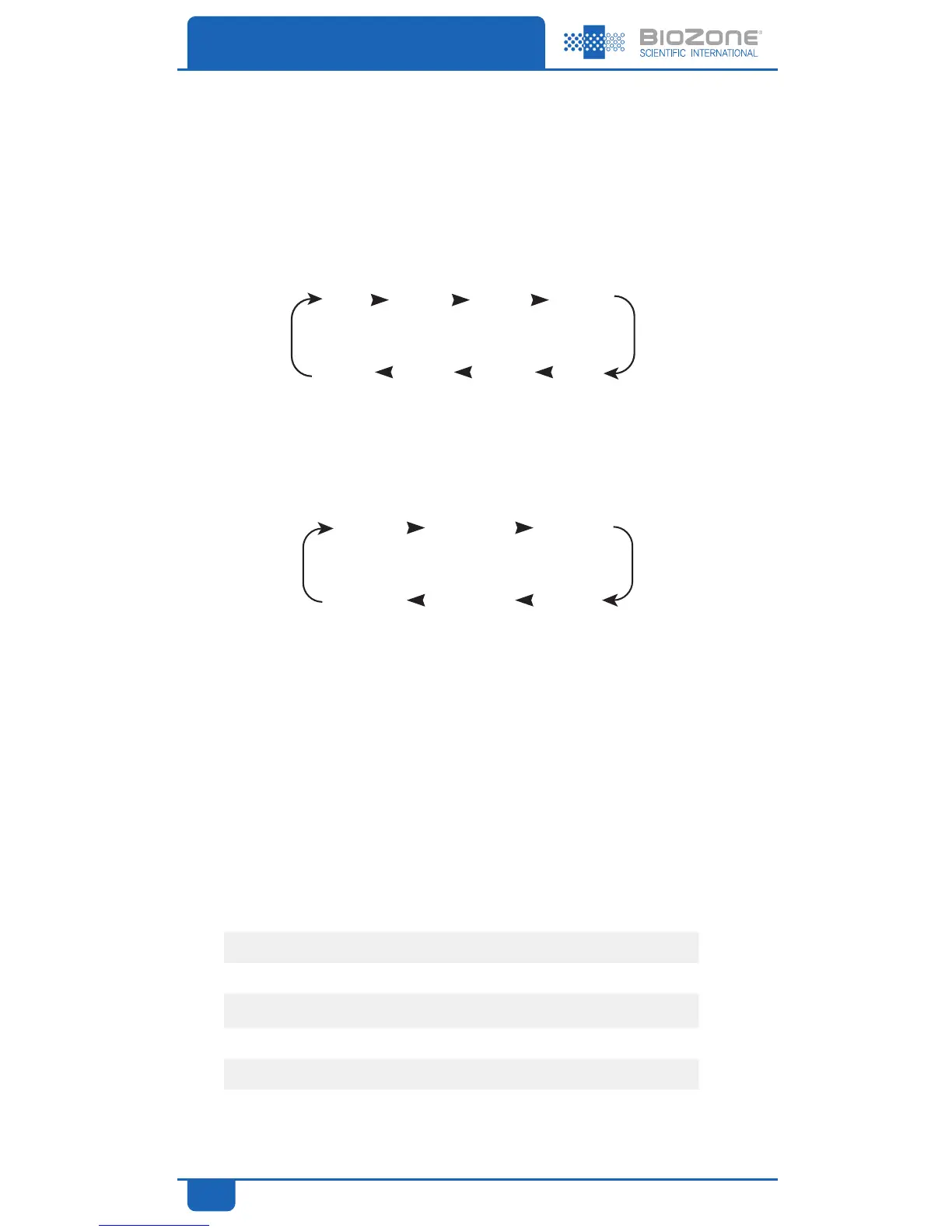
2. The TIMER button sets the operating period. Once the preset time is reached, the
unit will turn off automatically. The control sequence is in the following manner:
FAN SPEED
1. The FAN SPEED button controls the fan speed which in turn controls the flow of
Purifying Plasma. The control sequence is in the following manner:
2. The fan speed is shown by the indicator light in different positions (LOW, MED and
HIGH).
Range Specifications
Typical air change rates for existing homes average between 1 and 2 per hour. Newer
homes with tighter construction may have an air change rate of less than .5 per hour.
Public buildings and spaces generally have more than 6 air changes per hour. Your BioZone
PR unit will be most effective if used in appropriate spaces.
Minimum Suggested Area (assumes 8ft / 2.5m celiings)
PR05 PR10 PR20 PR30
0 115ft
2
/ 11m
2
300ft
2
/ 28m
2
477ft
2
/ 45m
2
106ft
2
/ 99m
2
1 84ft
2
/ 8m
2
216ft
2
/ 20 m
2
345ft
2
/ 32m
2
839ft
2
/ 78m
2
2 66ft
2
/ 7m
2
168ft
2
/ 16m
2
265ft
2
/ 25m
2
589ft
2
/ 55m
2
4 44ft
2
/ 5m
2
115ft
2
/ 11m
2
186ft
2
/ 18m
2
415ft
2
/ 39m
2
6 35ft
2
/ 4m
2
88ft
2
/ 9m
2
142ft
2
/ 14m
2
316ft
2
/ 29m
2
8 27ft
2
/ 3m
2
71ft
2
/ 7m
2
115ft
2
/ 11m
2
257ft
2
/ 24m
2
Air conditioning systems provide air circulation, not necessarily ventilation.
OPERATION
LOW MED HIGH
(Continuous Loop)
HIGH MED LOW
ON 2hrs 4hrs 8hrs
(Continuous Loop)
8hrs 4hrs 2hrs ON
Air Ventilations Per Hour



 To Next Page