USER MANUAL
11
BirdOne
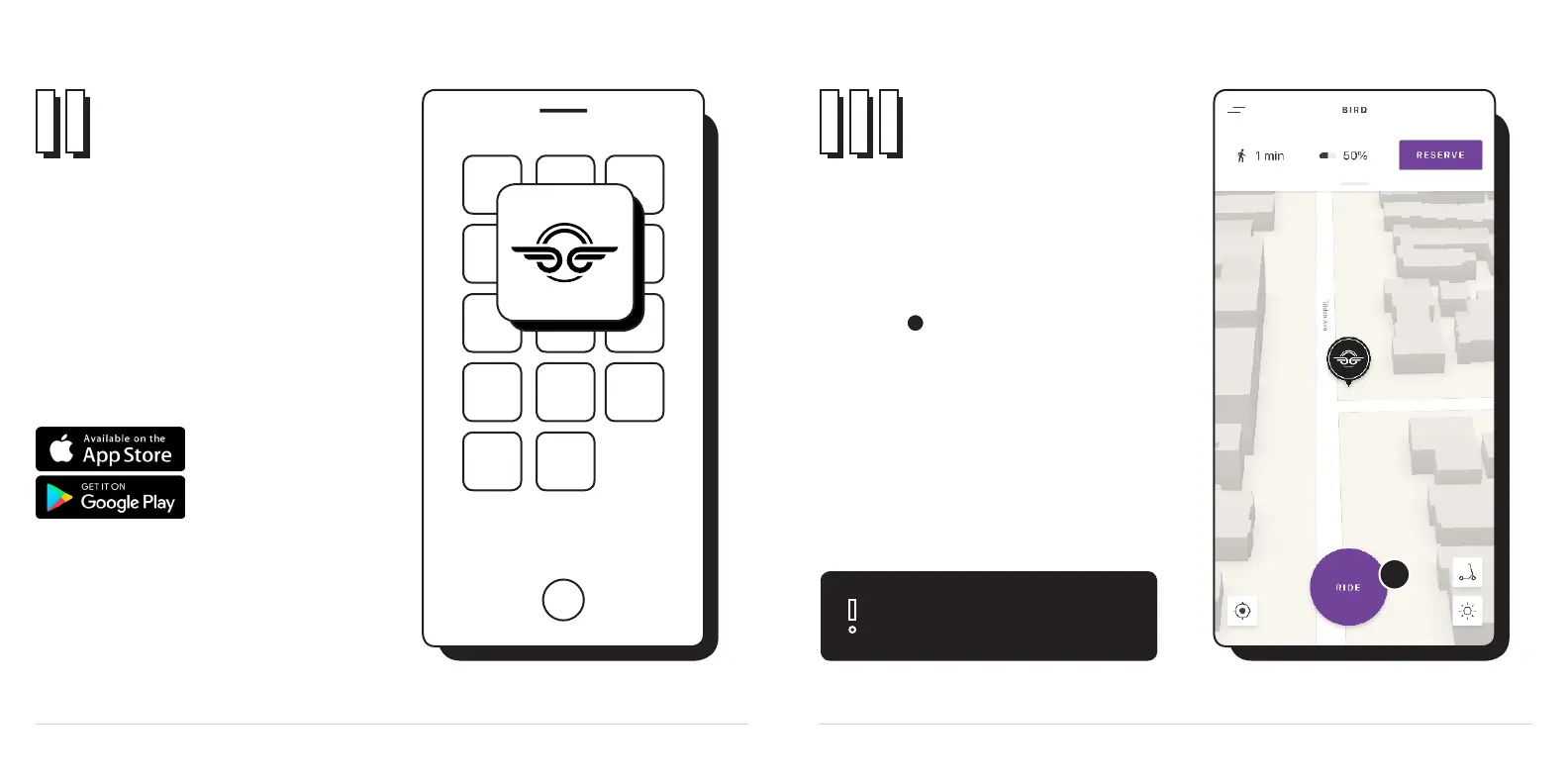
Think of the app as the key to your Bird. It’s
similar to riding a Bird in the wild, except you
have an added feature: the My Bird page. Once
downloaded, open the app and create your Bird
account.
Pair your
Bird One
Download the
Bird app
Open the Bird app and select the
Ride button at the bottom of the screen to
scan your Bird’s QR code and begin pairing.
Make sure your phone has Wi-Fi and Bluetooth
turned on, you will need both to connect to your
Bird.
Aim your phone’s camera at the QR code
located on the right handlebar and wait for scan
to complete.
1
1
Having difculty pairing? Jump to our
troubleshooting guide on page 19 for help.



 To Next Page