NEED ASSISTANCE?
1. How can I bring up Start Menu?
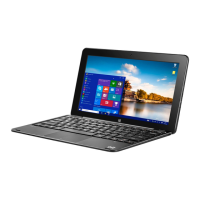
The Desktop will appear after booting up and signing in. To display the Start menu, tap the
Windows icon on the task bar or press the windows key on the keyboard.
2. What to do if tablet freezes?
Hold the Power button down for 8-12 seconds to force power o. Press again for 3-4
seconds to reboot.
3. How can I find the Control Panel?
Press Windows key and "X" together for WinX menu to appear. Select Control Panel.
4. How can I find Command Prompt?
Press Windows key and "X" together for WinX menu to appear. Select Command Prompt.
5. How do I use the camera in a video chat?
Most video chat apps have an option for camera on or o. Make sure it is turned on.
6. How can I get assistance?
Email assistance: Support@beantech.net
Call toll free: 888-808-BEAN
WINDOWS KEY


 To Next Page