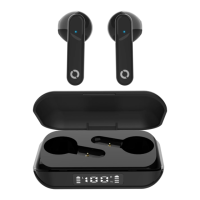
AURAL PRO TWS: BM-ECTWS26
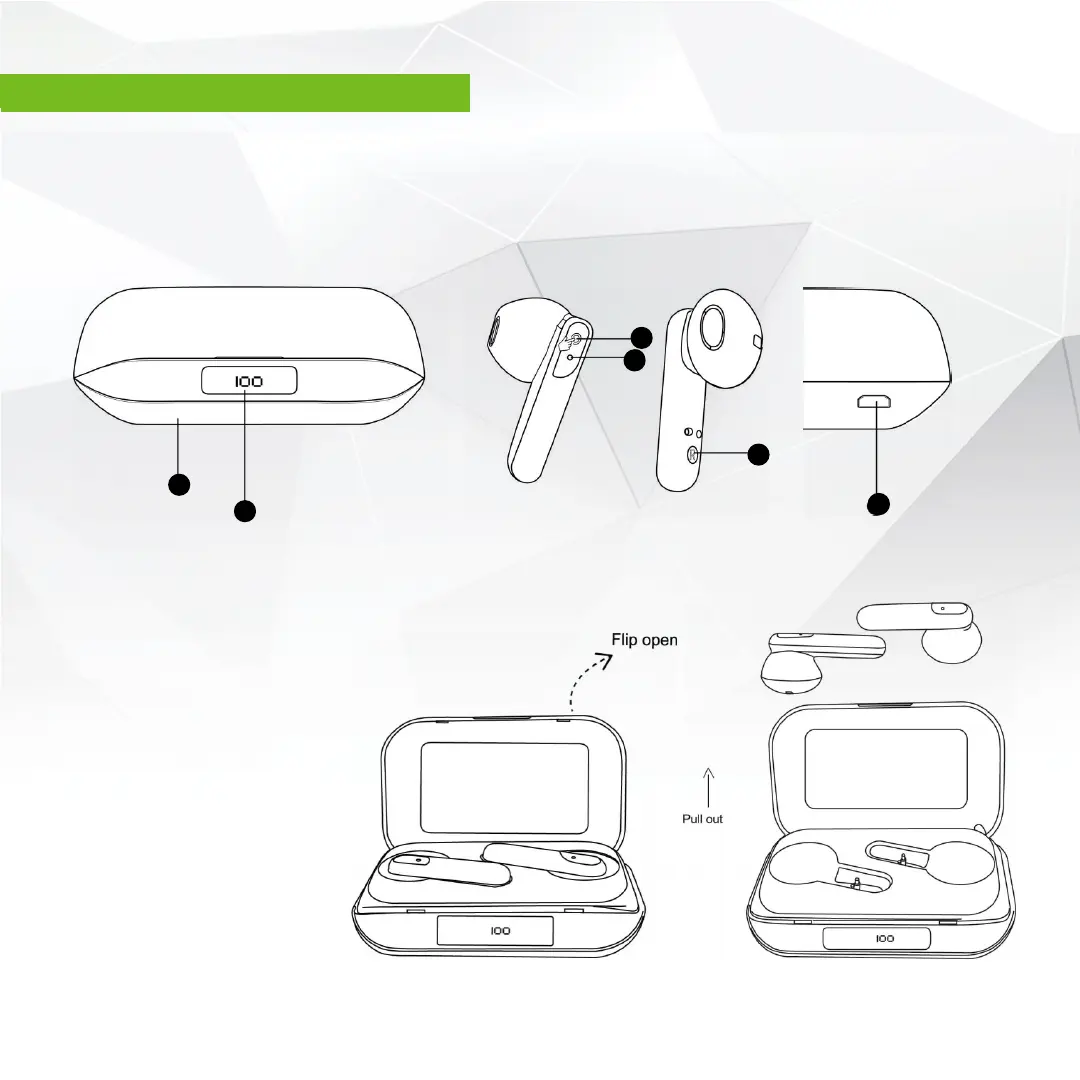
A Touch Function Button B Indicator Light
C Micro-USB Charging Input Port D Digital Power Display
E Contact Charging Point F Charging Case
D
F
A
B
E
C
Before first use:
1. Flip open the Aural Pro charging case
Remove the blue protective film over
the ‘contact charging points’
(E) on both earbuds.
Re-insert earbuds into the
charging case and allow them
to fully charge for 2 hours.
Earbuds will automatically
power on and pair to each other
when you remove them
from the case.
Contents: 1 x pair of Aural Pro TWS Earbuds, 1 x Charging Case and 1 x Micro USB Charging Cable.
BM-ECTWS26 AURAL PRO TWS | 1
AURAL PRO TWS: BM-ECTWS26


 To Next Page