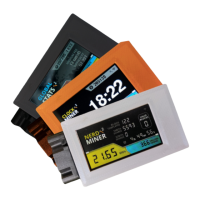
NERDAXE
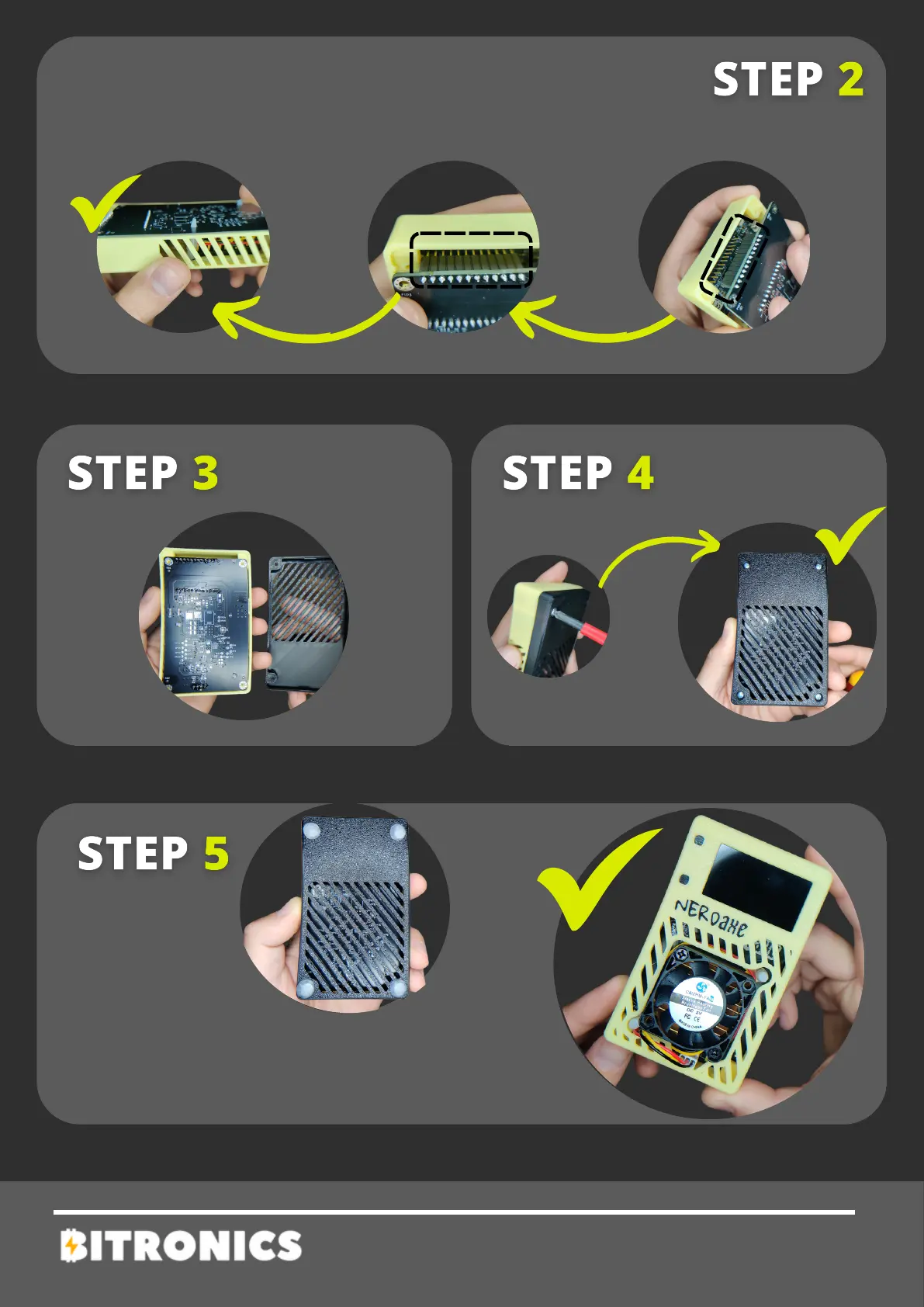
Once the screen is installed, attach the NerdAxe PCB
by inserting the screen's pins into the PCB as shown
in the photo. Ensure they are properly aligned and
fully seated with gentle pressure.
Add the non-slip rubber feet and
you're all set! Now you have the
NerdAxe ready to hash that
algorithm!
Attach the back
of the case
Screw on the
back part.


 To Next Page