BCD Series
Rev. 2.06
7-2 Use of WordPad
7-2-1 WordPad Environment Settings
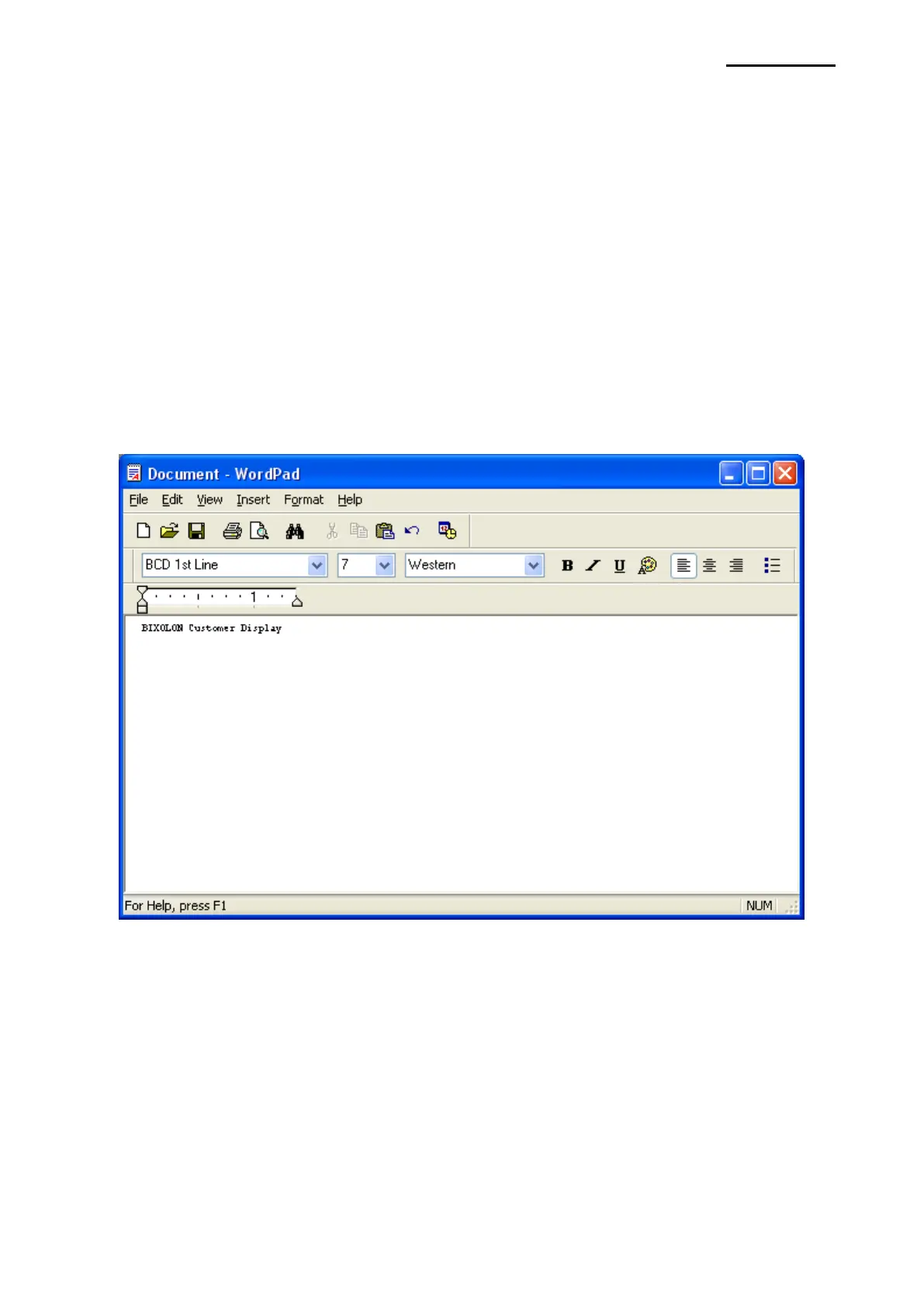
After running Wordpad and setting the following conditions, conduct a test.
- Select Printer
After selecting “Print” from the “File” menu, select the customer display (BCD Series).
- Select Paper Size, Orientation, and Margins
After selecting “Page Setup” from the “File” menu, select the paper size, orientation,
and margins.
7-2-2 Text displaying
Use the Windows Driver of the customer display to run a test.
1) Select the font you wish to use from the font list.
2) Select the desired font size.
3) Enter the text to be displayed in Wordpad.
4) Click the Print button in the toolbar to print.



 To Next Page