Labeling
Operating instructions GLP
2 -- 18
6.562.98.5.01.18
2.5.4 Labeling packages varying in weight
If the labeling mode ”weight” is preset, the package is weighed and then labeled
with the label removed from the labeler. The weighed weight, the preset unit price
and the price calculated are printed on the label.
Note: if the unit price is equal to zero, only the weight is printed.
Weighing and labeling with the GLP- W
-- Place the package on the scale.
As soon as the scale has stabilized, the label is automati-
cally printed (in release mode ”automatic”).
-- Remove the package weighed.
-- Place the next package on the scale.
-- Remove the label from the labeler and affixit to the removed
package.
In the total window of the GT 240 display, the number of labeled
packages as well as their weight or price total are continuously
displayed (for description, see page 3 -- 169).
Weighing and labeling with the GLP connected to the packaging machine
--
Start the packaging machine via the operating tableau.
-- Start the GLP--PRIMA labeler when
+
is inactive.
-- Place the filled tray on the infeed conveyor belt.
The label is automatically printed when the scale has stabi-
lized. The package is conveyed to the packaging machine,
wrapped and further conveyed to the discharge conveyor belt.
-- Place the next filled tray on the scale.
--
Remove the wrapped tray from the discharge conveyor belt.
Also remove the label from the labeler and affix it to the wrapped
product. Repeat the procedure until all trays are labeled.
-- In the event that errors occur in the packaging machine, the
labeler etc., stop the GLP--PRIMA immediately.
At the end of labeling:if necessary print total labels and clear the total memo-
ries (see section 3.4).
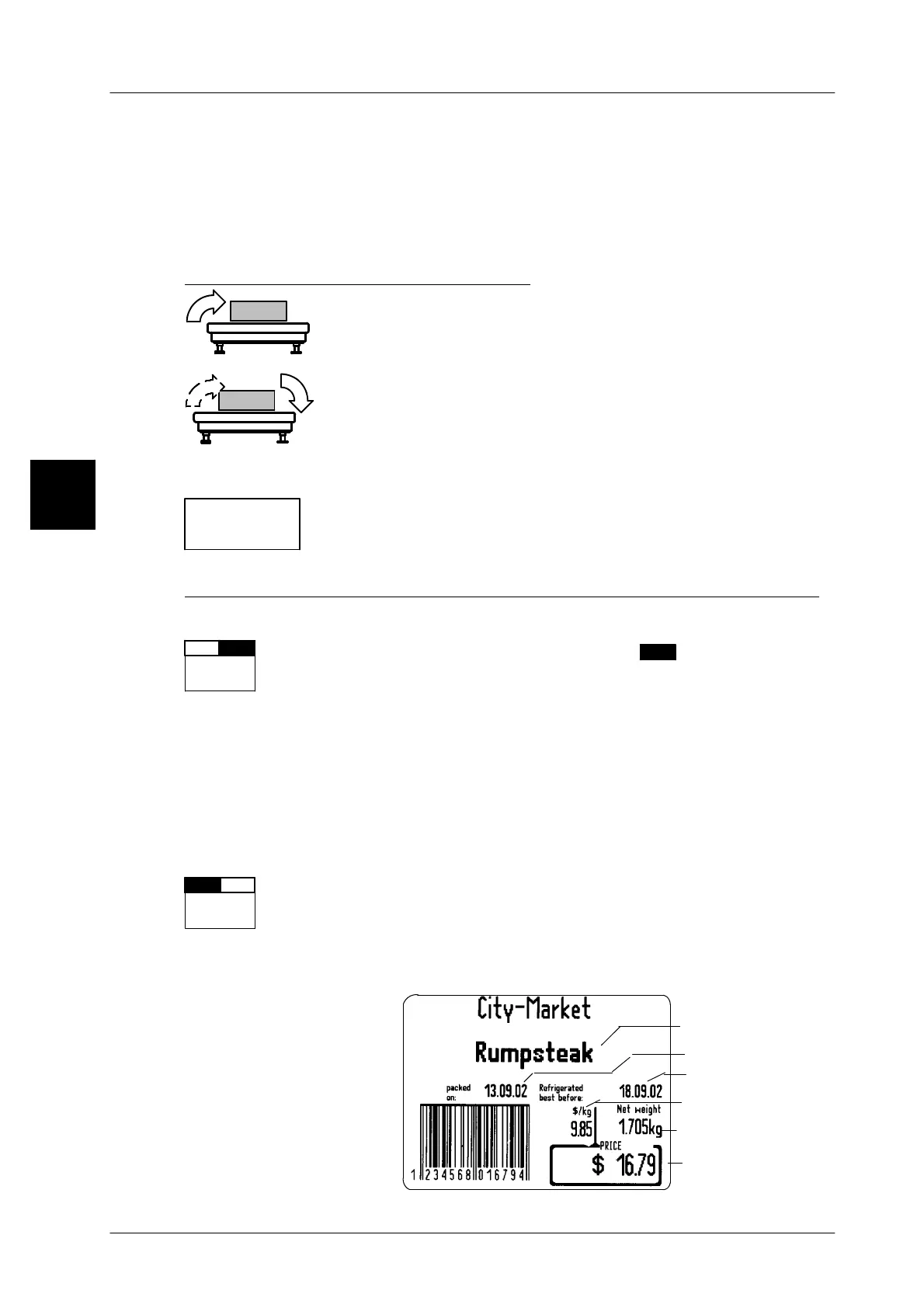
Label example:
2
*1: xx
LB x.xx
Autom.
+--
labeler
Autom.
+--
labeler
Article description
Packing date
Sell--by date
Unit price
Weight
Price


 To Next Page
 Loading...

