Presettings for labeling
Operating instructions GLP
3 -- 12
6.562.98.5.01.18
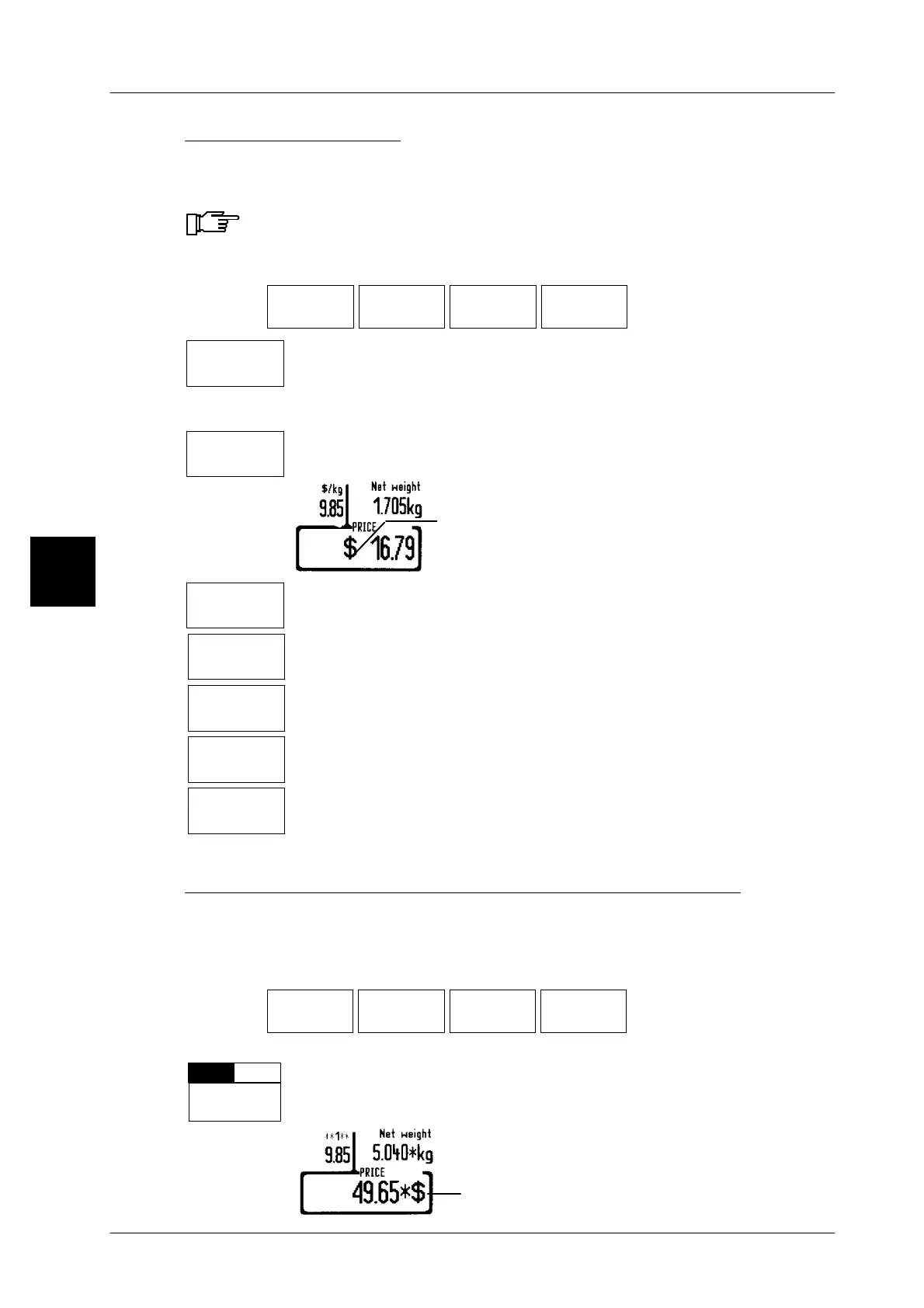
Printing selling price
Whether and how the currency is to be printed in addition to the selling price may
be preset here.
Depending in the label type this presetting may also be made under
label parameters in the database!
Operating sequence: Description
------------------------------------------------------------------------------------------------------------------------------------------------------
[MODE] 2
Article
data
Price Print
price
Print
sel.price
Call up the selection menu.
W/o curr.
unit
Make this setting if the selling price is to be printed without the cur-
rency unit. With dual currency printing activated and with the unit
set to ’W/o unit of currency’, the relevant currency unit will be prin-
ted out together with the selling price.
With curr.
unit
Make this setting if the selling price is to be printed ’With unit of
currency’ (Default setting).
Currency unit of selling price
Small
curr.unit.
Make this setting if the currency unit is to be printed in a smaller unit,
i. e. pence or cent.
Curr. unit
w. space
Make this setting if a space is to appear between the selling price
and the currency unit.
SmcurUn
w. space
Make this setting if the currency unit is to be printed in pence or
cents and with a space.
Automatic
curr. unit
Make this setting if prices e.g. less than 1 € are automatically to be
printed with the smaller currency unit, e.g. Cent.
Autom.curr.
unit. w. sp.
Make this setting if prices e.g. less than 1 € are automatically to be
printed with the smaller currency unit, e.g. Cent. gedruckt and if a
blank must be put between price and currency.
Printing currency unit together with selling price total
Here you may preset if the relevenat currency unit is to be printed together with
the selling price total.
Operating sequence: Description
------------------------------------------------------------------------------------------------------------------------------------------------------
[MODE] 2
Article
data
Price Print
price
Print
sel.price
[ETC] Call up the selection
menu.
CSym.f.
totals
--
Select ’With(+)’ if the currency unit is to be printed on total labels
in addition to the price total. Default: setting: without(--)
3
Currency unit of selling price


 To Next Page
 Loading...

