Presettings for labeling
Operating instructions GLP
3 -- 15
6.562.98.5.01.18
3.1.4 Weight
3.1.4.1 Weight types
If the operating mode “Change weight type M2” is activated at mode
level 6, a different weight type may be preset here.
Before changing the weight type, print the daily total in order to clear all
total memories (see page 3 -- 55).
Selecting a weight type having a different number of digit places,
e. g. kg 01, causes all weight values stored in the device to be adju-
sted accordingly (fixed weight, tare, weight totals).
Fixed weight labeling: there is the possibility of switching over to any weight
type. The preset fixed weight is then, similar to LB, converted to the new weight
type, displayed and printed on the label.
Weight labeling: the following scale models may be switched from kg to lb and
vice versa: 6/15kg, 2/5 g to 15/30 lb, 0.005/0.01lb
15/30kg, 5/10 g to 30/60 lb, 0.01/0.02lb
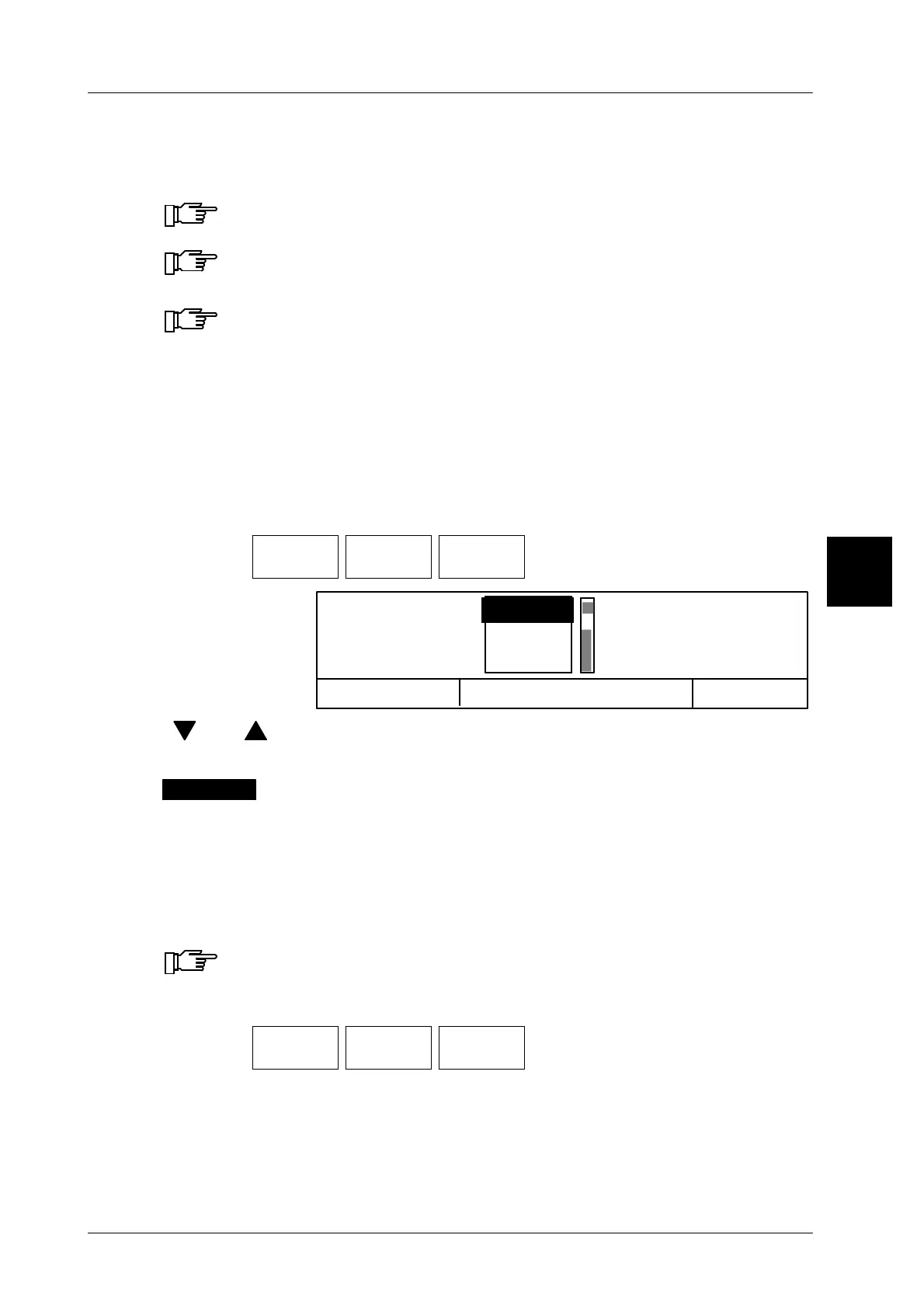
Operating sequence: Description
------------------------------------------------------------------------------------------------------------------------------------------------------
[MODE] 2
Article
data
Weight Weight
types
-- Call up the selection menu.
Cancel <ESC)
OK <ENTER>
kg ,001
kg ,01
kg ,1
Weight types
[ ] , [ ] -- Select the weight type by means of the cursor keys.
[ENTER] -- Acknowledge the selection.
The selected weight type is inversely presented above the
softkey.
3.1.4.2 Fixed weight*
A fixed weight may be entered here, or the fixed weight called up via the PLU data
may be changed.
The fixed weight is only indicated and printed on the labels in fixed
weight or fixed value labeling.
Operating sequence: Description
------------------------------------------------------------------------------------------------------------------------------------------------------
[MODE] 2
Article
data
Weight Fixed
weight
-- Call up the input menu.
xxxx [ENTER], [ETC]-- Enter the new value and acknowledge or store
(see page 1 -- 32).
In fixed weight or fixed value labeling, the entered fixed weight is displayed
above the fixed weight softkey and in the weight display.
3
kg ,001


 To Next Page
 Loading...

