Presettings for labeling
Operating instructions GLP
3 -- 59
6.562.98.5.01.18
3.4.10 Printing article totals > 0
The accumulated totals per article can be printed out in list format on ticket or
labels. Which PLU or customer number ranges are to be printed out can be preset
in a table. The type of printout can be preset under ”print options”. In addition,
under ”Subtract from attribute range”, you can preset if the total of a PLU or custo-
mer number is to be subtracted, e.g. for returned goods (see print example on
page 3--55).
Operating sequence: Description
------------------------------------------------------------------------------------------------------------------------------------------------------
[MODE] 2
Release
total
[ETC]
Printout:
*A > 0
-- Print all article totals with contents.
Value
9999999
aktiv
0
0
Printout *A > 0
from P L U
until P L U
from Cust. number
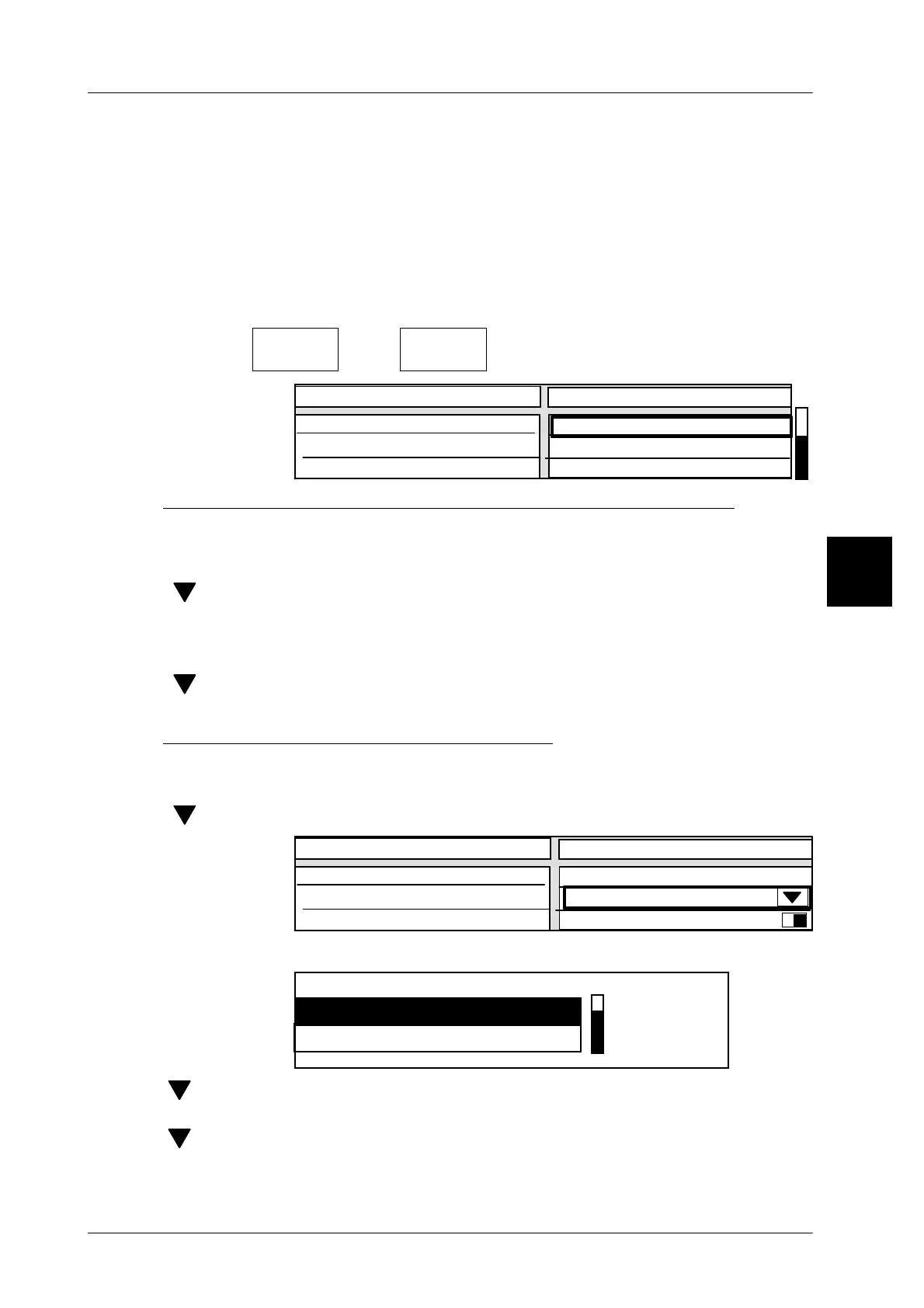
1. Preset range to be printed out via PLU and customer numbers
[SELECT] -- Activate input.
xx [ENTER] -- Enter start of PLU range under “from P L U”
[ ] -- Select input field “until P L U”
[SELECT] -- Activate input.
xx [ENTER -- Enter end of PLU range under “until P L U”
[ ] -- If necessary, select Input Customer Number and enter the same
as the range for the PLU number
2) Specify printout type under print options:
The printout of price, weight and piece totals can be grouped according to PLU or
customer numbers or produced from all PLU or customer totals.
[ ] -- Select “Print options” selection field
Value
9999999
aktiv
Standard
Creating mean value
Print options
until Cust. number
Printout: * A > 0
no
[SELECT] -- Call up print option selection menu.
Print options
grouped acc. to P L U
Standard
[ ] [ENTER]--
Select “grouped acc. to P L U” if the printout of the totals concer-
ned are to be grouped according to the PLU numbers.
[ ] [ENTER]--
Select “grouped acc. to Cust. number” if the totals printout is to
be grouped according to the customer numbers.
3



 To Next Page