Presettings for labeling
Operating instructions GLP
3 -- 60
6.562.98.5.01.18
[
] [ENTER]-- Select “only totol of P L U” if only the piece, weight and price
totals per article are to be printed.
[ ] [ENTER]-- Select “only total of Cust. number” if only the piece, weight and
price totals per customer number are to be printed.
3) Activating the creation of the mean value
[ ] [TOGGLE]-- If the calculated mean value is to be printed, “Creating mean
value” may be selected and activated here.
4) Activate subtraction of a P L U or customer total
If e.g. an article or customer total is to be subtracted as returned goods, they can
be preset as a PLU or customer number key attribute and then the relevant PLU
or customer number entered (standard setting: no key attribute).
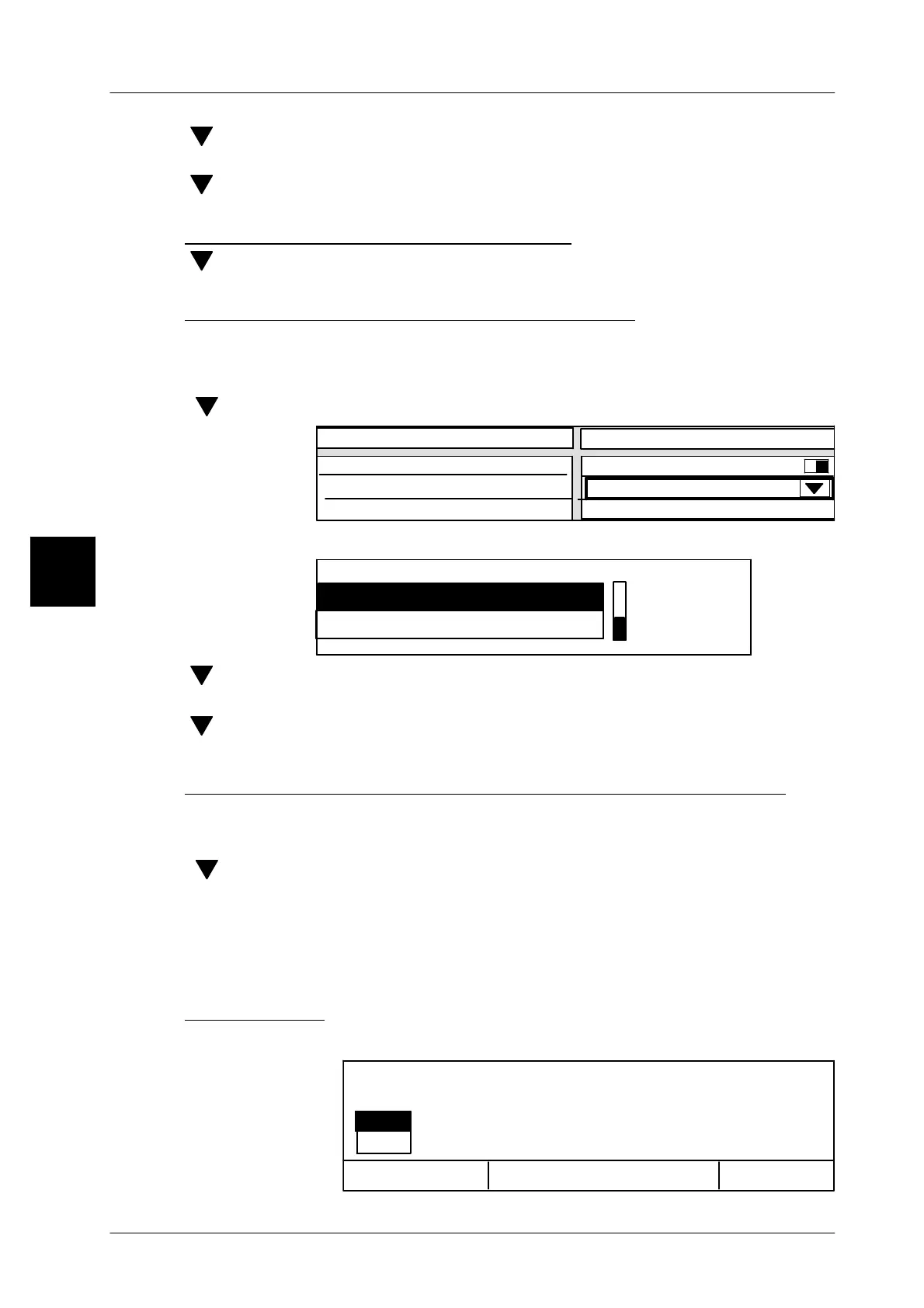
[ ] -- Select “Deduct from attrib.area” selection field
Value
aktiv
Deduct from attrib.area
Printout: * A > 0
Creating mean value
Ded.da.rec.fr.attrib.val.
no
no key attribute
[SELECT] -- Open selection menu.
P L U
no key attribute
Deduct. from attrib.area
[ ] [ENTER]-- Select “P L U” if the piece, weight and price total of a PLU are to
be subtracted from the grand total.
[ ] [ENTER]-- Select “Customer number” if the piece, weight and price total of
a customer are to be subtracted from the grand total
5) Enter the number of the article or customer total to be subtracted
When presetting a key attribute, the attribute to be subtracted -- i.e. the relevant
PLU or customer number -- must be entered.
[ ] -- Select “Ded.da.rec.fr.attrib.val.” selection field
[SELECT] -- Activate input.
xx [ENTER] --
Enter relevant PLU or customer number. The PLU or customer
number total concerned will be subtracted from the grand total and
the new grand total printed out accordingly.
6) Start printout
[ENTER] -- Printing can be started after all parameters are preset.
3
OK <ENTER>
si
no
Cancel<ESC>
Editor being exited.
Print selection?



 To Next Page