Presettings
Operating instructions GLP
3 -- 75
6.562.98.5.01.18
FPV Europe
If “
FPV Europe
” has been selected (see page 3 -- 69), presettings for “FPV Eu-
rope” can be entered after calling up Package selection.
Operating sequence: Description
------------------------------------------------------------------------------------------------------------------------------------------------------
[MODE] 2
Processing Wgt class
statistics
Package
selection
-- Call up the selection menu.
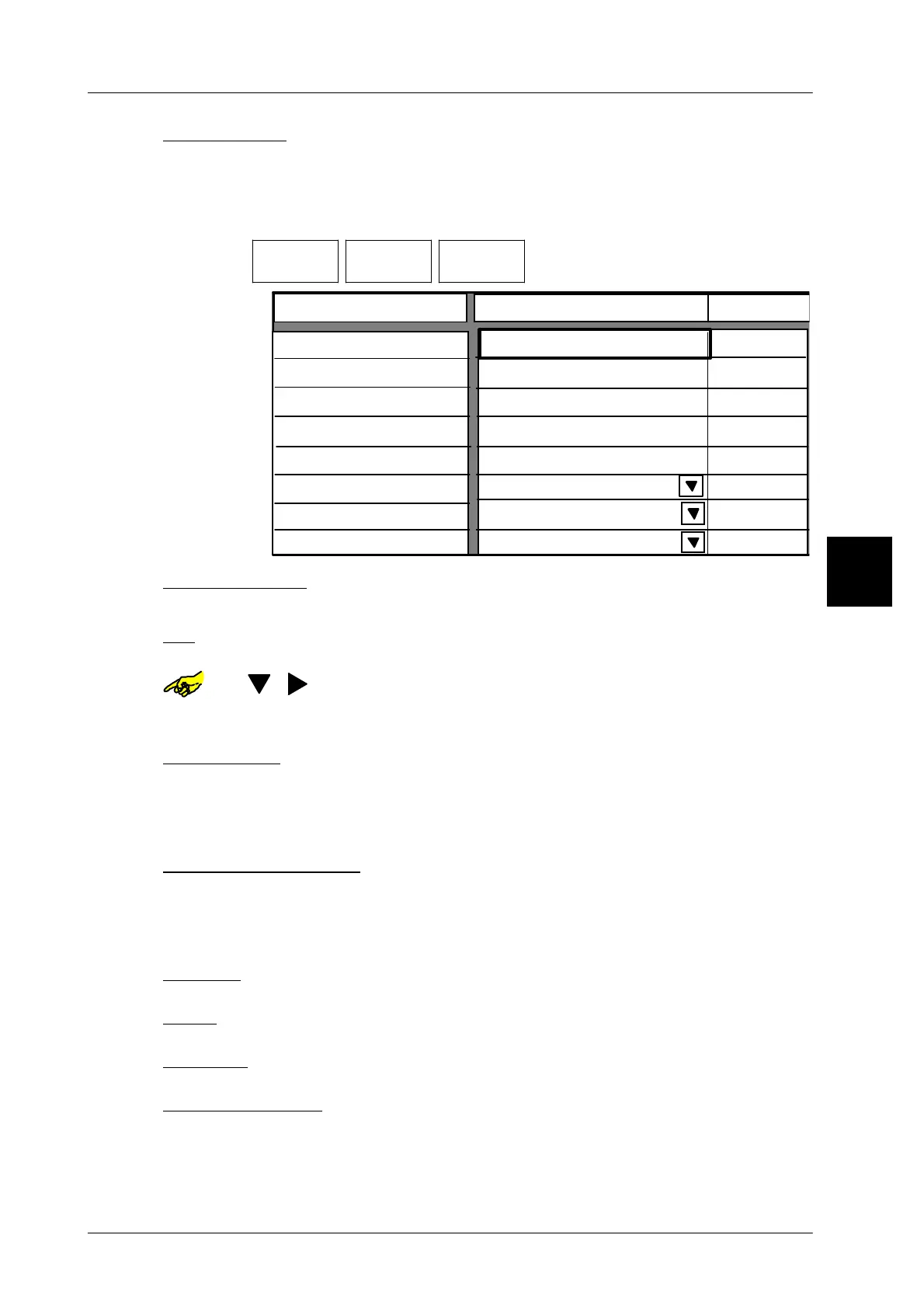
FPV Europe
Nominal weight
TO
TU1
200 g
Do not eject
TU2
236 g
191 g
Package ejector
182 g
Select. acc. to
max. lower tolerance2
Too light
Good
Too heavy
2,0 %
200 g
236 g
191 g
191 g
182 g
Package ejector
Nominal weight:
xxxx [ENTER] --
Enter respective nominal package weight and acknowledge.
TO: The upper tolerance limit is preset according to the FPV re-
gulations but can be changed manually, if required.
or [ ] [ ] -- Possibly select input field for TO.
xxxx [ENTER] --
Possibly select different upper tolerance limit and confirm.
TU1 and TU2 -- The upper tolerance ranges TU1 and TU2 are determined de-
pending on the nominal weight according to the FPV. They are
preset immediately after entering the nominal value and can
not be changed.
Max. lower tolerance2: Packages in the weight range TU1 and TU2 are only ac-
cepted, if the number of packages does not exceed 2% of the
packages accepted. The percentage value is calculated auto-
matically and can not be changed.
Too light: No presetting necessary with GLP !
Good: No presetting necessary with GLP !
To heavy: No presetting necessary with GLP !
Store presettings: see page 3 -- 100
3.



 To Next Page