Presettings
Operating instructions GLP
3 -- 74
6.562.98.5.01.18
Weight classification
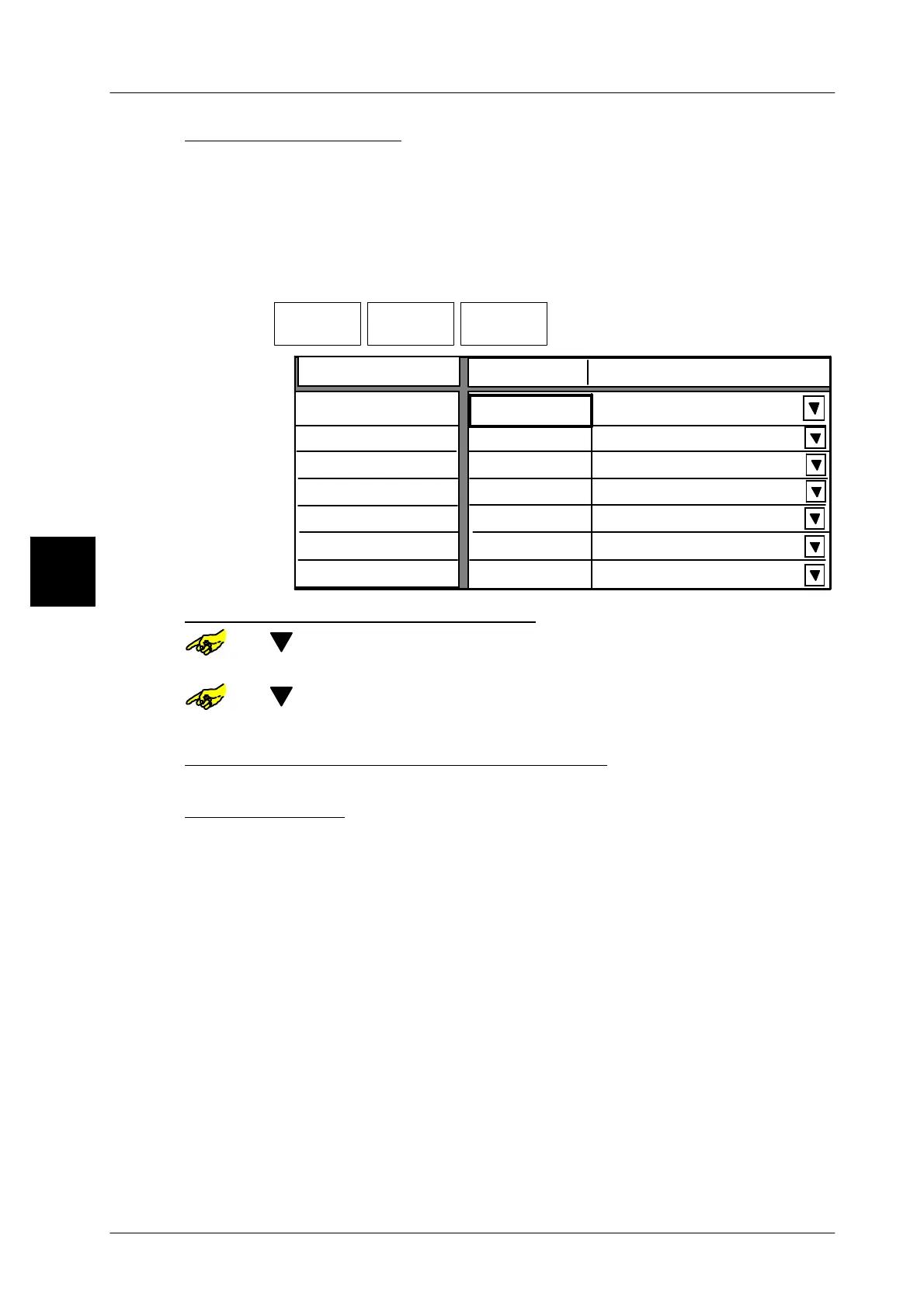
If “Weight classification” has been selected (see page 3 -- 69), presettings for
“Weight classification” can be entered after calling up Package selection. The
number of ranges can be preset in mode level 5 under “Weight class columns”.
If each weight range is assigned a divider, the packages can be assigned to furt-
her processing depending on their weight.
Operating sequence: Description
------------------------------------------------------------------------------------------------------------------------------------------------------
[MODE] 2
Processing Wgt class
statistics
Package
selection
-- Call up the selection menu.
Classification
Limiting value
Range 1 to
180 g
Divider 1
200 g
220 g
Ejector
240 g
260 g
260 g
280 g
Range 2 to
Range 3 to
Range 4 to
Range 5 to
Range 6 to
Range 7 to
Divider 2
Divider 3
Divider 4
Divider 5
Divider 6
Divider 7
Presetting of limit value for each range:
or [ ] -- Select the respective range
xxxx [ENTER] -- Enter the corresponding upper limit value and confirm.
or [ ] -- Select next range etc.
xxxx [ENTER] -- Enter the next upper limit value and confirm etc.
Presetting of divider for each range, if required:
No presetting necessary with GLP !
Store presettings: see page 3 -- 100
3.



 To Next Page