Presettings
Operating instructions GLP
3 -- 73
6.562.98.5.01.18
Sliding contents control
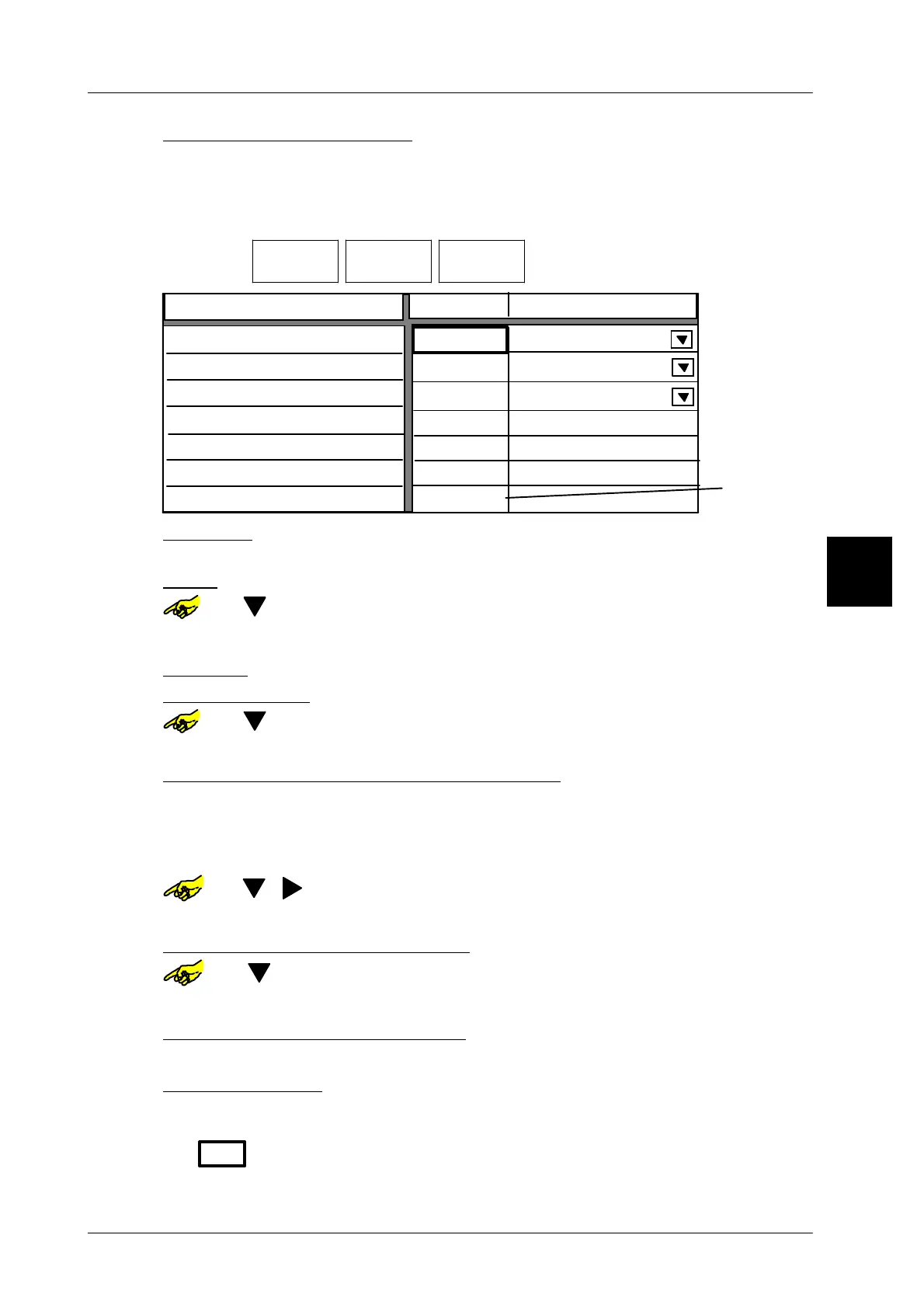
If “Sliding contents control” has been selected (see page 3 -- 69), presettings
for “sliding contents control” can be entered after calling up package selection.
Operating sequence: Description
------------------------------------------------------------------------------------------------------------------------------------------------------
[MODE] 2
Processing Wgt class
statistics
Package
selection
-- Call up the selection menu.
Limiting value
180 g
190 g
Do not ejectet
Ejector
Sliding mean value lower limit
Sliding contents control
210 g
210 g
200 g
210 g
5
5 %
No of packages for sl. mean value
Value has t
be greater
than zero
5 %
Packungs ejector
Too light
Good
To heavy
Nominal weight
Sliding mean value upper limit
Packungs ejector
Too light:: Limit value, up to which packages are considered as too light.
xxxx [ENTER] -- Enter limit value for packages too light and confirm.
Good: Upper limit value, up to which packages are considered as good--weight.
or [ ] -- Select respective input field
xxxx [ENTER] -- Enter limit value for good--weight packages and acknowledge.
To heavy:
No presetting possible! Value corrisponds to upper limit of good--weight
Nominal weight:: Nominal weight to be preset of the package to be controlled.
or [ ] -- Select respective input field.
xxxx [ENTER] -- Enter respective nominal weight and confirm.
Sliding mean value lower limit or upper limit:
Both mean values can be preset as absolut weight, as well as percentage value.
If the value is entered as weight, the calculated percentage value is entered in the
respective field, if enterd as percentage value, the corresponding weight value will
be entered.
or [ ] [ ] -- Select respective input field
xxxx [ENTER] -- Select respective mean value and acknowledge.
No. of packages for sl. mean value
or [ ] -- Select input field.
xx [ENTER] -- Enter number of packages and confirm. Input compulsory!
Select ejector for package ejection:
.
No presetting necessary with GLP !
Store presettings: see page 3 -- 100
The values entered are checked before storing. If a wrong value is entered, the error
message “value too small” or “value too large”is displayed then. After confirming
with
OK
the wrong value is displayed in a frame. Enter new value accordingly and
save.
3.


 To Next Page
 Loading...

