Presettings
Operating instructions GLP
3 -- 72
6.562.98.5.01.18
Checking contents
If “Checking contents” has been selected (see page 3 -- 69), presettings for
“Checking contents” can be entered after calling up Package selection.
Operating sequence: Description
------------------------------------------------------------------------------------------------------------------------------------------------------
[MODE] 2
Processing Wgt class
statistics
Package
selection
-- Call up the selection menu.
Limiting value
Too light
Good
Too heavy
190 g
on
Package ejector
Ejector
Statistics
Checking contents
Nominal weight
210 g
210 g
Display fixed weight
from PLU
if nominal weight
equal zero
200 g
Do not eject
Package ejector
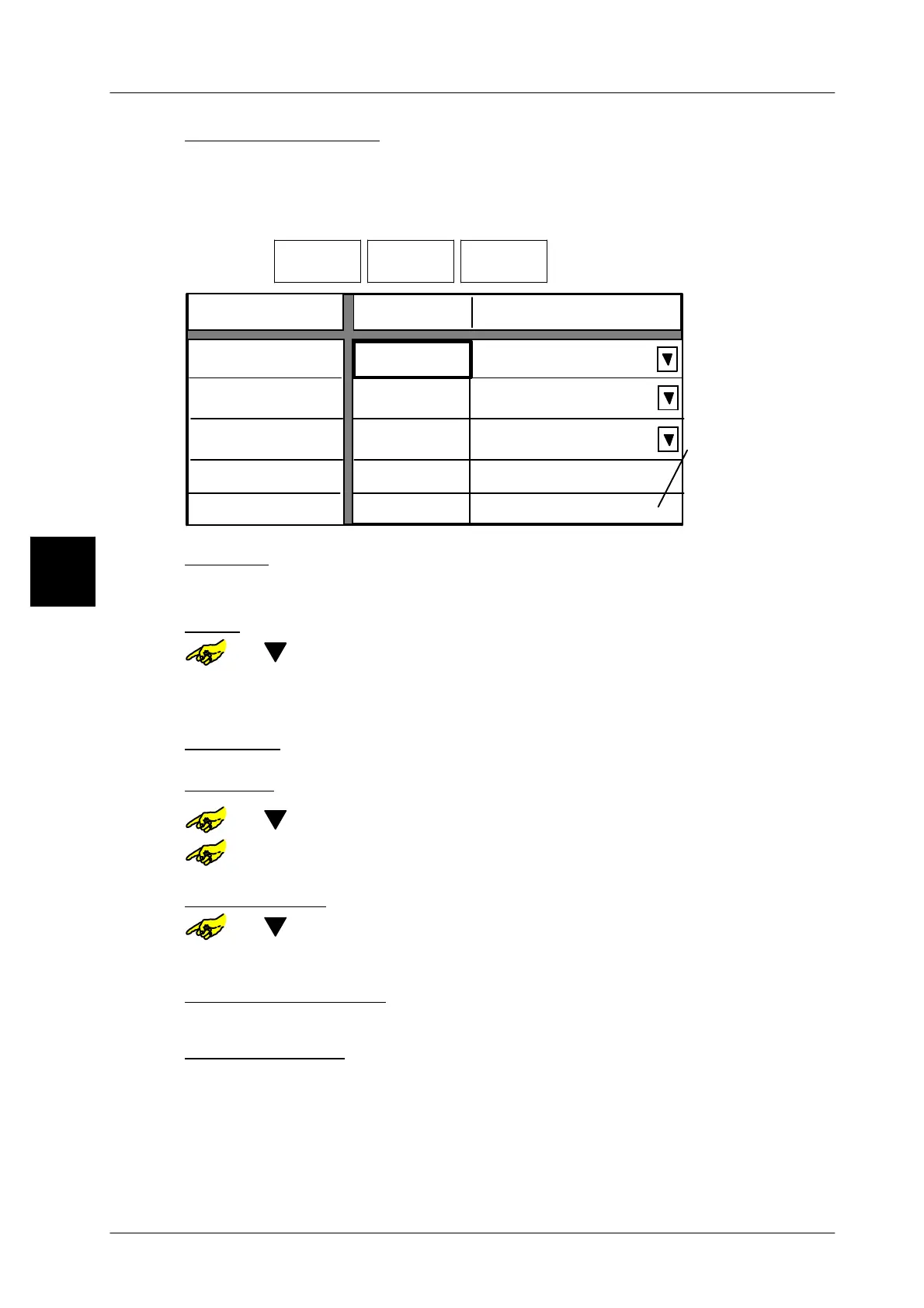
Too light: Limit value, up to which packages are considered as too light.
xxxx [ENTER] -- Enter limit value for packages too light and confirm.
Good: Upper limit value, up to which packages are considered as good--weight
or [ ] -- Choose selection field “Good”.
xxxx [ENTER] -- Enter limit value for the good--weight packages and acknowl-
edge.
Too heavy:
No presetting possible!Value corrisponds to upper limit of good--weight
Statistics:
or [ ] -- Select option after “Statistics”.
or [TOGGLE] -- Switch statistics to “on” or “off” accordingly.
Nominal weight: Input only possible, if statistics is activated (setting: “on”)
or [ ] -- Choose selection field “Nominal weight”.
xxxx [ENTER] -- Enter nominal package weight and confirm.
Select: package ejector
No presetting necessary with GLP !
Store presettings: see page 3 -- 100
3.



 To Next Page