Presettings
Operating instructions GLP
3 -- 96
6.562.98.5.01.18
Specify report for main statistics
An appropriate standard statistics report is set up (report contents depen. on stati-
stics type, see programming instructions) for each statistics type. If additional
statistics information are required, customer--specific statistics reports may be
created (see programming instructions) and the relevant numbers set here. the
set statistics report may be (depending on the channel presetting) printed, accor-
ding to the criteria set (time, no. of packages) and saved on a memo card or sent
to the EDP.
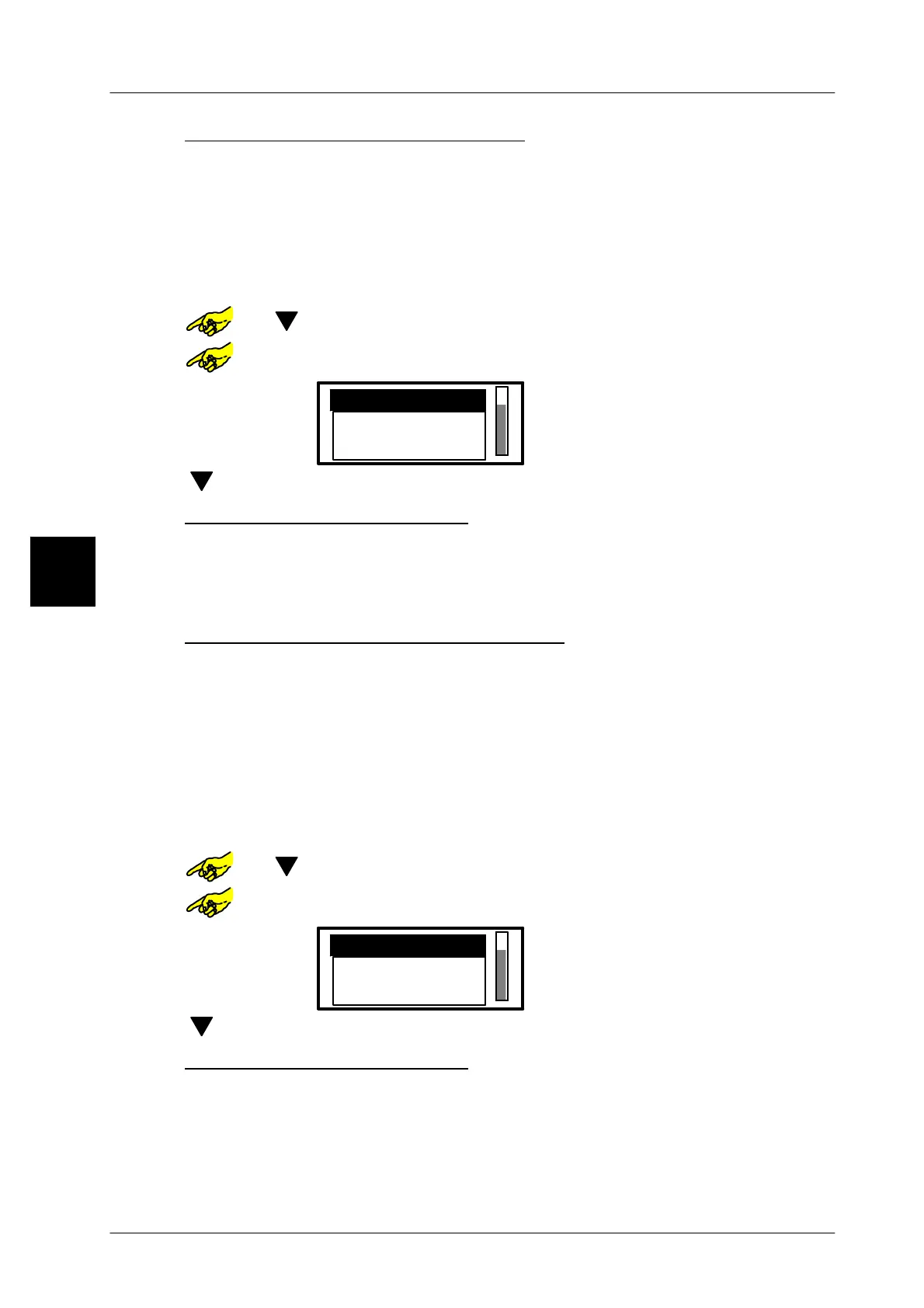
or [ ] -- Select the entry field ”Report for main statistic”
or [SELECT] -- Open selection menu ”Report for main statistics”.
Statistics report 1
Default
Statistics report 2
[ ] [ENTER]-- Select statistics report--type and acknowledge
Description of possible settings
Default Make this setting if the standard statistics report is to be sent
.
Statistics report 1--10 Make this setting if one of the customer--specific statiti-
stics report 1--10 is to be sent as a main statistics.
Specify report for marginal statistics
The marginal statistics is an additional statistics, which is activated according to
other criteria (presetting in programming instructions). As far as the accepted
packages are concerned it is controlled by the main statistics. Thus, the contents
of the reports are conform to those in the main statistics (contents depend. on stati-
stics type, see overview in programming instructions). If additional statistics in-
formation is required,
customer--specific statistics reports may be created (see
programming instructions) and the relevant numbers set here
. T
he set stati-
stics report may be (depending on the channel presetting) printed according to
the criteria set and saved on a memo card or sent to the EDP
.
or [ ] -- Select the entry field ”Report for marginal statistic”
or [SELECT] --
Open selection men ”Report for marginal statistics”.
Default
without
Statistics report 1
[ ] [ENTER]-- Select statistics report and acknowledge
Description of possible settings
without Select if no marginal statistics are required (standard)
Default Set if the marginal statistics are to be sent.
Statistics report 1--10 Make this setting if one of the customer--specific statistics
report 1--10 is to be sent as a marginal statistics.
3


 To Next Page
 Loading...

