Presettings
Operating instructions GLP
3 -- 98
6.562.98.5.01.18
Totalization
According to the weight class, the totalization can be deactivated (no) or acitiva-
ted (yes) in the table row “Totalization” in the total memories, if required.
or [ ] [ ] -- Select table column depending
or [ ] -- Select table row “Totalization”
[TOGGLE] -- Acitvate (yes) or deactivate (no) “Totalization”.
Enter weight class--specific article parameters
For labels to be printed according to weight class, a number of other presets can
be entered in the ”Article parameters” table row, such as varying date texts,
other texts under text fields, other sell--by dates depending on weight class or
other codes.
or [ ] [ ] -- Select table column according to weight class.
or [ ] -- Select table row ”Article parameters”.
or [SELECT] -- Open table field ”Article parameters”.
or [ ] -- Open the table field selected.
xxxx [ENTER] -- Enter required value and confirm.
Presetting the data transmission to EDP or list printer
The weight class columns from which the data is to be transmitted to the list printer
or the EDP in parallel with each weight check may be preset here.
or [ ] [ ] -- Select table column according to weight class
or [ ] -- Select table row ”Interface”
or [SELECT] -- Activate the selection menu ”Interface”
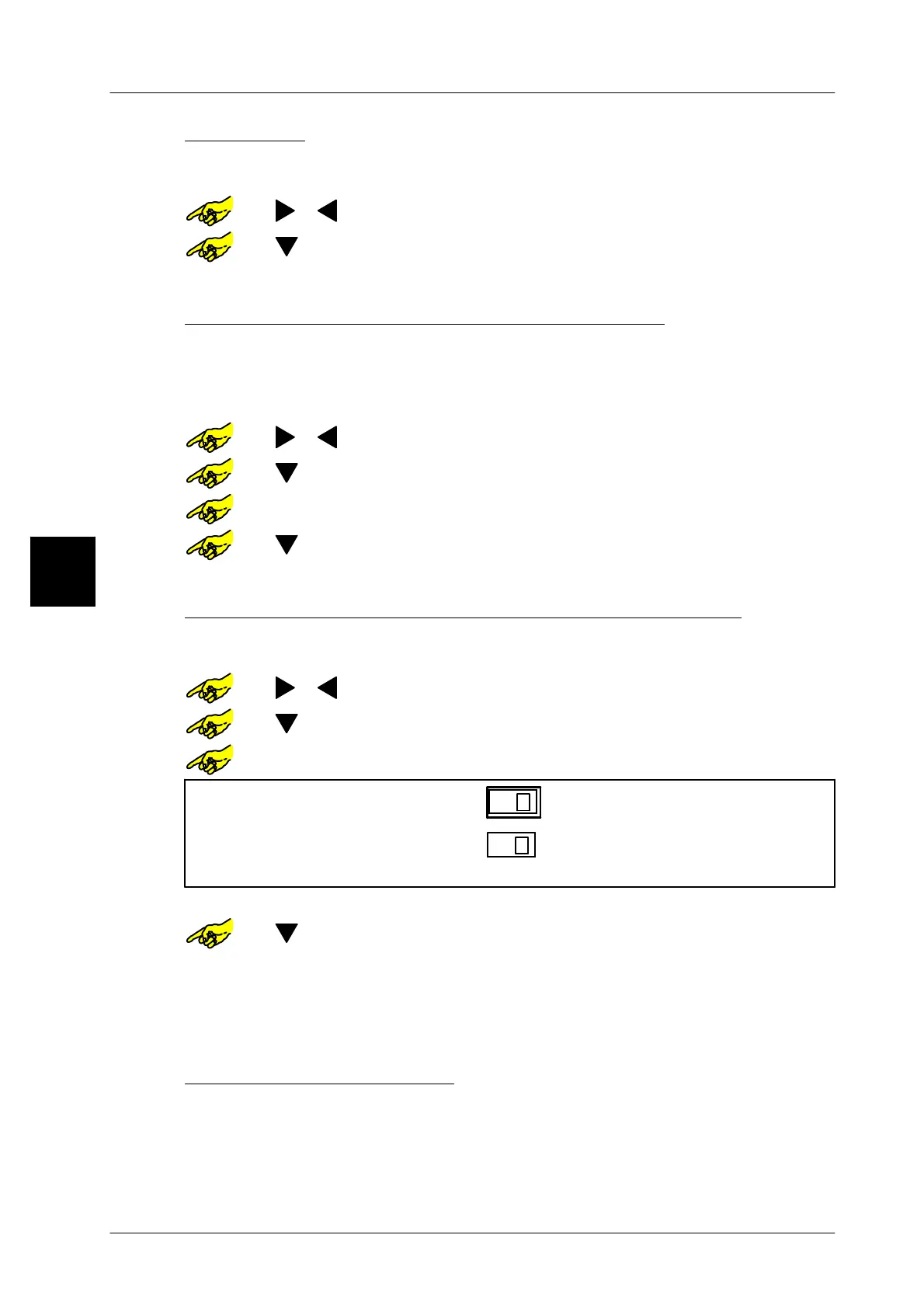
Interface
x
x
Print list
Send PSV_DATA
[TOGGLE] -- Activate (x) or deactivate ( )’Send data to list printer’.
or [ ] -- Select the presetting for ’Send PSV_DATA’.
[TOGGLE] -- Activate (x) or deactivate ( ) Send’PSV_DATA’.
[ENTER] -- Confirm the presetting.
If to be identical for all weight classes, presettings may be made once for all weight
classes as described on page 3 -- 99.
Printing weight class data
For checking and archiving purposes and with the editor opened, weight class
data may be printed on blank labels, ticket rolls or lists.
[LIST] -- Call up the printer function keys.
PRINT] -- Start weight class table printing.
3



 To Next Page