Presettings
Operating instructions GLP
3 -- 99
6.562.98.5.01.18
Other presettings
Deleting a weight class
If, e.g., labeling is to take place with only 2 weight classes, then enter the weight
Zero in the right--hand weight class. Then there are only two weight classes still
active.
WgtCl
Great than
------
------to
0.001 kg
6.000 kg
Identical presettings for all weight classes
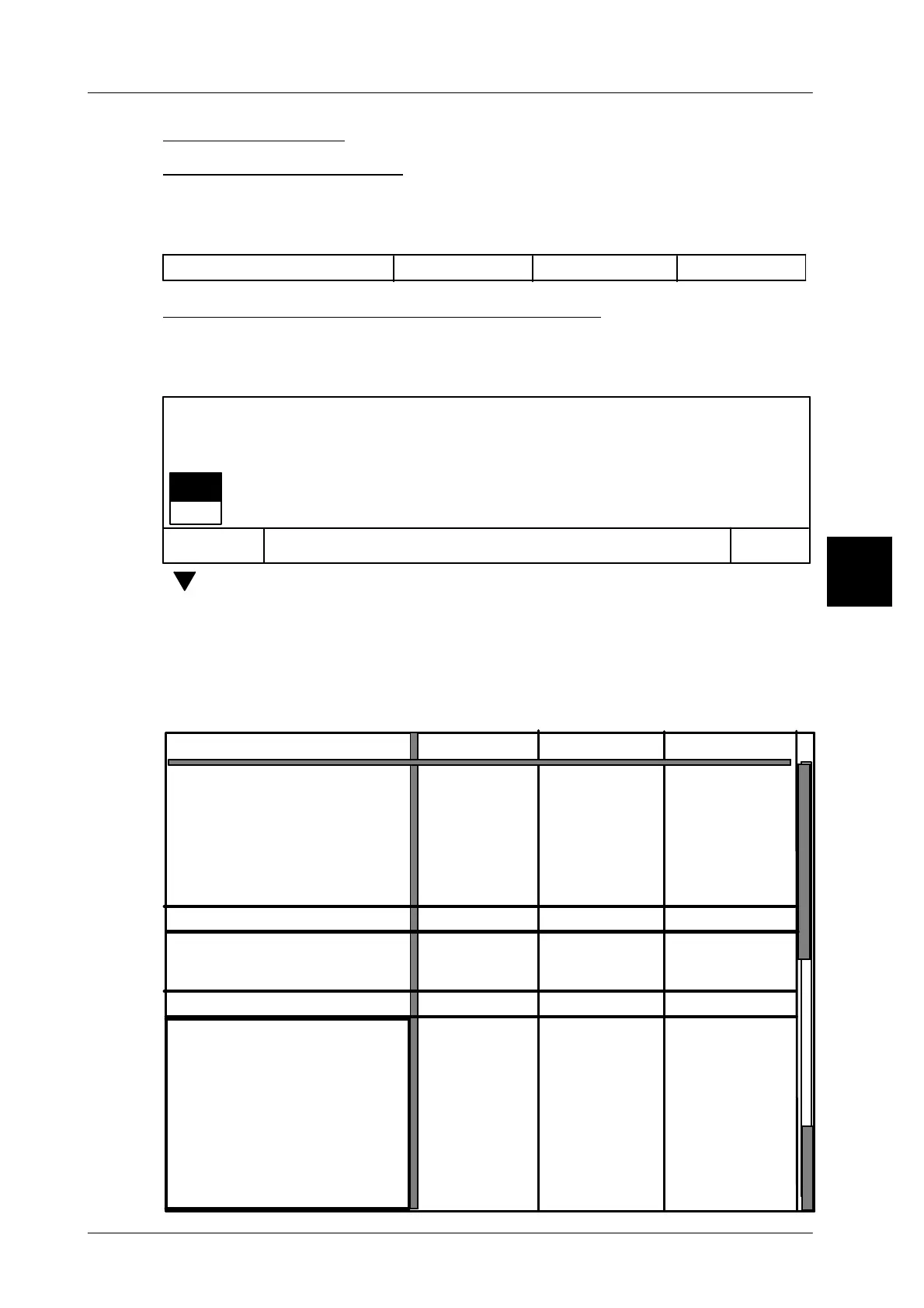
If a value or a setting is the same for all weight classes, the table column on the
extreme left side and the relevant vertical table field may be selected and opened
by means of the [SELECT] key. This causes the following message to appear:
Cancel
OK
Entries in this cell
affect whole table line.
Edit this cell?
yes
no
[ ] [ENTER] -- Select ’yes’ and acknowledge if the presettings are not to ap-
ply to all weight classes of the relevant table
[ENTER] -- or select ’no’ and acknowledge if the presettings are to apply
to all weight classes of the relevant table.
All subsequently entered values and settings made are automatically input in all
weight classes of the relevant table. Example: The code structure number and
the text number for text field 1 are the same for all weight classes.
3
0,190 kg
0,210 kg
0,210 kg
--
--
--
--
--
no
0
ja
--
12345
--
--
--
20
--
--
--
--
--
--
--
--
--
--
--
--
no
0
ja
--
--
--
--
20
--
--
--
--
--
--
$ 2.00
--
--
--
--
--
no
0
ja
--
--
--
--
20
--
--
--
--
--
--
--
to to
WgtCl
Great than
Desactivate print!
Channel A
Stop package on weighing conv.
Automatic labeler stop after ..
Consecutive packages
of one weight class
Totalization
Article parameters
Price:
Codestruct. No. 1:
Code substring 1:
Date text field 1:
Date text field 2:
Date text field 3:
Text field 1:
Shelf life 1:
Channel B
Channel C
Channel D
Channel E
Channel F
Channel G
Text field 2:
Text field 3:
Shelf life 2:
12345
12345



 To Next Page