Presettings
Operating instructions GLP
3 -- 100
6.562.98.5.01.18
Storing the preset weight classes
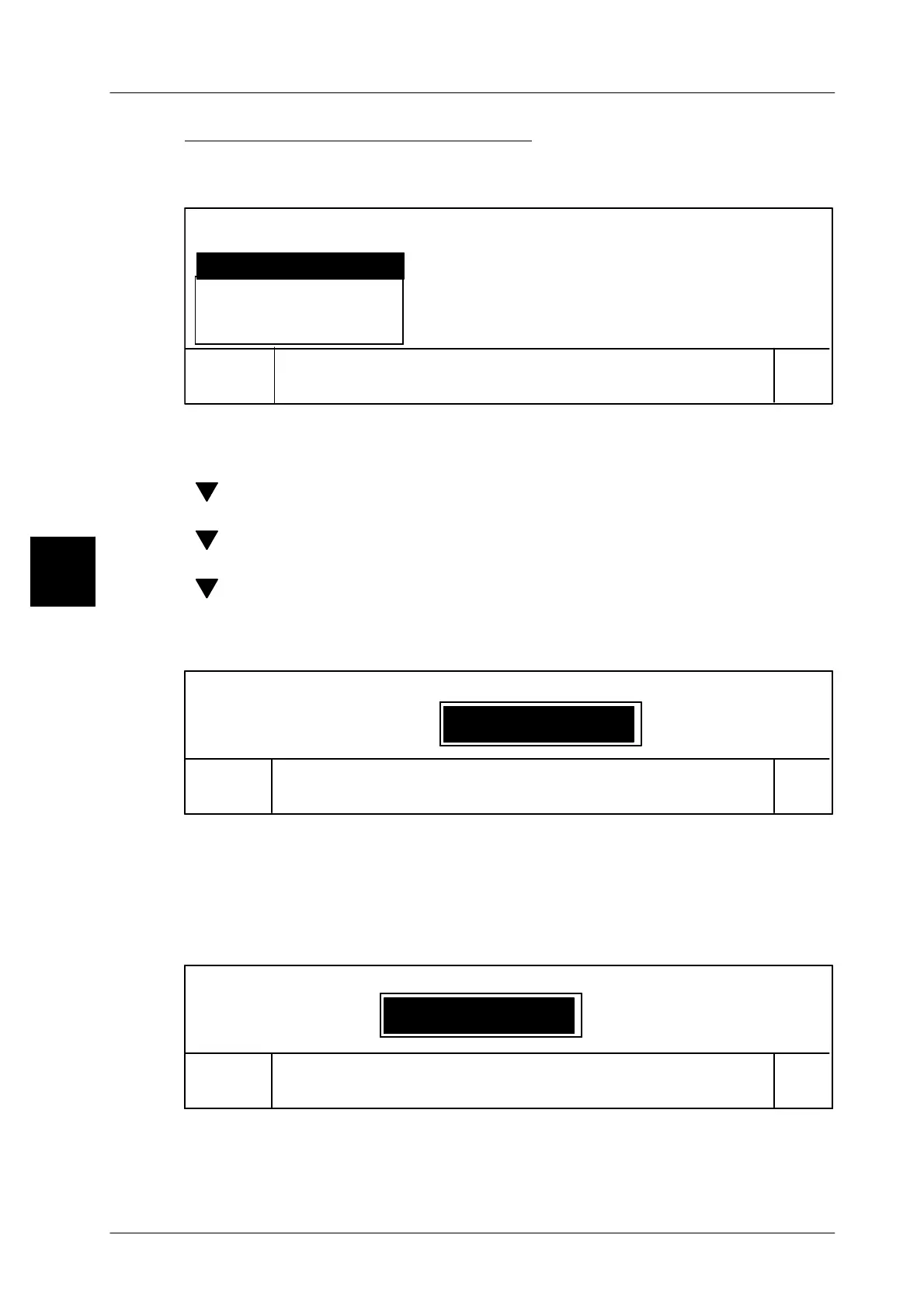
On completion of data input, the data may be stored and the editor exited.
[ENTER] -- Close the input. This causes the following selection menu to appear:
Cancel
OK
ja
no
Return
yes
Yes, also in database
Save data?
[ENTER] -- Acknowledge ’yes’ if data is to be stored temporarily only. Cal-
ling up a different weight class table results in a loss of the new
data.
[ ] [ENTER] -- Select ’no’ and acknowledge if the editor is to be exited with-
out storage of data.
[ ] [ENTER] -- Select ’Return’ and acknowledge if the editor is to be reac-
cessed.
[ ] [ENTER] -- Select ’Yes, also in database’ and acknowledge if the new
data is to be restored in the database under the previous or a
new number. This storage requires a subsequent entry of the
password.
Cancel
OK
Save in database: global
Enter password
xxxx [ENTER] -- Enter the password and acknowledge. The password entered
is not indicated. Symbol * appears instead for each character
entered. This allows the number of characters to be controlled.
Entering an incorrect password causes the function to be terminated.
Entering the password causes the input menu for the weight
class parameter number to appear:
1
Cancel
OK
Save: Weight class
Weight class No.
[ENTER] -- Confirm previous weight class number ....
xx [ENTER] -- or enter previous or new weight class parameter No. and
acknowledge.
3



 To Next Page